 AIClothSwap
Multi-layer styling: outerwear over sweaters and button-downs
Check coat lengths, inner shirt collars, and cardigan buttoning all in a single try-on session. Balance layering volume without bulky distortion.
Front-facing works best.
One garment photo.
We accept JPEG, PNG or WEBP formats up to 24MB
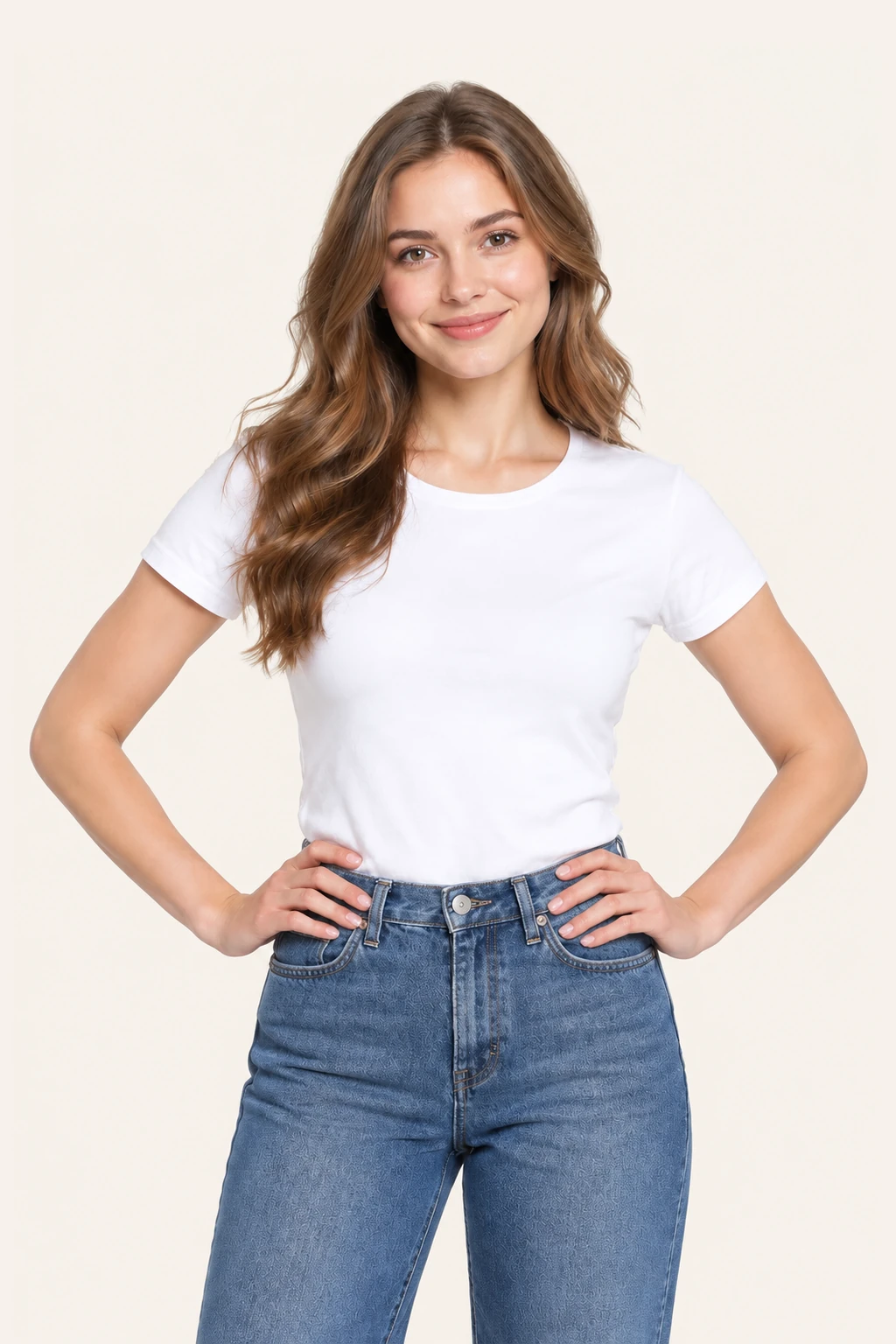
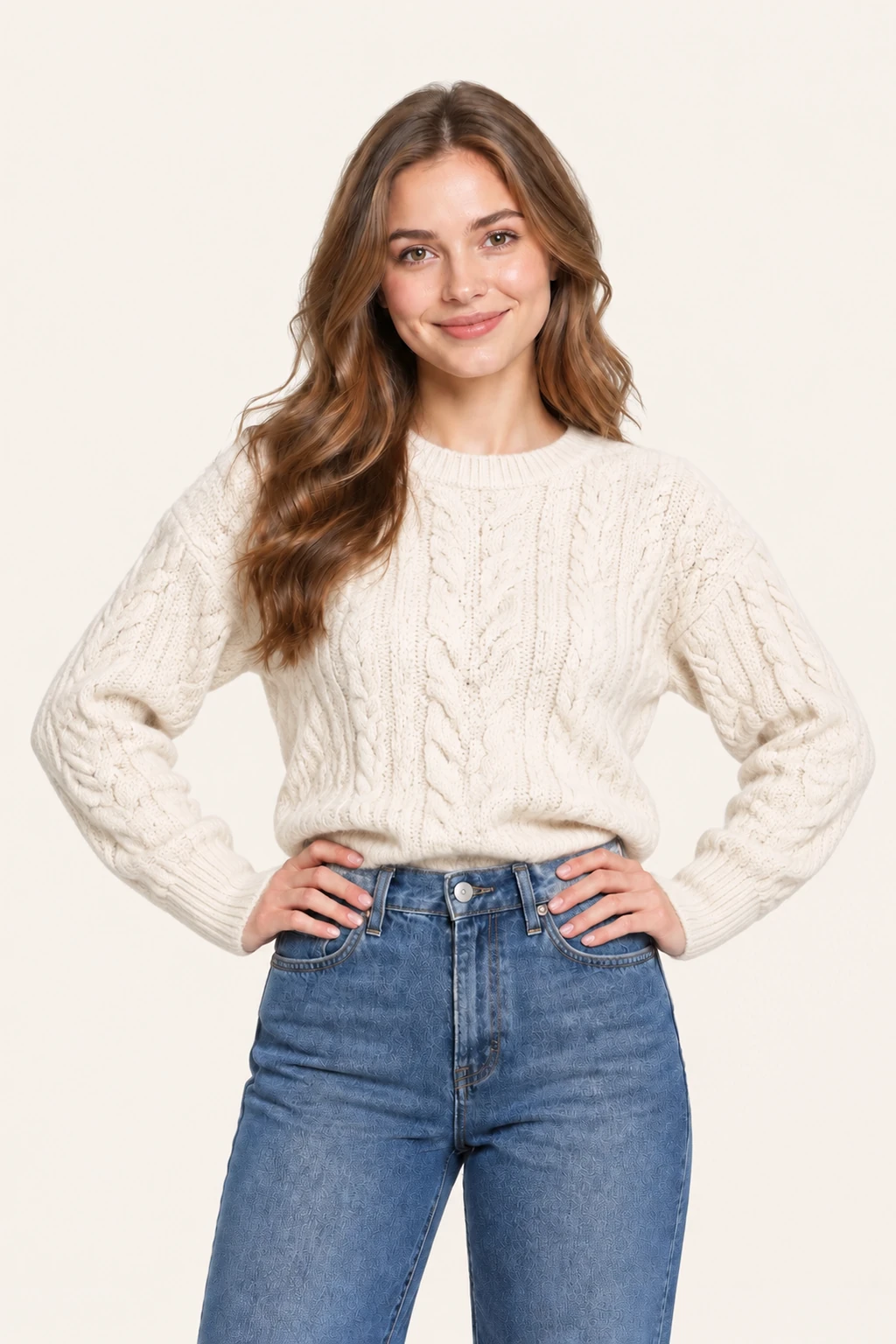
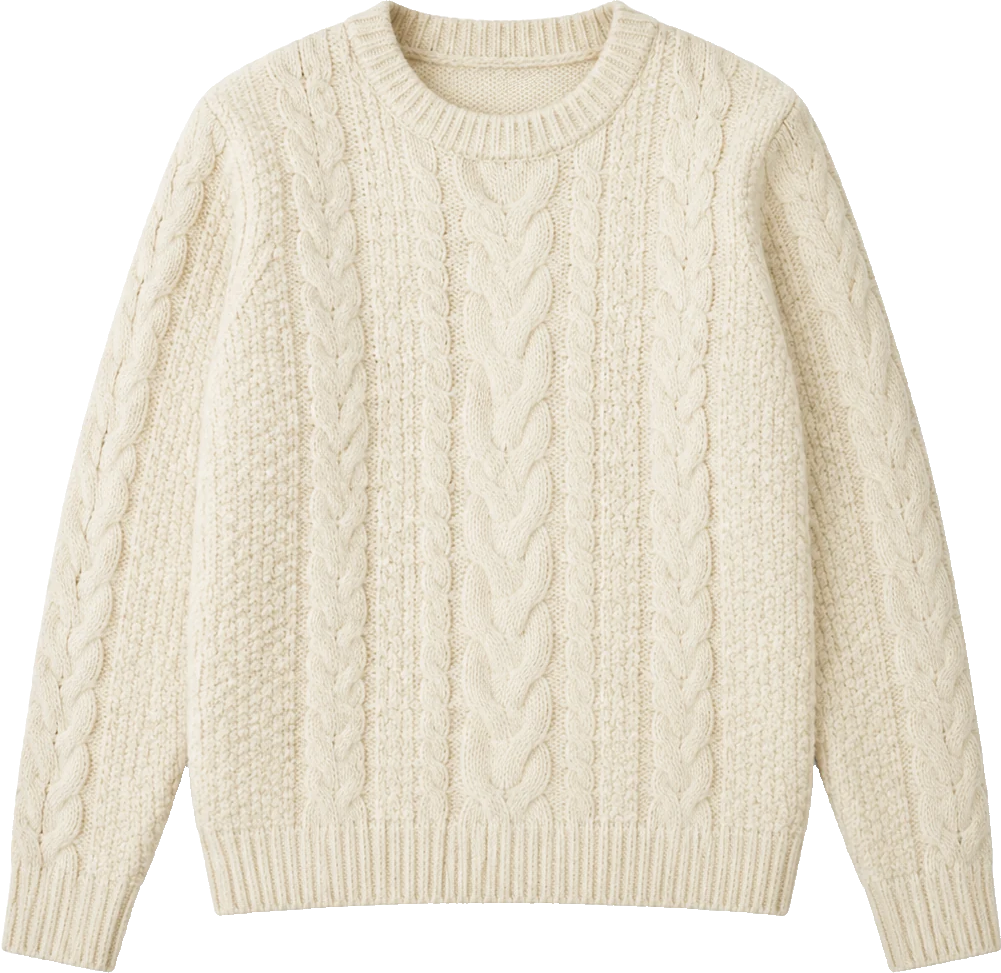
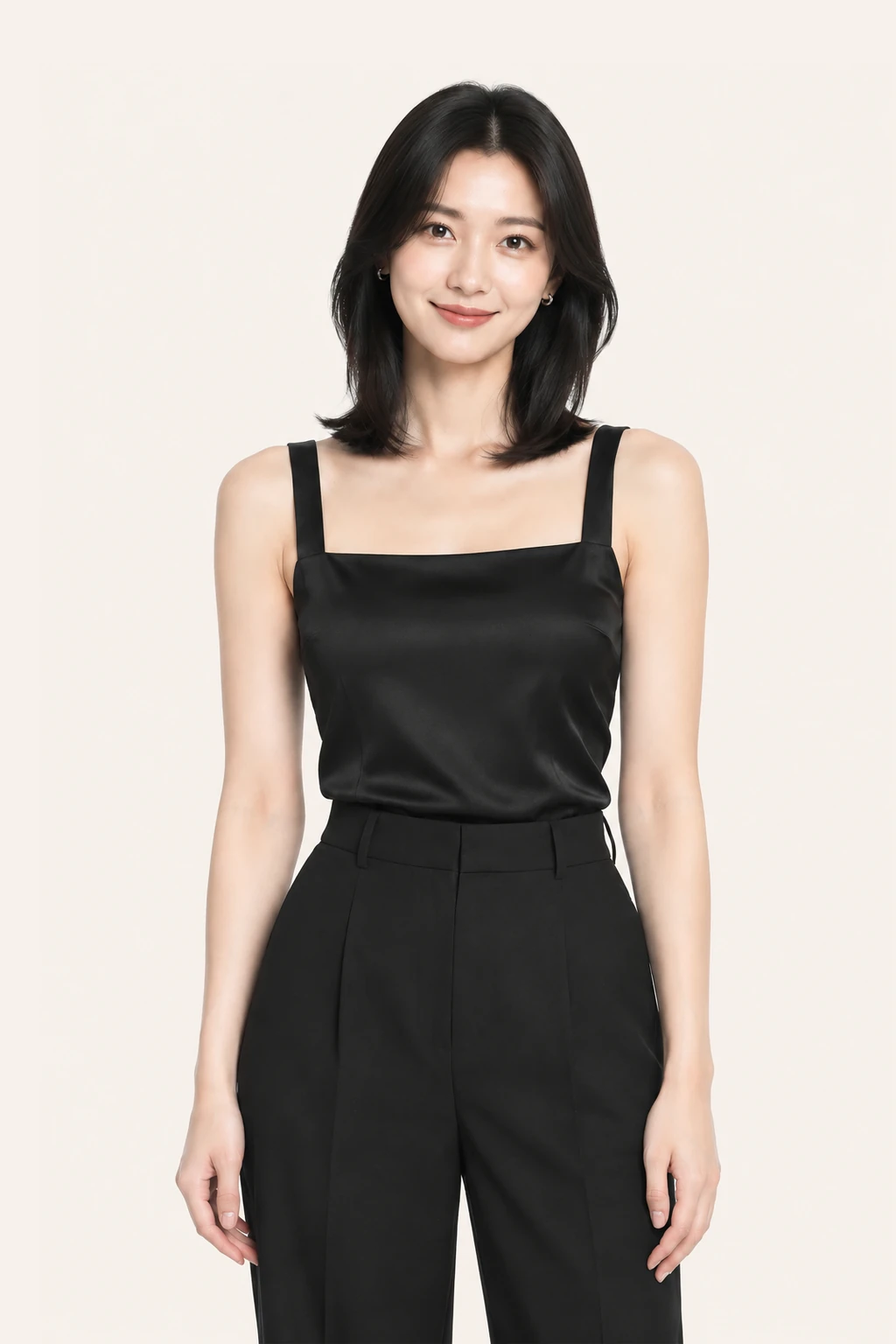
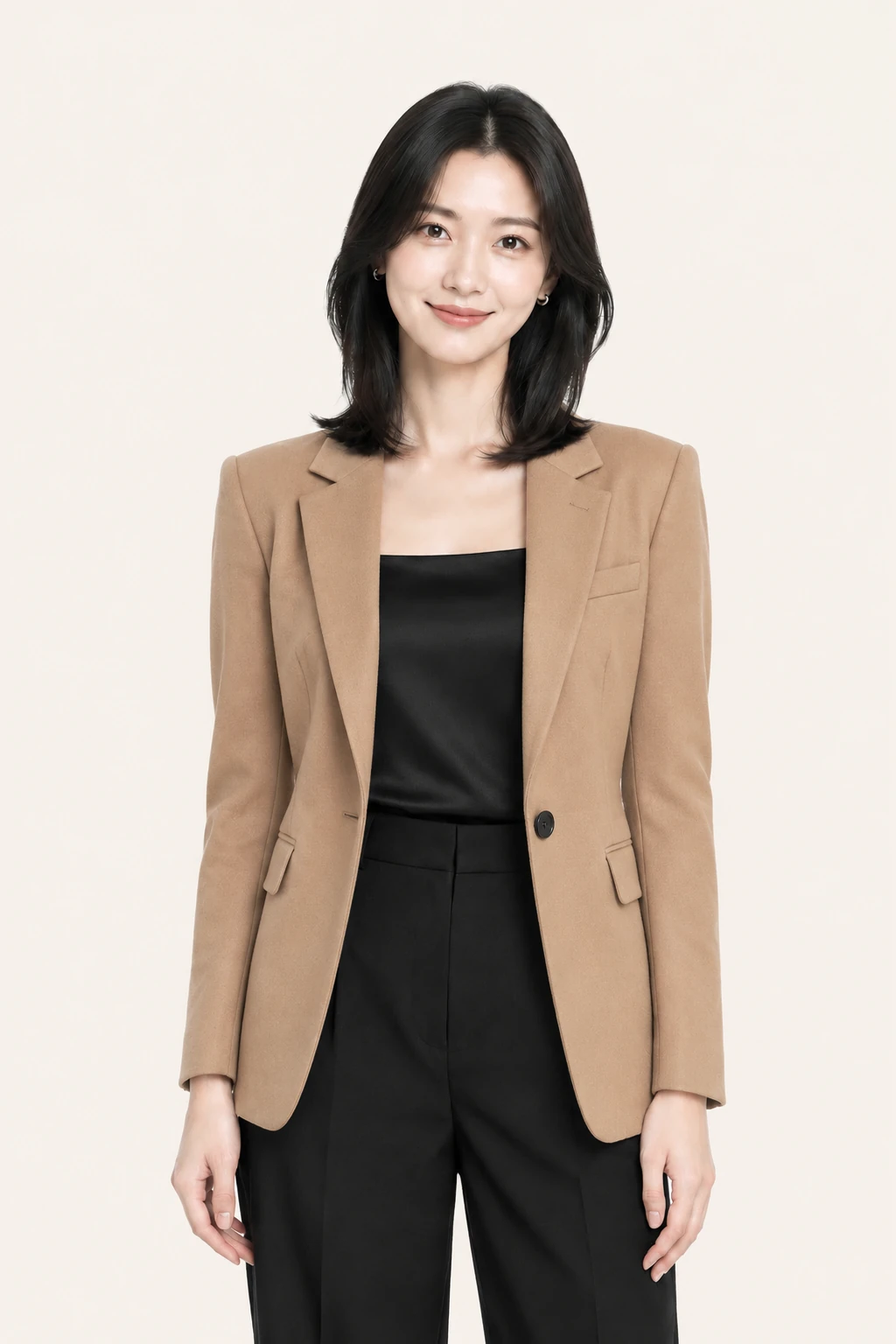
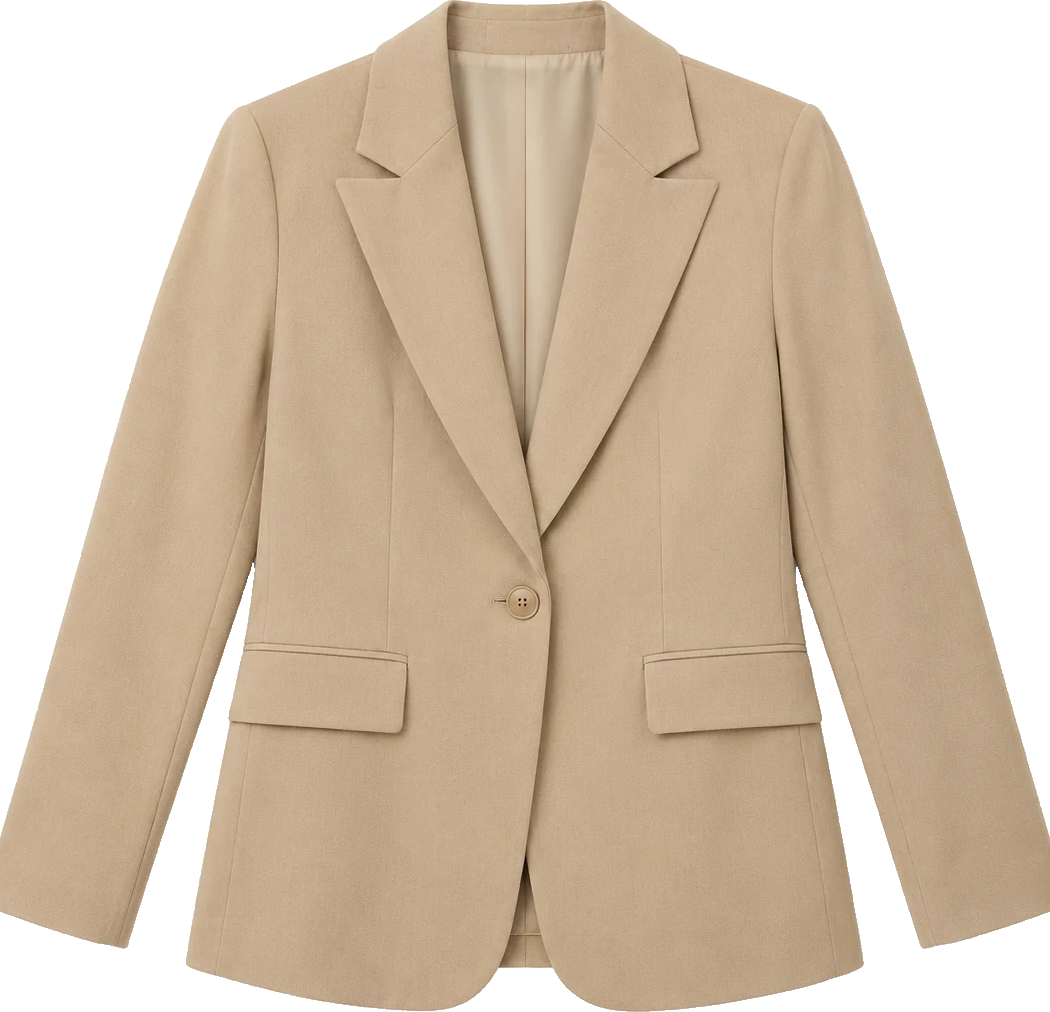
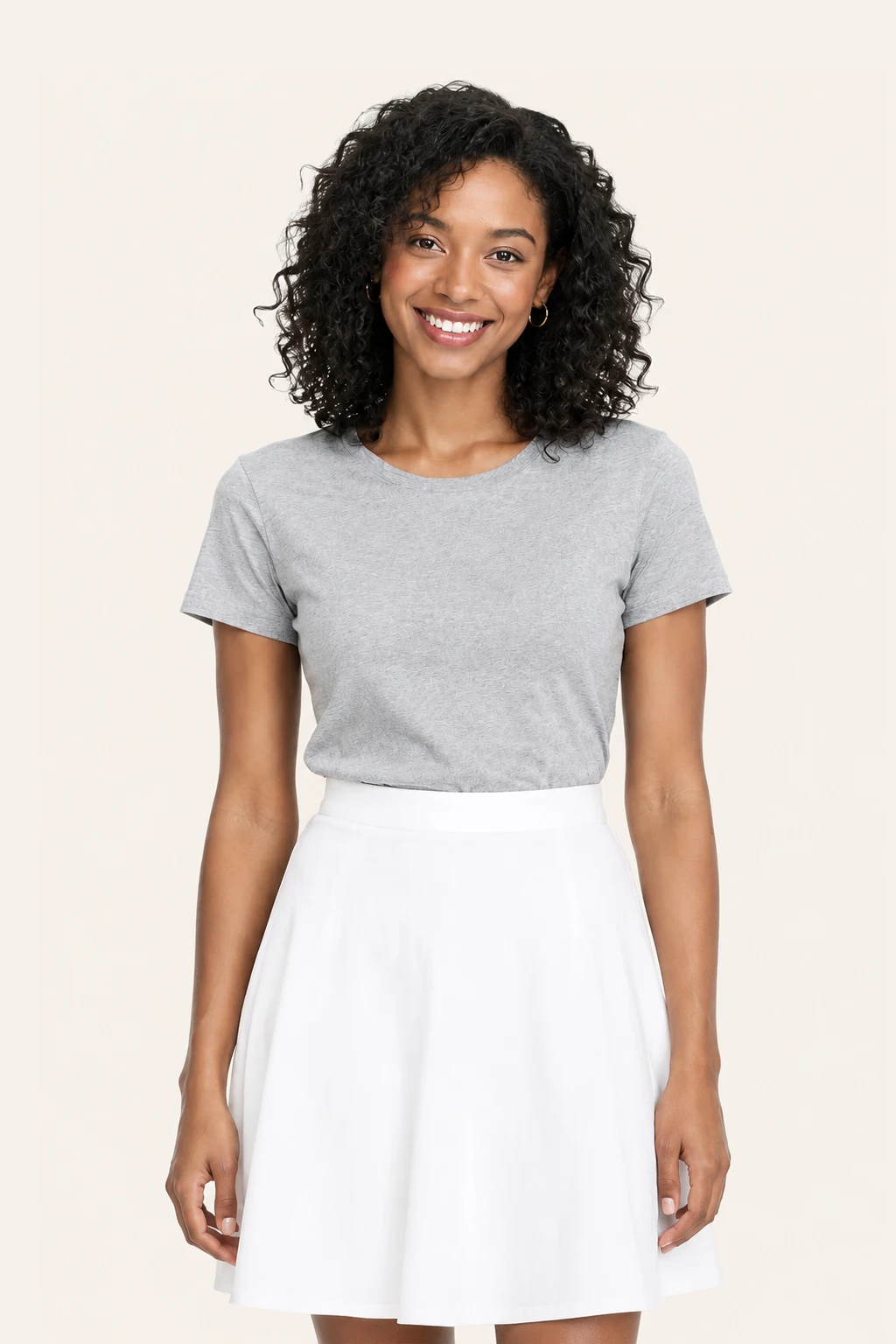
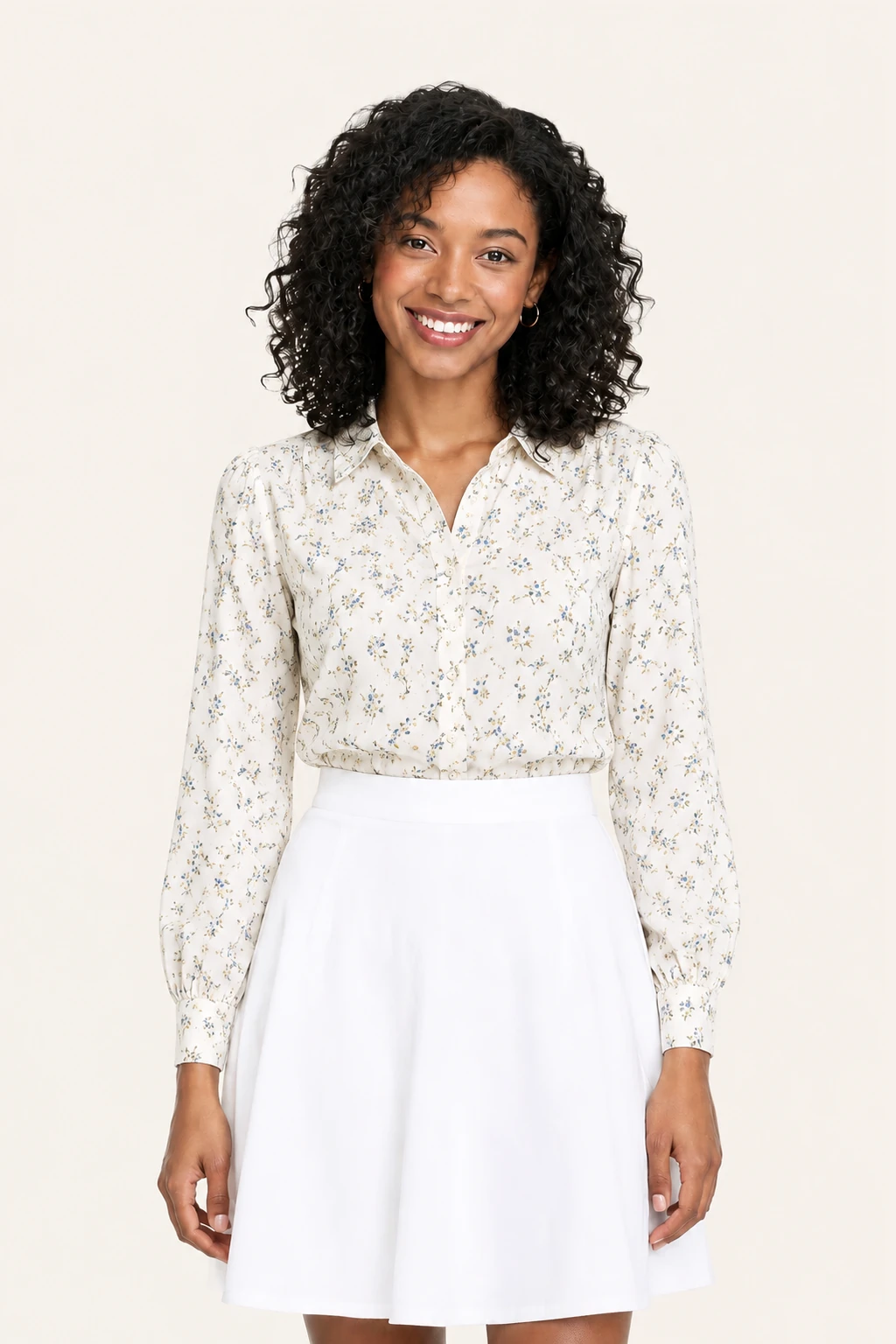
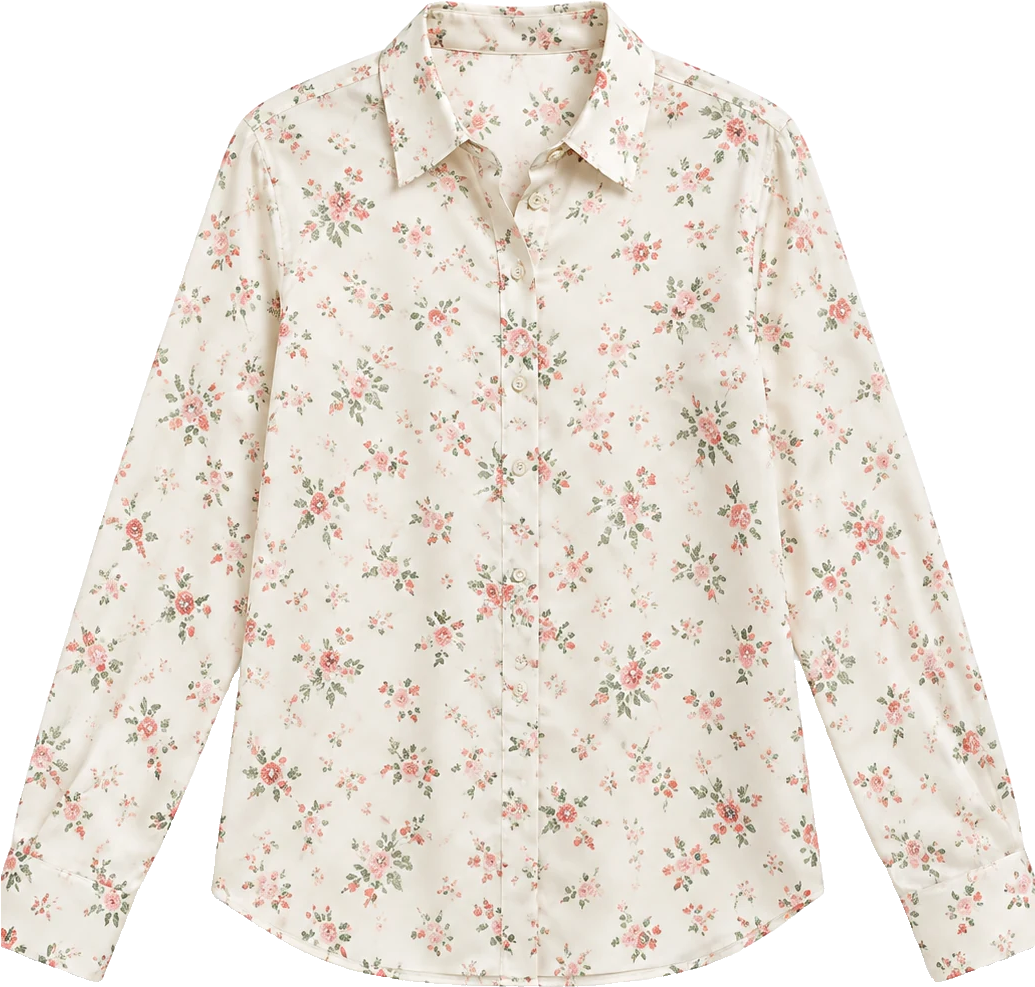
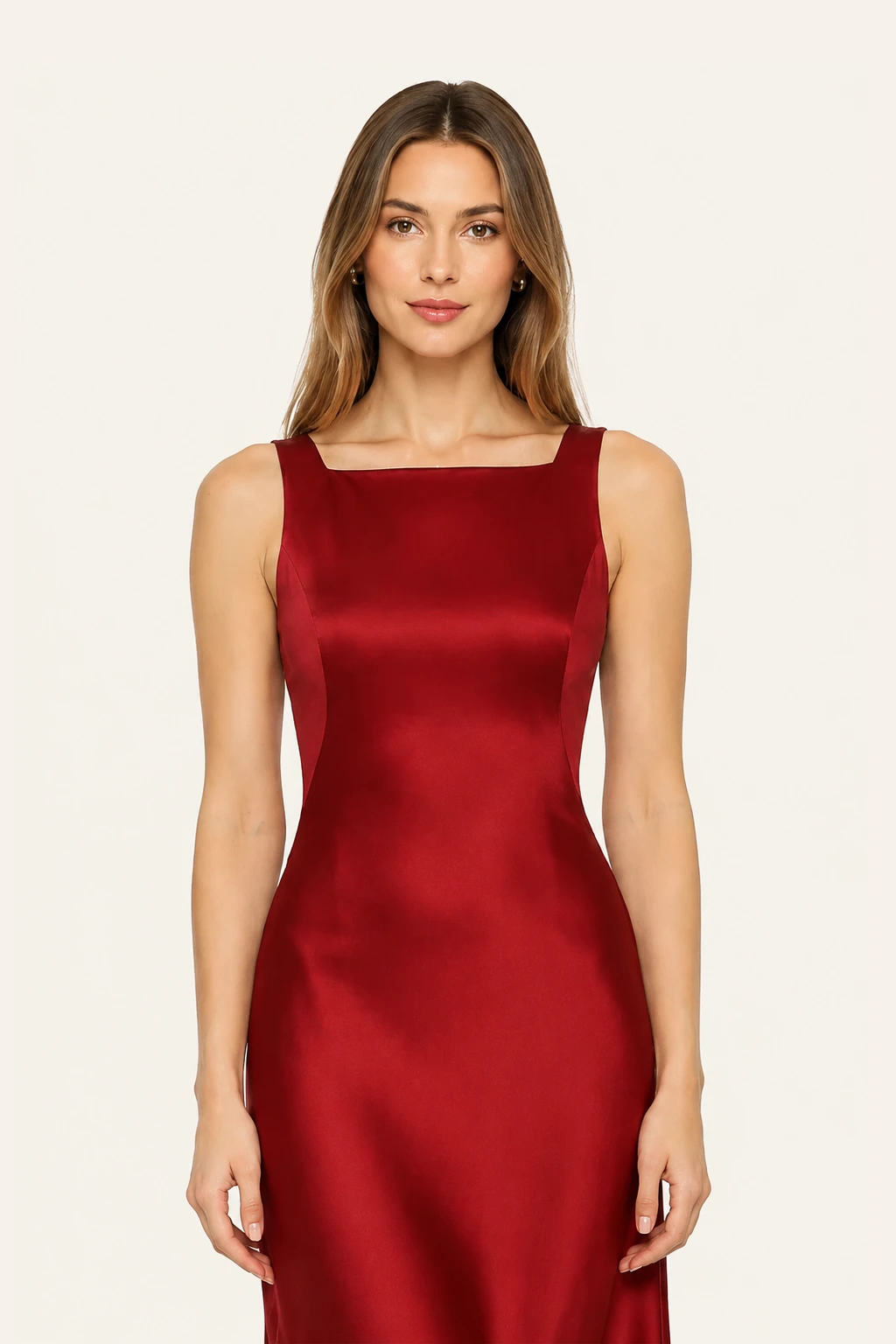
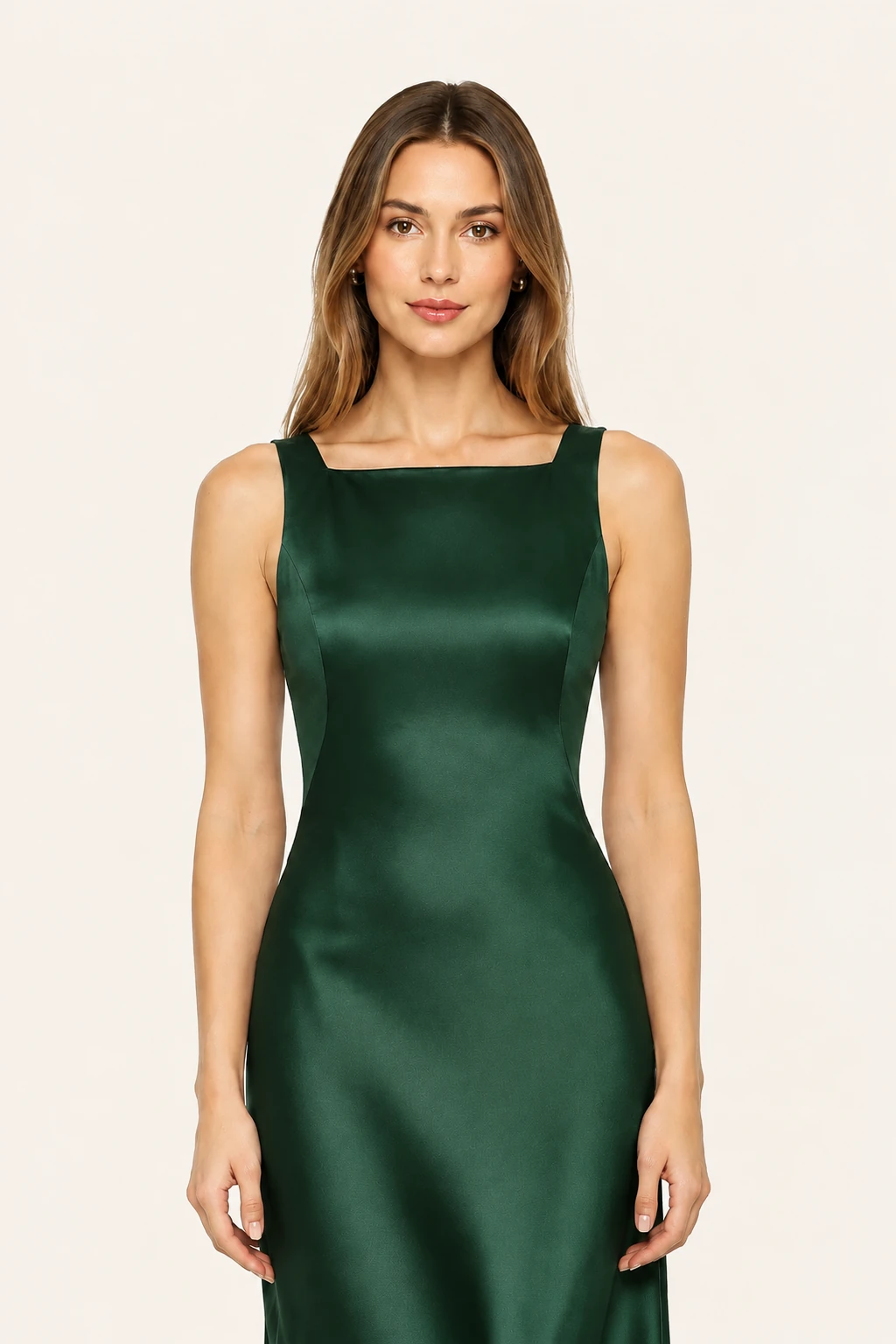

Check coat lengths, inner shirt collars, and cardigan buttoning all in a single try-on session. Balance layering volume without bulky distortion.
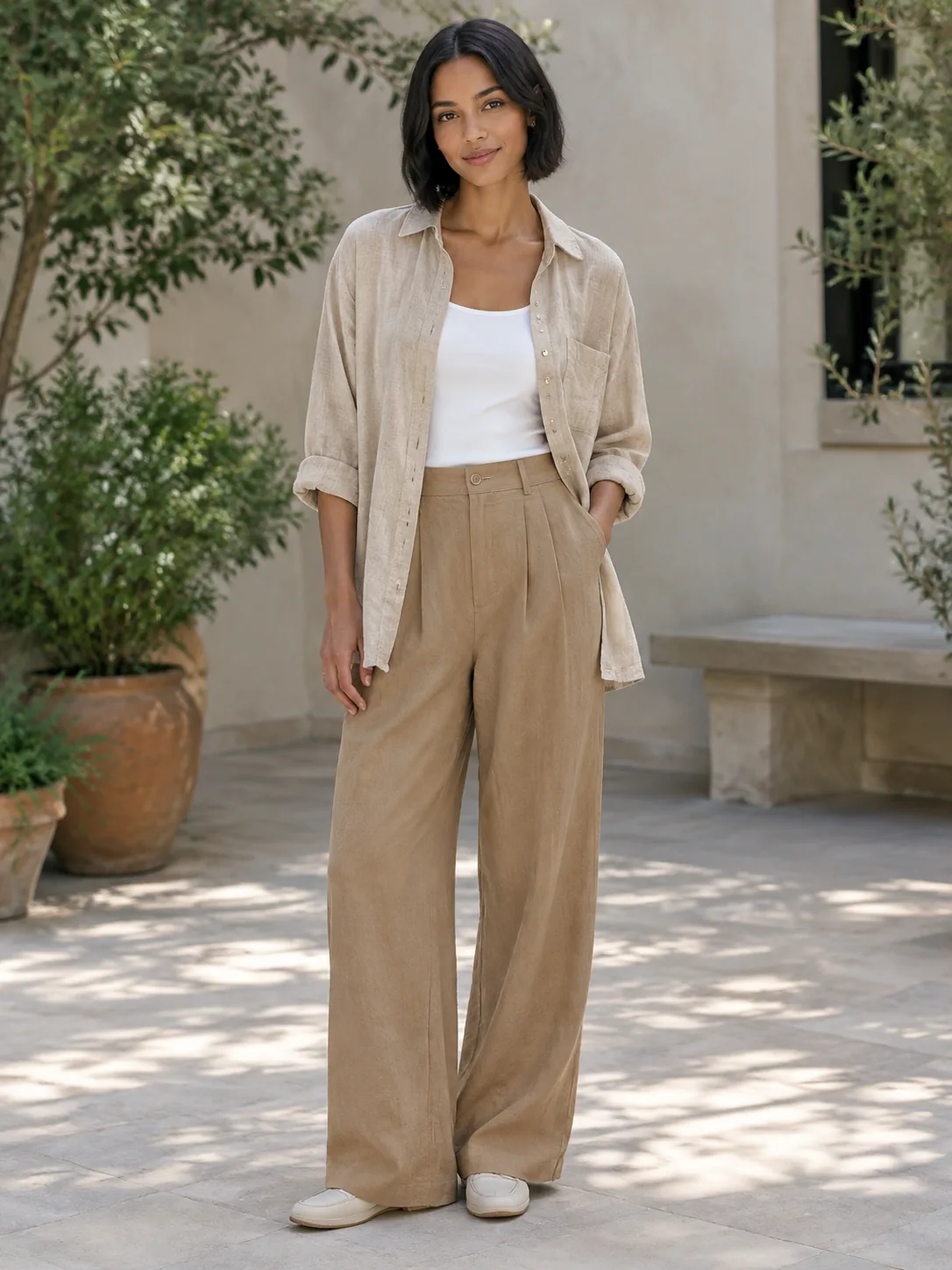
Preview how different cuts interact across your waistline. Test high-rise trousers against cropped jackets to find your most flattering proportions.
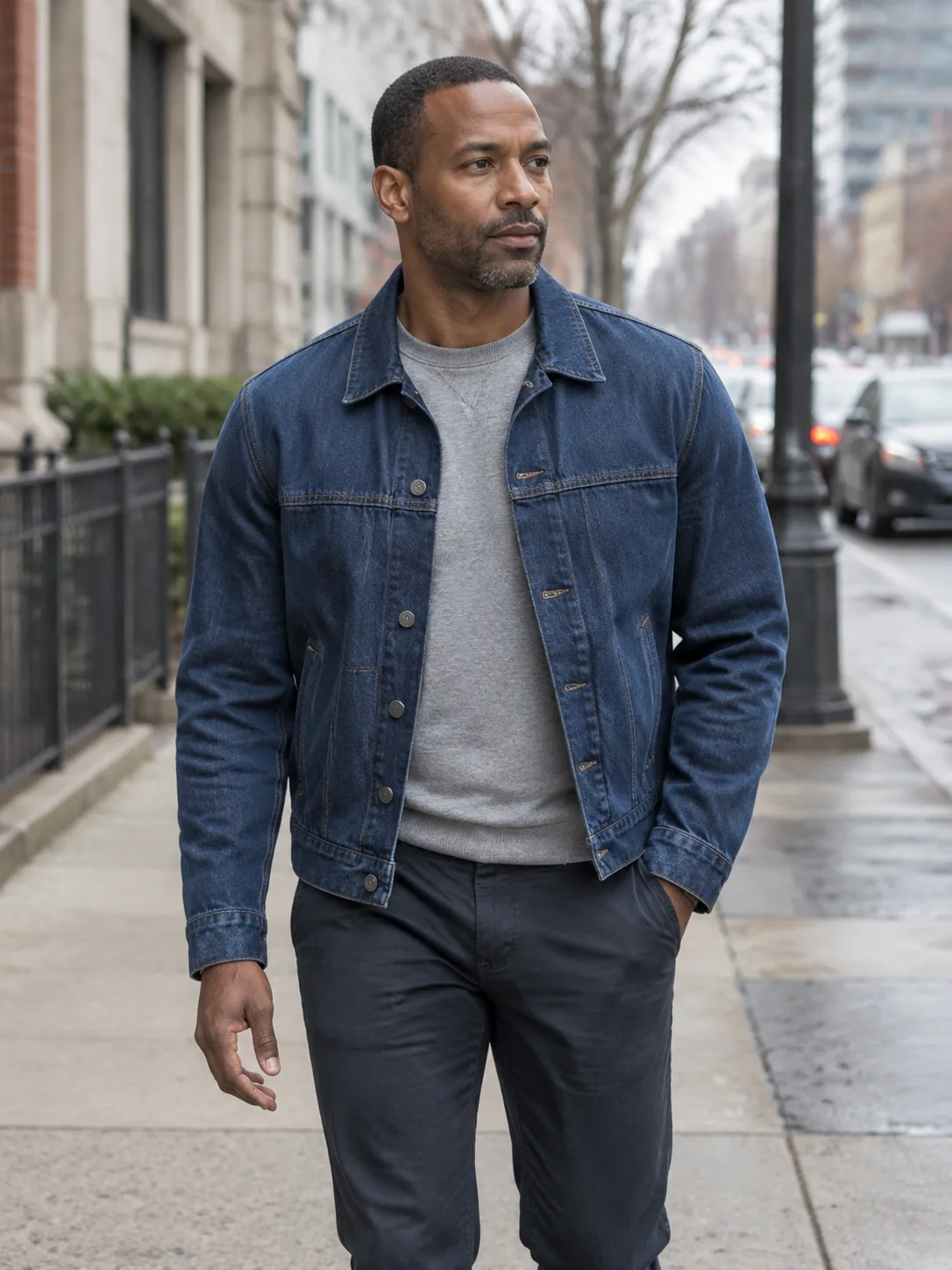
Coordinate fine-gauge knits with pleated midi skirts or smart separates. Evaluate colors, textures, and hems side by side on your portrait.

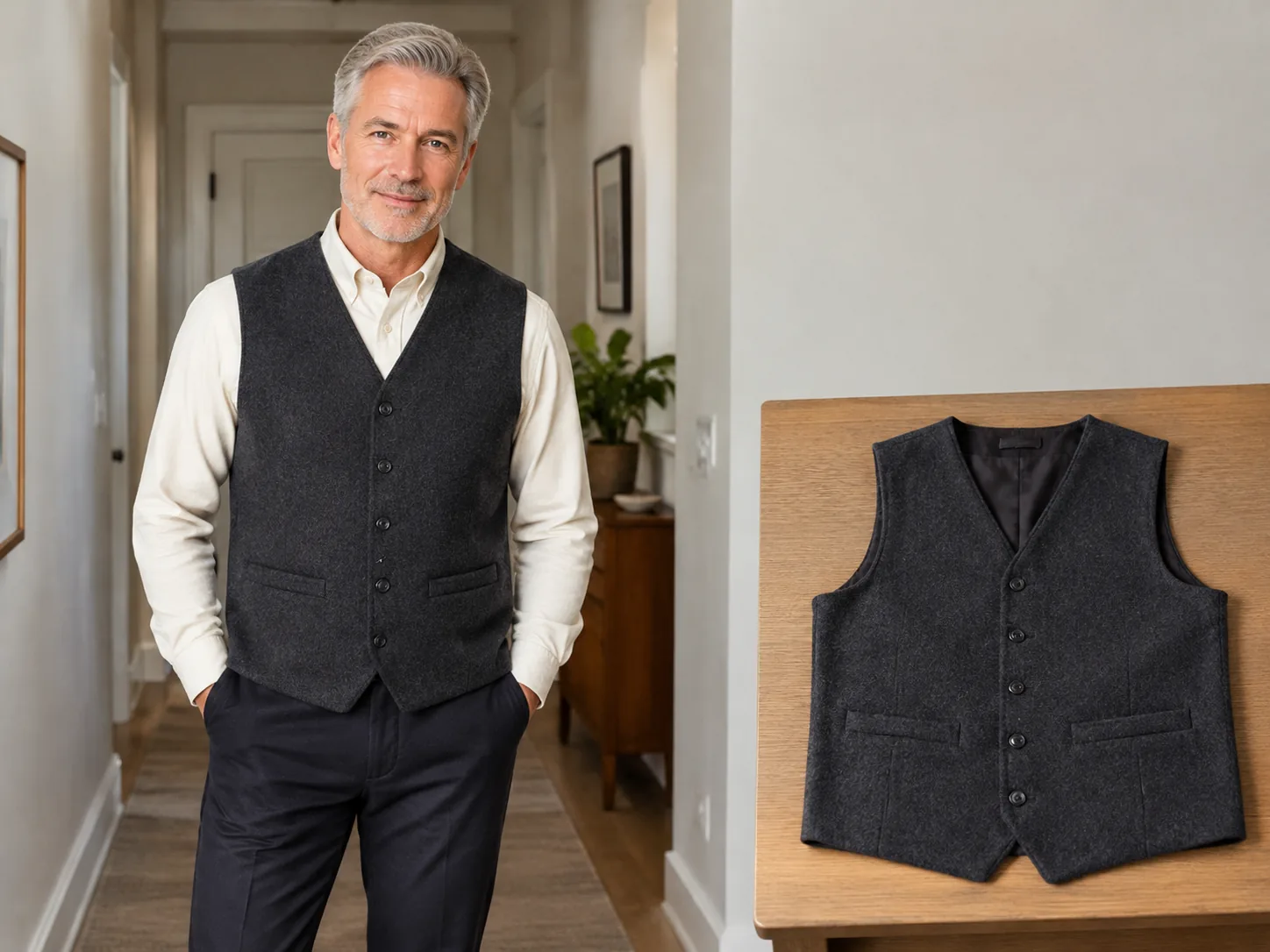
Traditional virtual try-on tools only handle one single shirt or dress at a time. Our multi-garment engine calculates realistic layer hierarchy so your jacket naturally sits over your inner top.
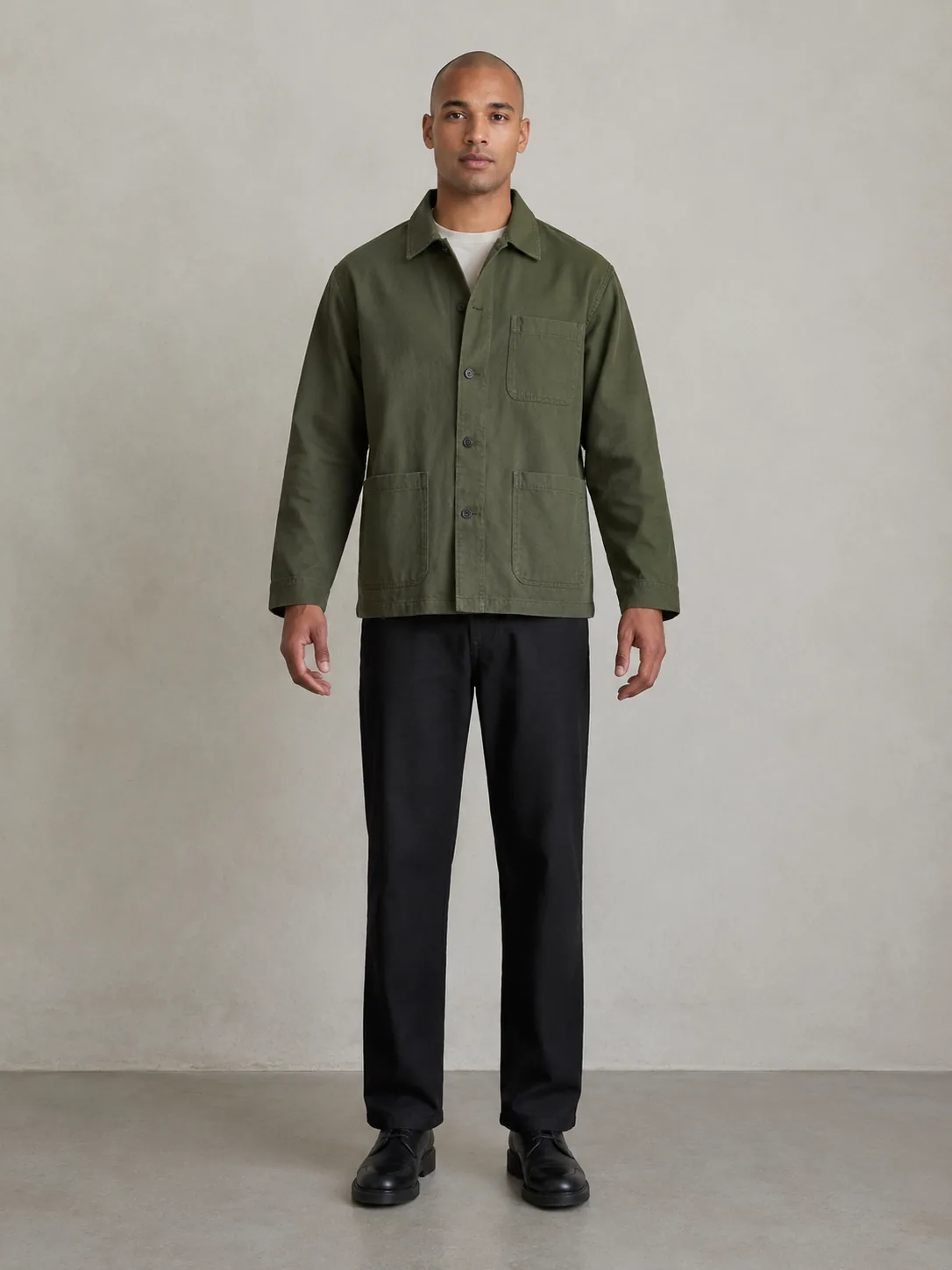
See how tucked-in shirts, belt lines, and trouser rises harmonize together on your real body shape before spending money on separate purchases.
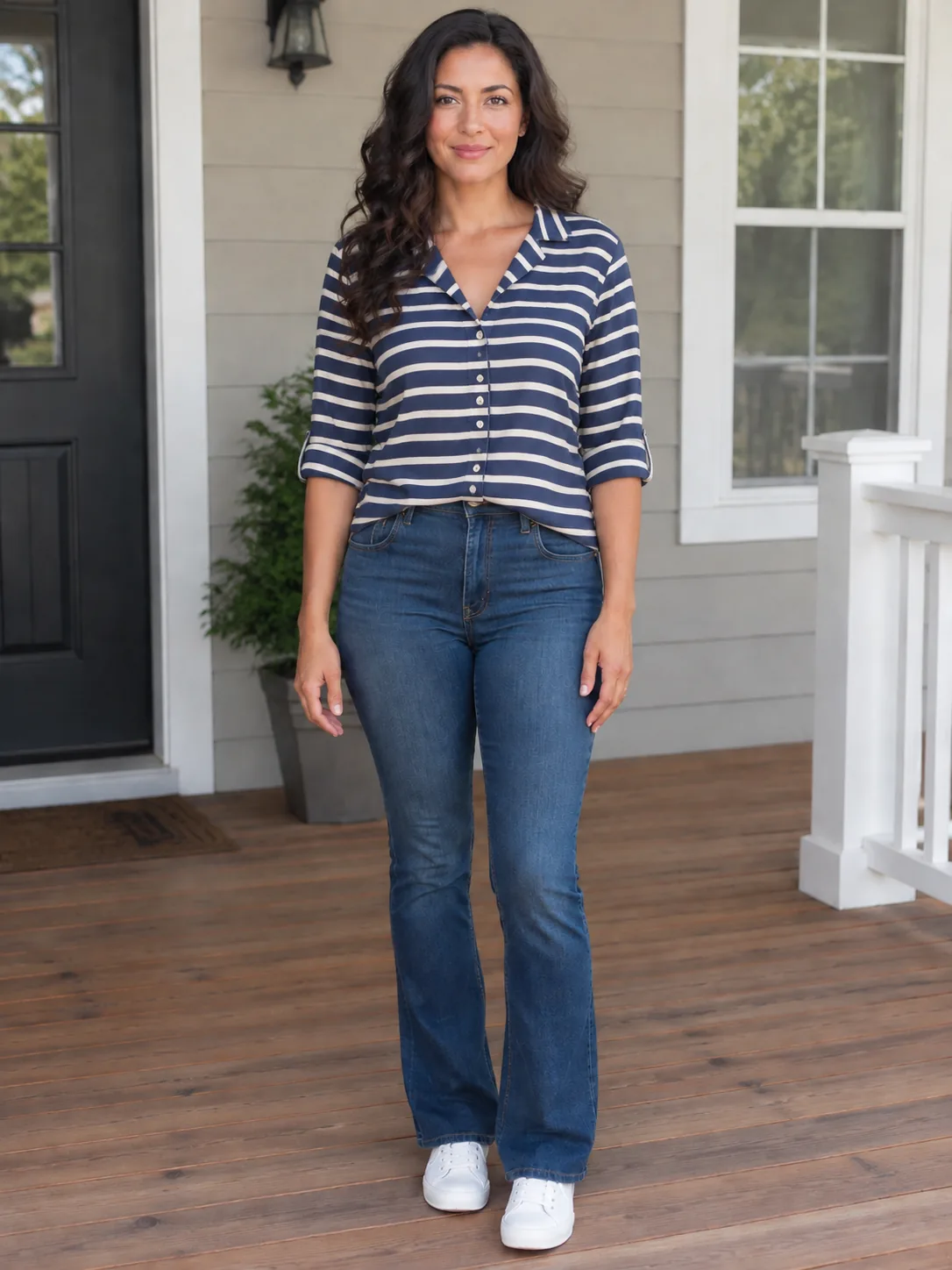
Upload several wishlist items from different online stores to check if they actually match your personal aesthetic and complexion before checkout.
Upload one person photo and one garment photo for a fast preview. Unauthenticated visitors receive 10 daily credits per IP to test Fast Preview (3 credits each, up to 3 runs a day). Fast Preview stays watermarked until you buy a credit pack. Unused silver credits clear at midnight US Pacific time.
Designed for regular wardrobe exploration and shopping checks at 10 credits per generation. Delivers refined garment edge blending, higher fabric fidelity, and basic prompt direction support for single garments or full looks. Transparent pay-as-you-go credit usage keeps testing flexible and affordable.
Our premier fidelity tier designed for demanding stylists, creators, and brands. Offers maximum prompt obedience, exquisite fabric texture retention, and best-in-class facial and skin preservation. Supports up to 6 garments simultaneously for complex layered looks, custom environment backdrops, and pose directions. Studio Quality unlocks automatically with any payment, and that same single payment permanently removes watermarks across your account.
A standing photo in neutral lighting showing your torso, waist, and legs gives the most accurate multi-piece alignment.
Drop in reference images for your top, outerwear, and bottoms, or describe the full layered ensemble in the prompt box.
The AI composites all items onto your frame in harmonious proportion, preserving your real face, hair, and original environment.
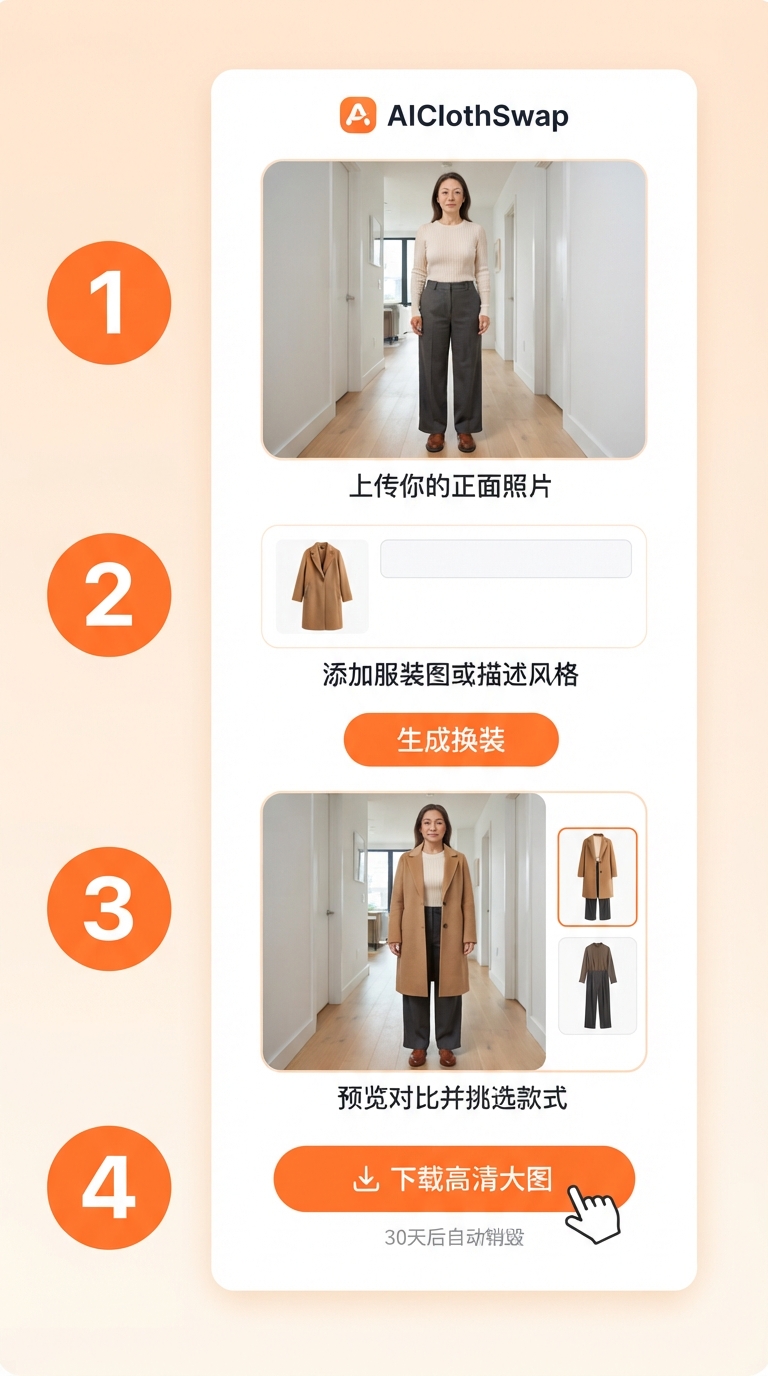
Yes. Virtual try on multiple items is specifically designed to combine multiple clothing pieces into a unified, layered outfit on a single photo.
Absolutely. Upload screenshots or catalog images from any retailer to see how pieces from completely different brands look together on you.
No. The system strictly swaps the designated clothing areas. Your face, hairstyle, skin tone, footwear, and background remain unchanged.
You receive free daily credits to test multi-garment try-on. Upgrading to high-resolution generation is easy with one-time credit packs.
Yes. All uploads are encrypted, confidential, never shared or made public, and permanently deleted from our servers after 30 days.
[Virtual Try On](/virtual-try-on/), [AI Outfit Generator](/ai-outfit-generator/), [AI Dress Up](/ai-dress-up/)
AboutAIClothSwap is a browser tool that lets you swap outfits on photos you already took. Upload your photo along with clothing images or a short description to preview that same person in new styles. Sign in to claim 10 silver credits a day. Results vary; the product is for planning an outfit, not for proving a size.




