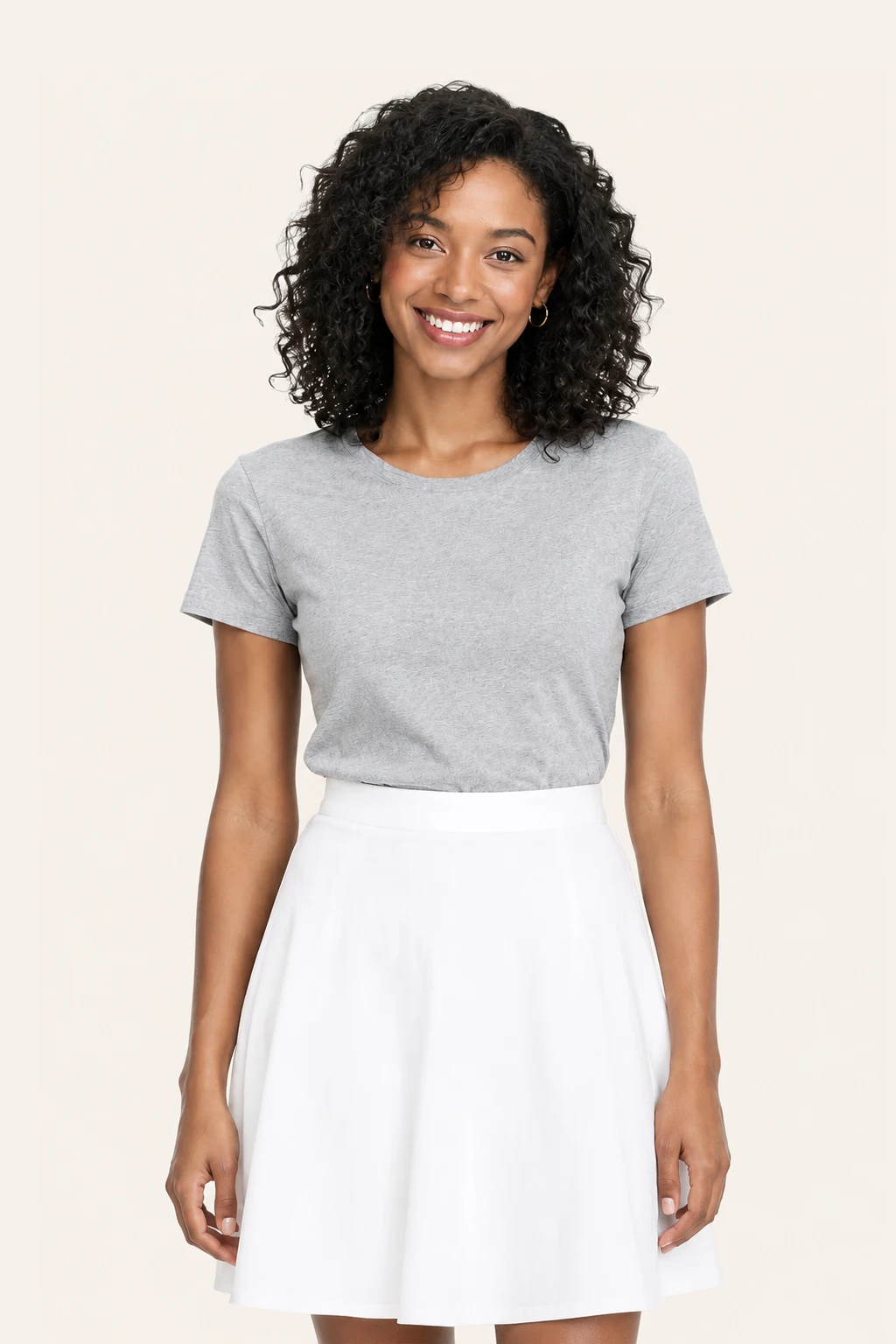
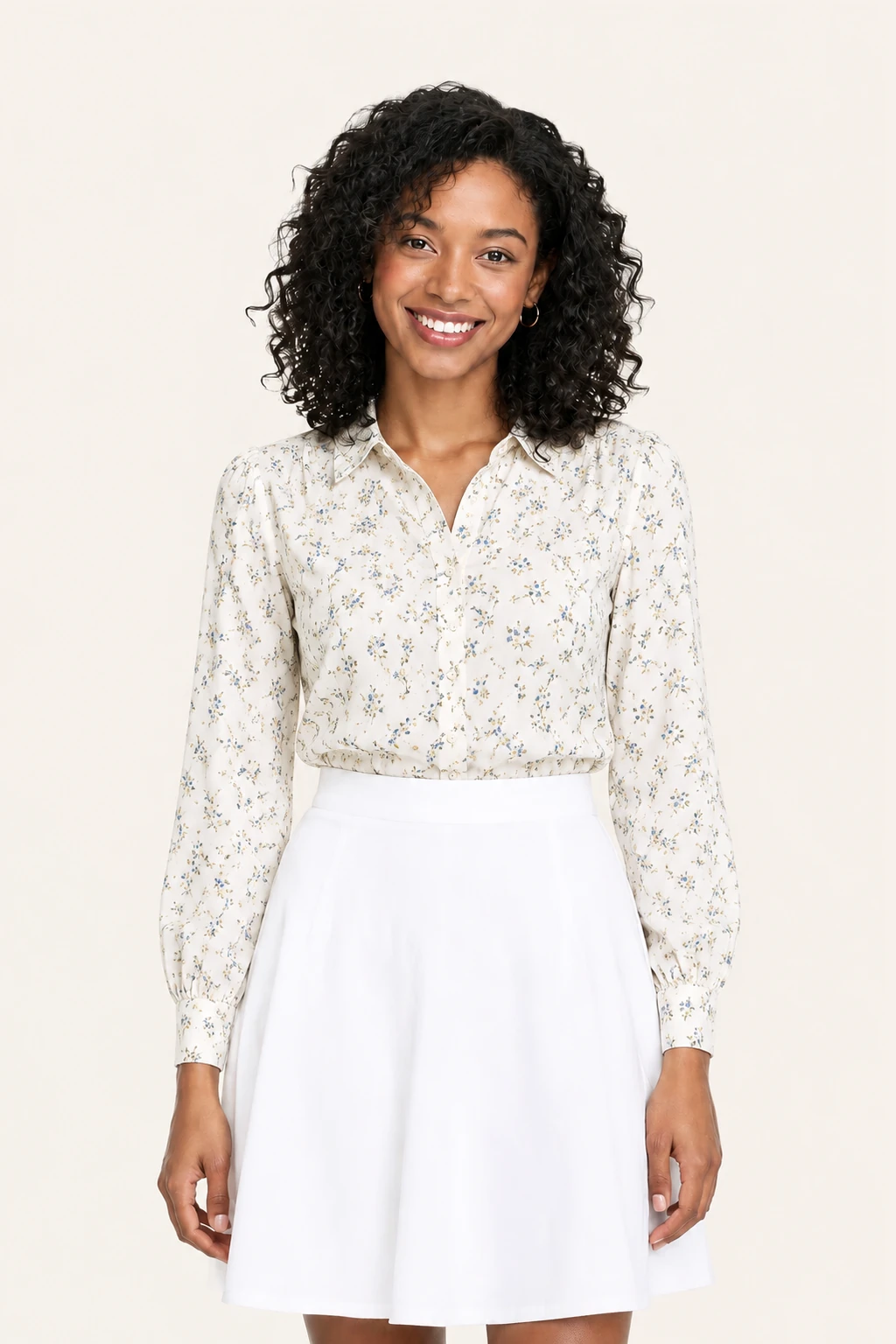
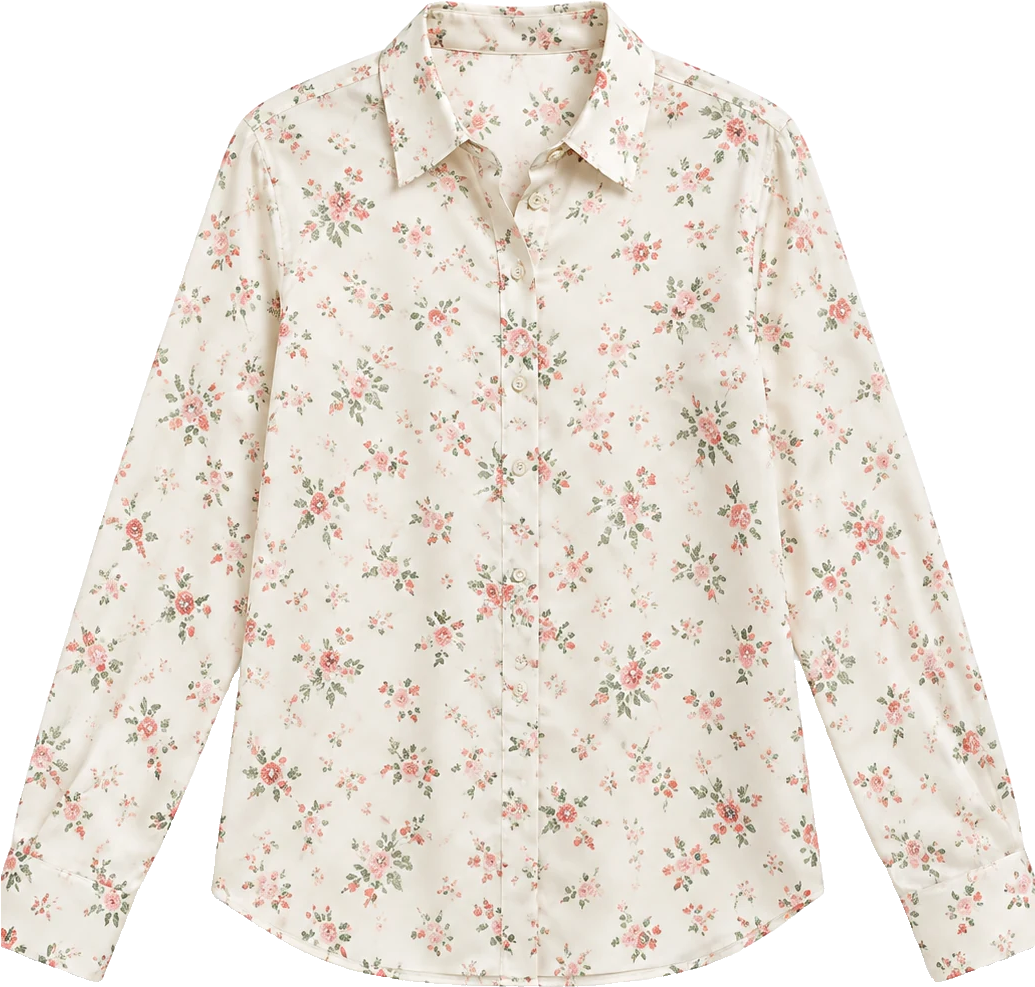
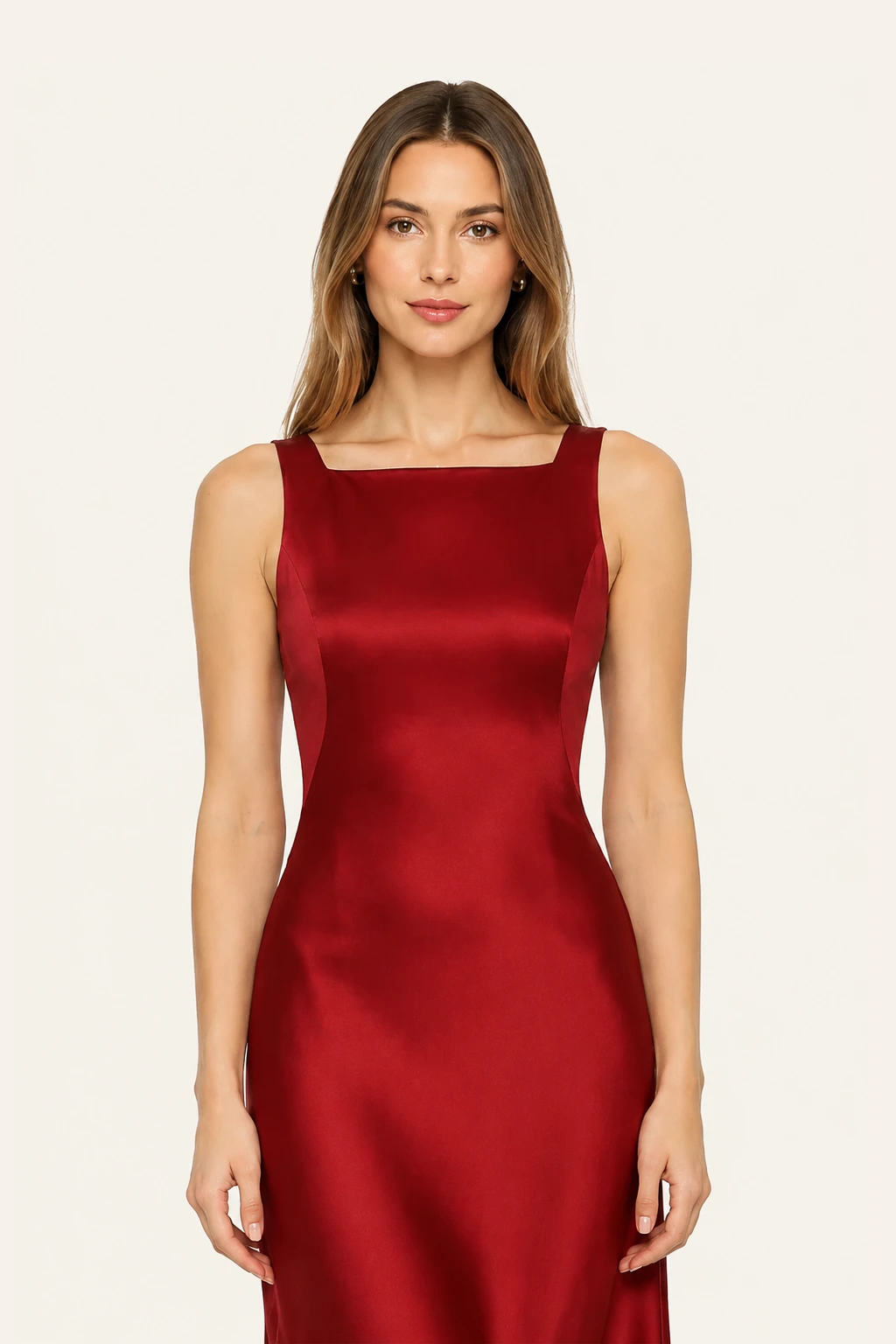

AI Clothes Changer: See Any Outfit on Your Photo

See the outfit on yourself before you wear it, or generate polished portraits in seconds. Upload your photo and a garment picture, or describe the clothes.

Model
Image Upload
Person photo

Front-facing works best.

Garment photo

One garment photo.

We accept JPEG, PNG or WEBP formats up to 24MB

Prompt
0/1000
Try these examples
Aspect Ratio
Default
1:1
3:2
2:3
9:16
16:9
3:4
4:3
Image Resolution
1K
2K
4K
Recent Tasks ? View All ->

Swap a whole outfit at once — top, bottom, shoes, and accessories

AIClothSwap is not limited to changing a single shirt or isolated skirt. Our ai clothes changer restyles your entire look in one coordinated step. You can combine a top, trousers, overcoat, shoes, hat, and bag into one cohesive new ensemble rather than editing piecemeal. The model engine calculates natural garment overlap, fabric drape, and realistic shadow placement across every piece. Skin tone, ambient room lighting, and natural body proportions remain fully consistent across every swapped garment for a cohesive, believable outcome.
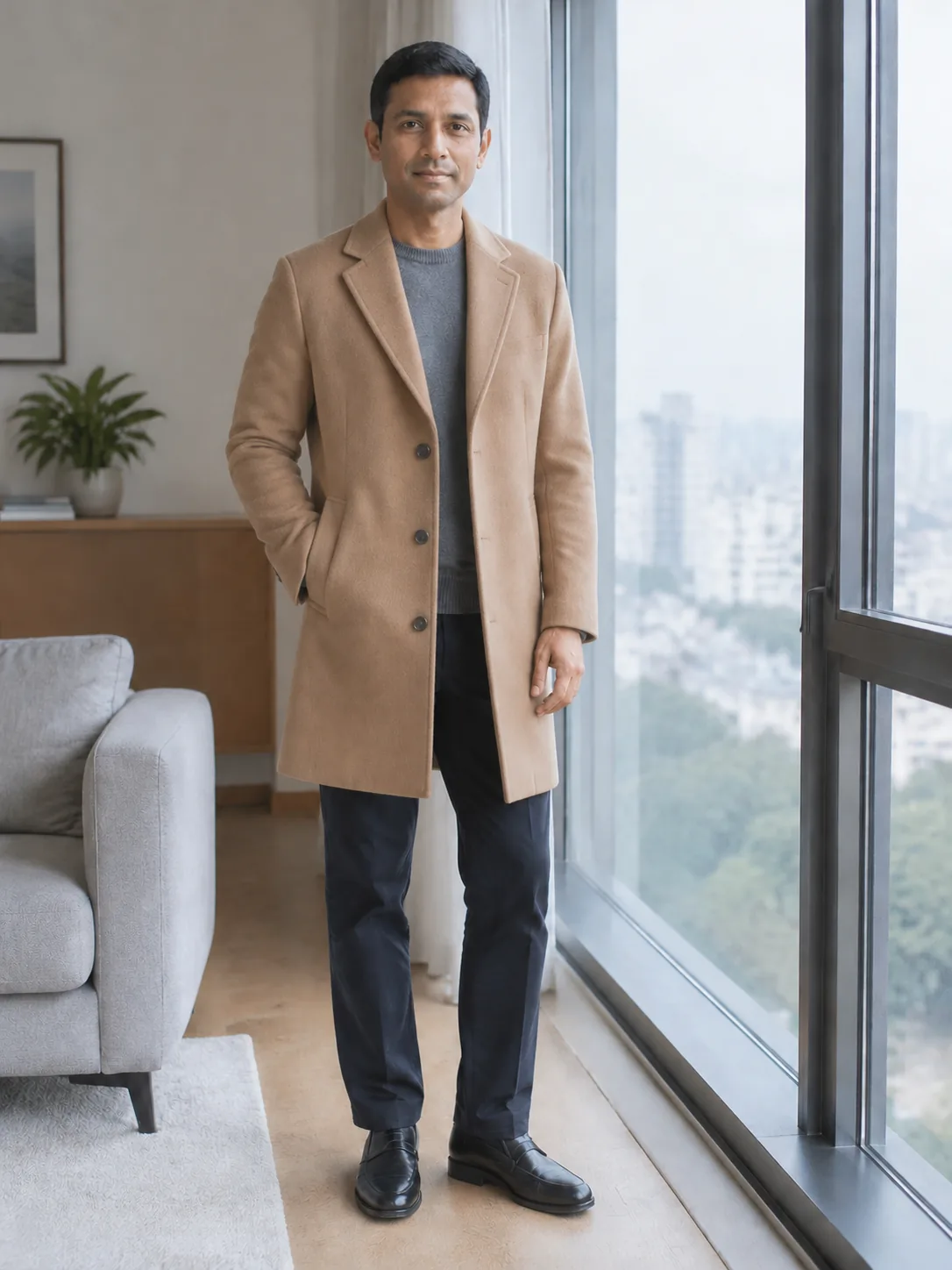
The same man wearing a camel wool coat

Change the background and pose alongside your clothing

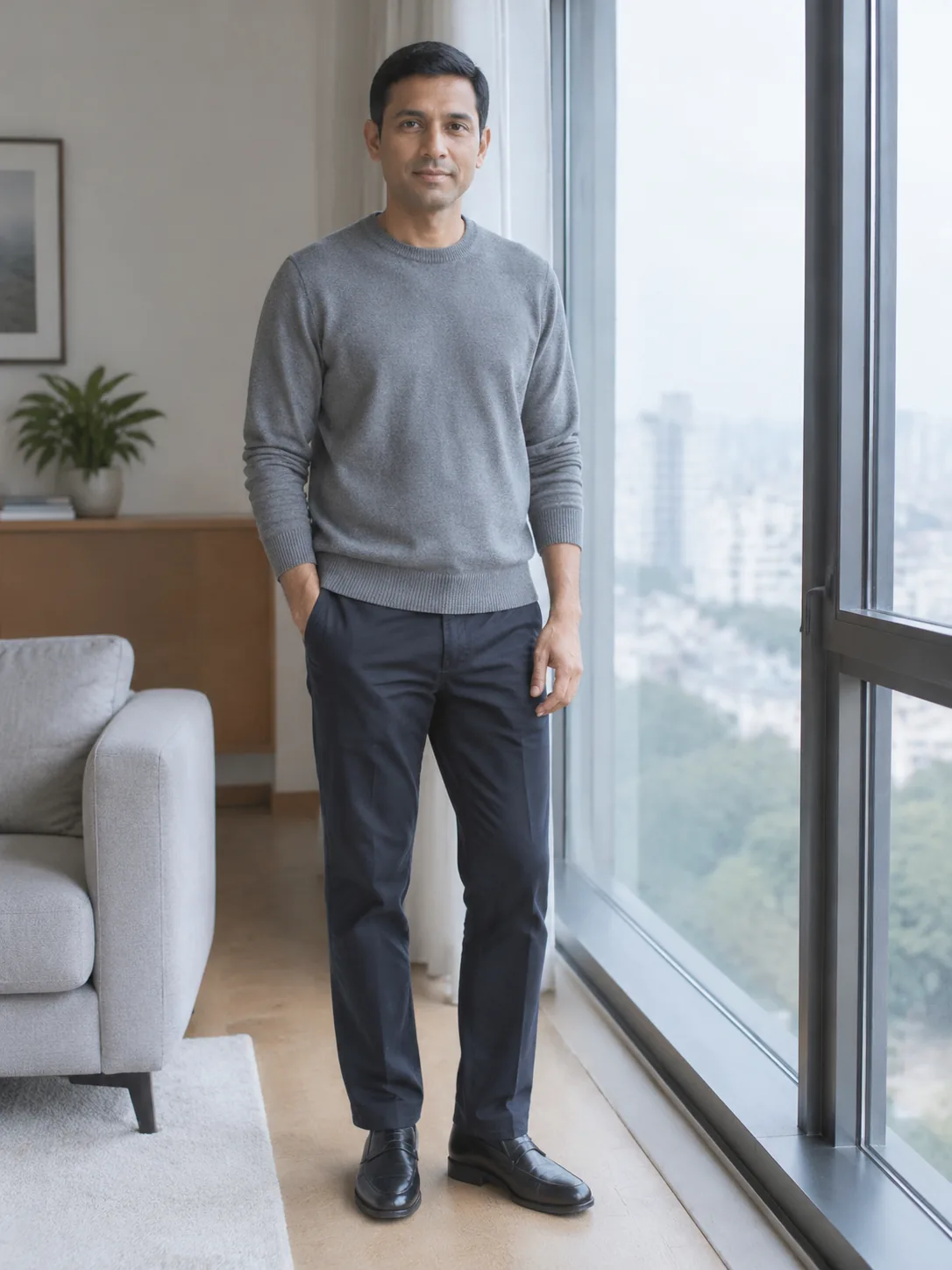
Studio Quality lets you direct much more than the clothing. Use the optional prompt box to request a clean photography studio backdrop, a warm minimalist beige wall, a bright coastal veranda, or an evening street scene alongside your outfit swap. You can also direct the model's stance and gesture—such as hands relaxed in coat pockets, arms folded casually, or looking slightly over the shoulder. If you prefer, keep the original pose and background completely locked and swap only the garments. You stay in full creative control.

Adult man in a grey knit standing by a window

Smart body and garment detection for natural outfit swaps

Our neural system automatically maps body contours, limb positioning, and garment boundaries for natural clothing transitions without manual cutting or masking. The ai clothes changer respects the natural volume, fabric weight, and drape of each piece. Button plackets, collar structures, waist cinching, and hem lengths align realistically to the wearer's posture and curves. Wrinkles, seams, and fabric weave blend with original lighting, preserving authentic facial likeness, hair details, and skin texture.

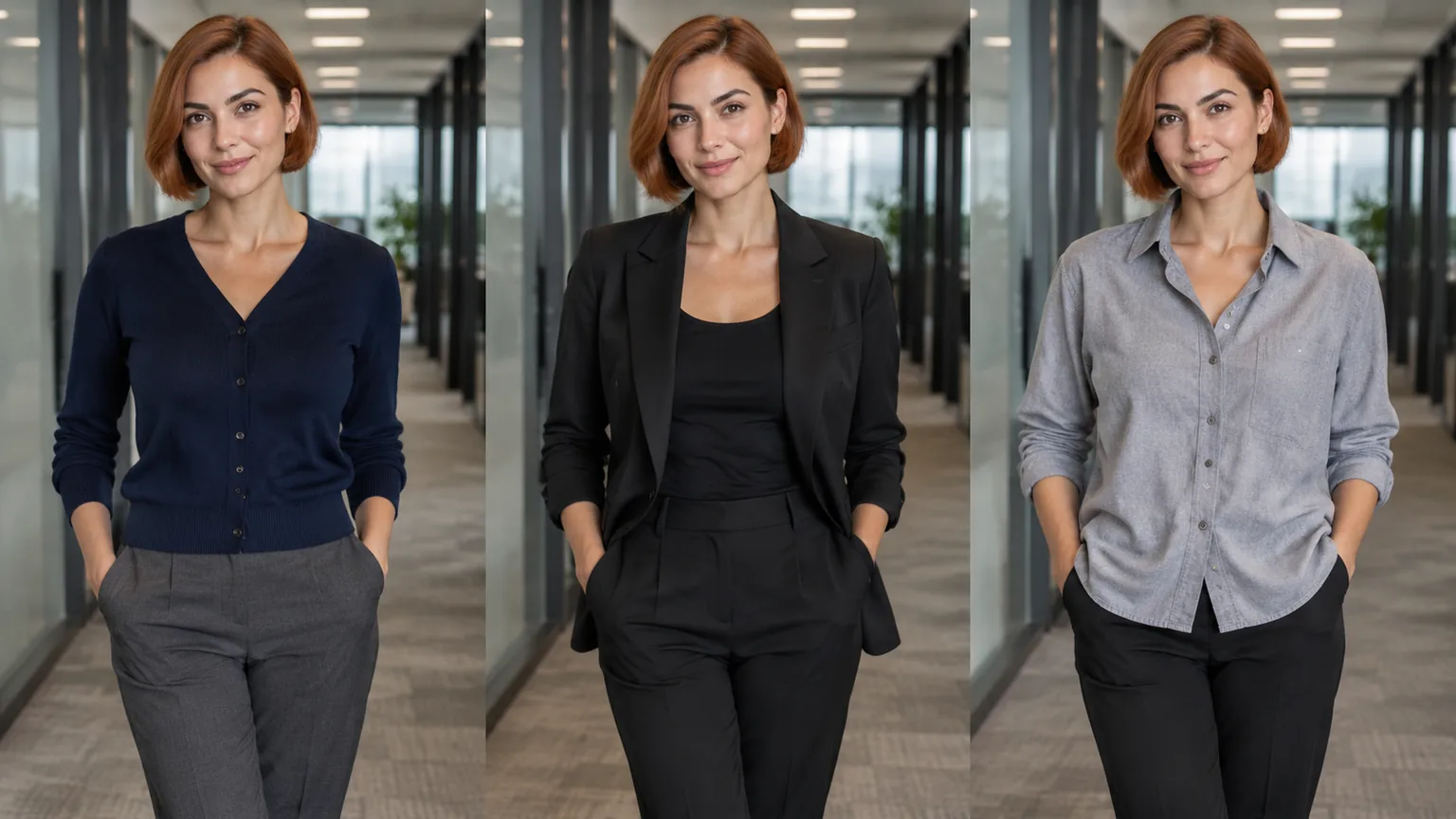
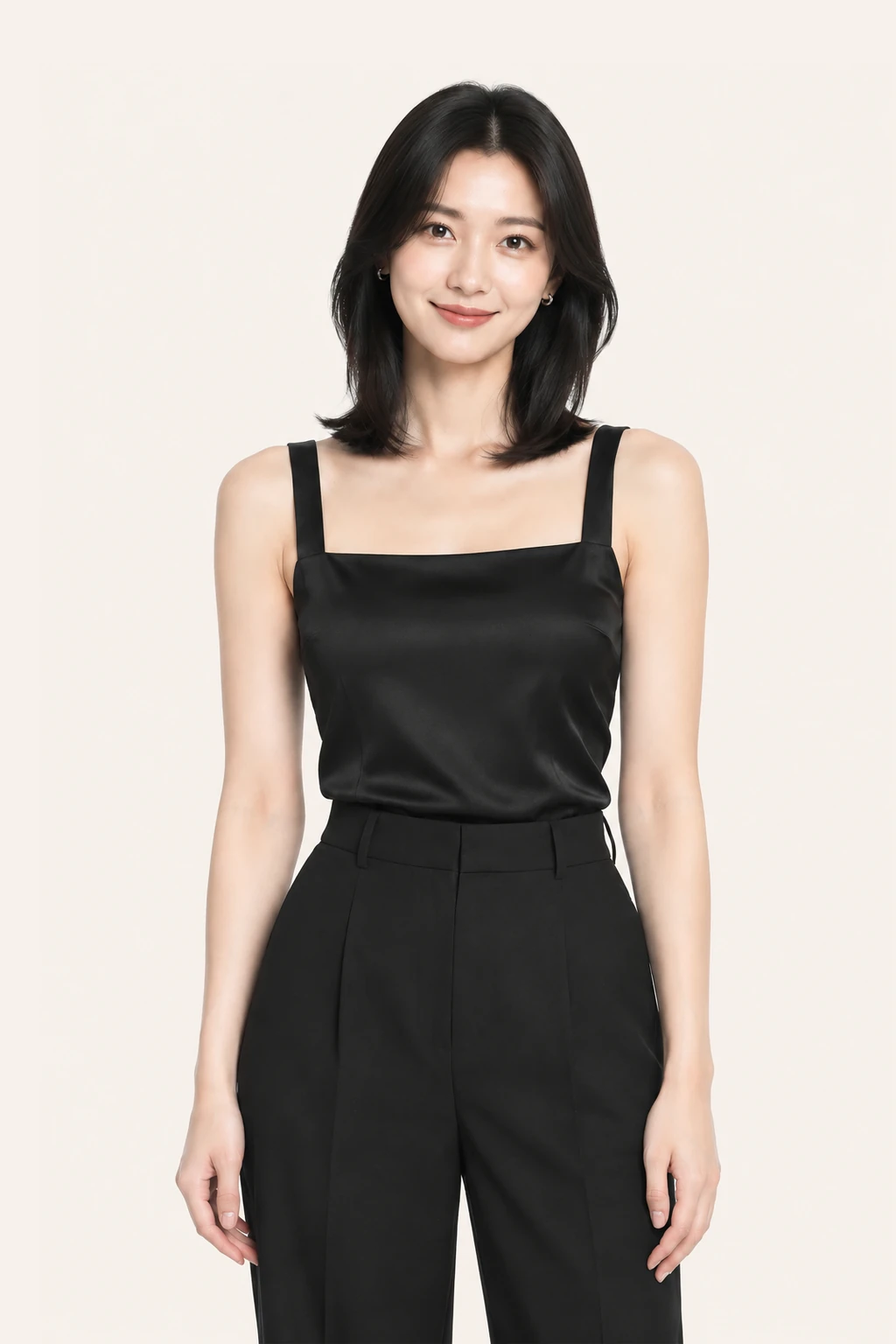
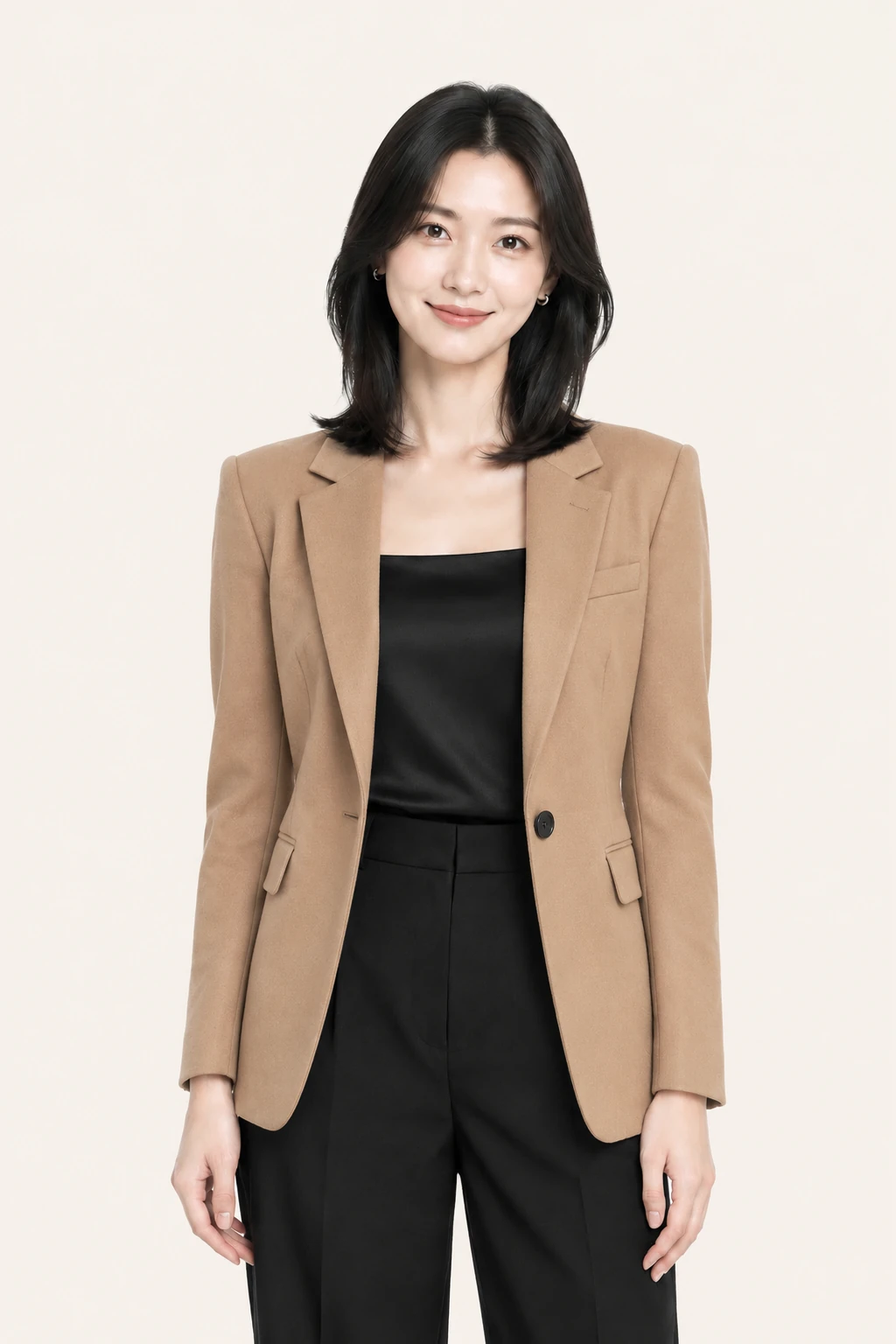
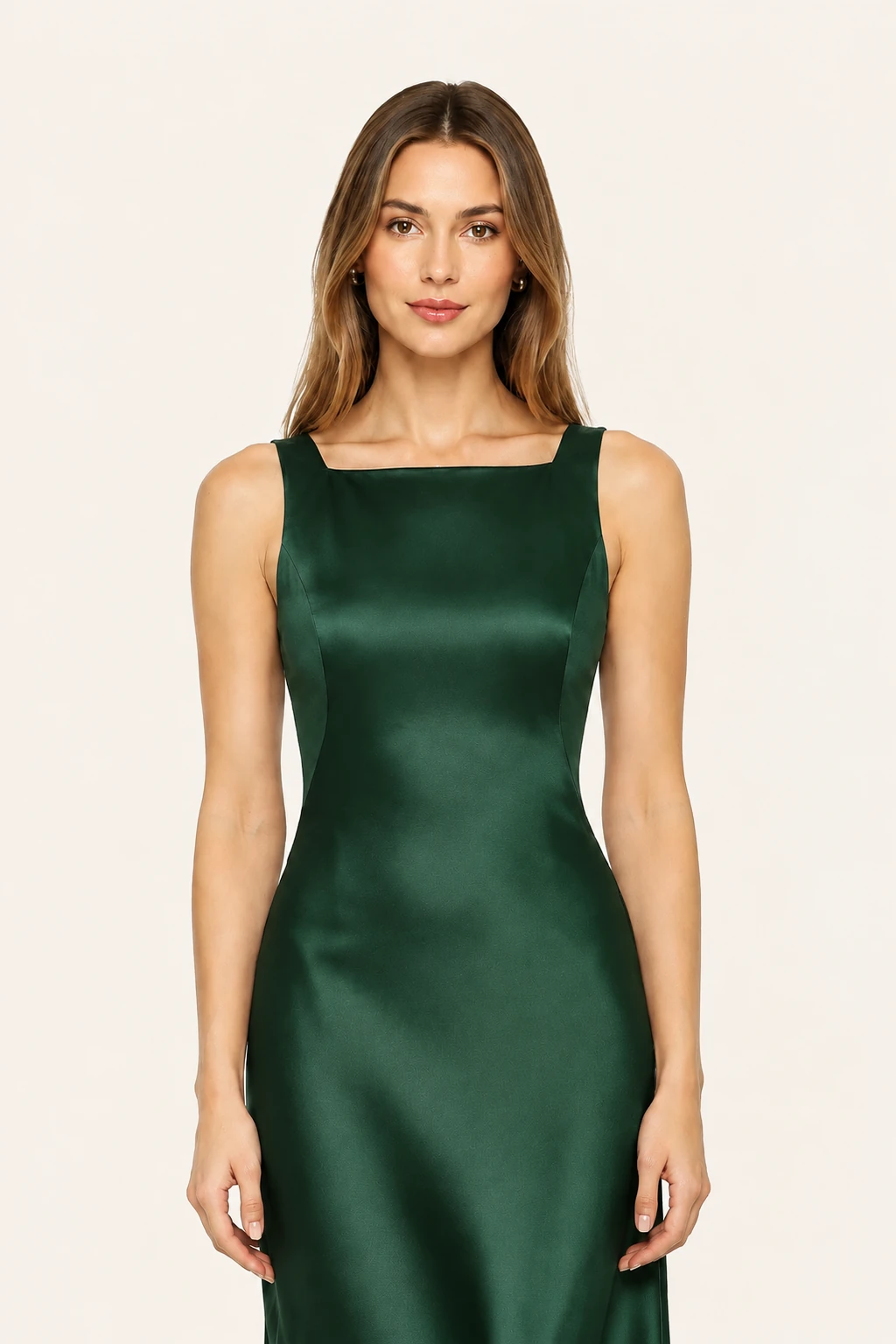
Adult woman shown in three office layers

No clothes photo? Describe the scene and get dressed for it

You do not need a clothing photo to explore new aesthetics. Select Studio Quality and type the occasion, aesthetic, or scene you have in mind—such as a breathable linen resort vacation set, an architectural evening gown, or a tailored heritage wool winter look. The AI generates that wardrobe concept directly onto your portrait photo. Whether you are brainstorming capsule wardrobes, pre-visualizing event attire, or exploring silhouettes before shopping, text-to-outfit generation delivers tailored inspiration instantly.

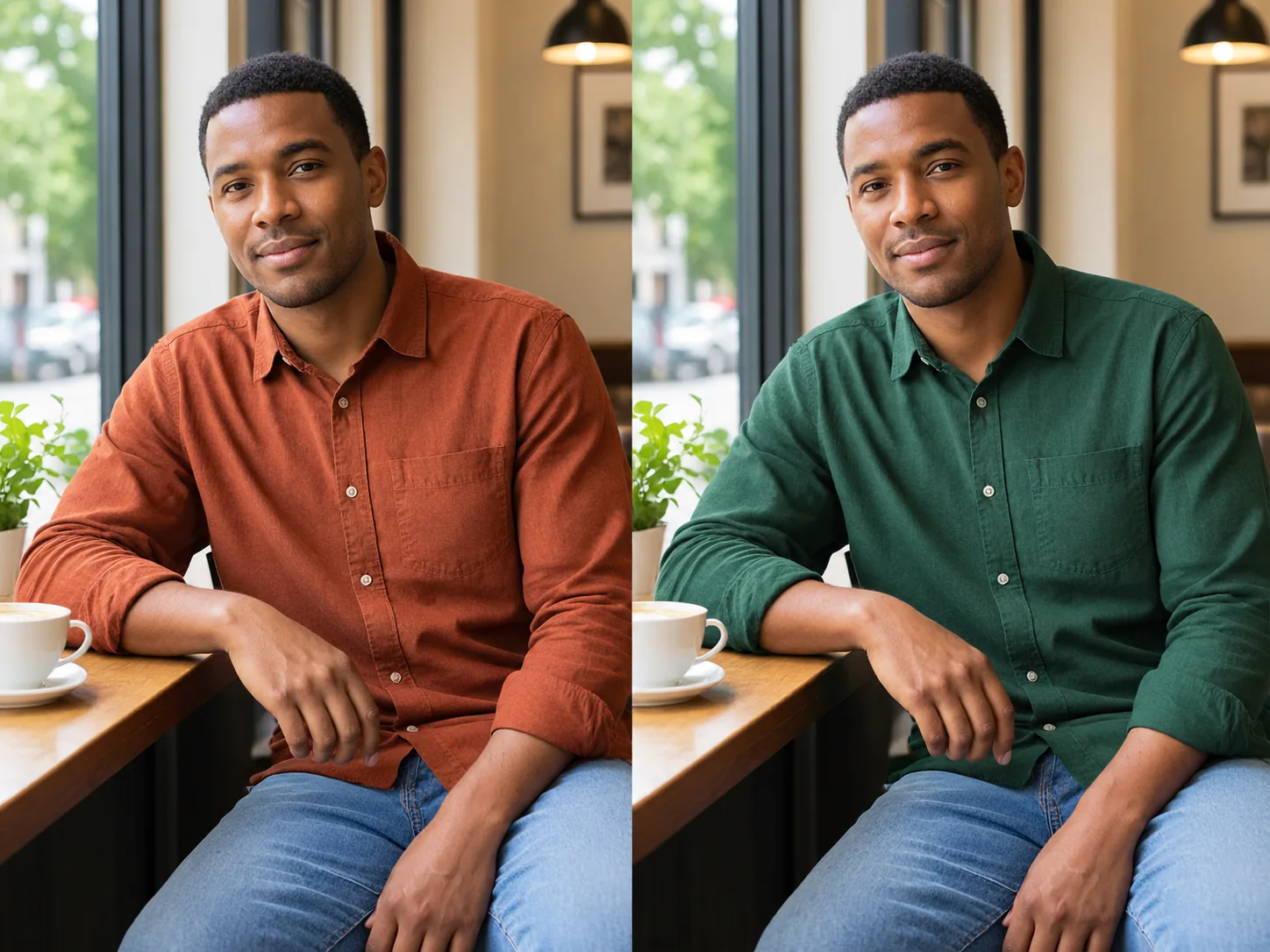
Adult person in a rust shirt then a pine shirt

Use cases

Professional headshots and resume portraits

Transform casual everyday snapshots into sharp, tailored business attire in seconds. Swap casual tees for crisp blazers, collared dress shirts, or bespoke suits—saving time and studio fees for your resume, LinkedIn profile, or company badge.

Online shopping silhouette check and proportion preview

Combine store flat-lays with your actual full-body photos before placing an order. Preview whether coat hemlines overpower your frame, sleeve lengths sit naturally, or oversized cuts flatter your shoulders on your real build.

Holiday transformations and social portrait looks

Dress up for Christmas, New Year's, parties, or themed gatherings without buying one-off outfits. Produce fresh, head-turning looks on your favorite portraits to share with friends and social feeds.

Side-by-side color evaluation and skin tone matching

Test high-ticket coats, knits, or evening dresses across camel, espresso, charcoal, and oat tones. Compare shades side by side under consistent lighting to see which colorway flatters your skin and hair before you buy.

Plans

Free Preview

Upload one person photo and one garment photo for a fast preview. You need to sign in first. After login you can claim 10 silver credits a day. Fast Preview costs 3 and stays watermarked until you buy a credit pack. Unused silver credits clear at midnight US Pacific time.

Essential Try-On

Designed for regular wardrobe exploration and shopping checks at 10 credits per generation. Delivers refined garment edge blending, higher fabric fidelity, and basic prompt direction support for single garments or full looks. Transparent pay-as-you-go credit usage keeps testing flexible and affordable.

Studio Quality

Our premier fidelity tier designed for demanding stylists, creators, and brands. Offers maximum prompt obedience, exquisite fabric texture retention, and best-in-class facial and skin preservation. Supports up to 6 garments simultaneously for complex layered looks, custom environment backdrops, and pose directions. Studio Quality unlocks automatically with any payment, and that same single payment permanently removes watermarks across your account.

How it works

1

1. Upload your photo

Upload a clear portrait taken in good daylight or balanced indoor light. Full-body photos work best for dresses, trousers, and complete outfits, while half-body portraits are ideal for tops, blazers, and shirts. Our system automatically identifies body contours, stance, and existing clothing boundaries.

2

2. Choose garments or describe a look

Add one or more garment reference photos—such as catalog product shots, flat-lays, or inspiration images. Choose whether to replace tops, bottoms, one-pieces, or your full outfit. Alternatively, choose Studio Quality and type your outfit concept, desired backdrop, or model pose directly in the prompt box.

3

3. Get your new outfit and download

Preview your virtual try-on in seconds. Review how the garment fits your shoulders, waistline, and hem. Check fabric drape and color balance under natural lighting. When you are satisfied with the result, download the high-resolution image to save or share.

Use cases

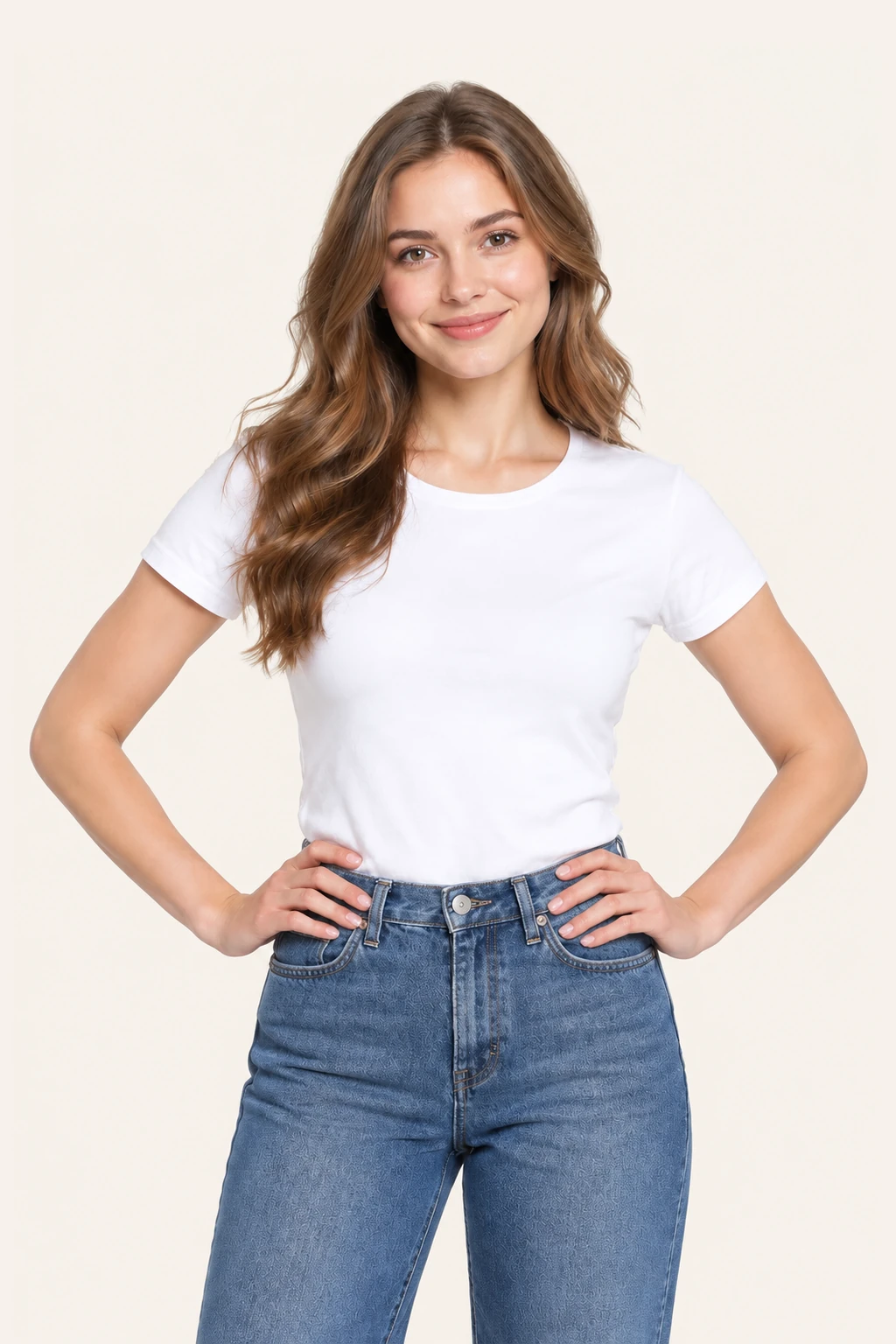
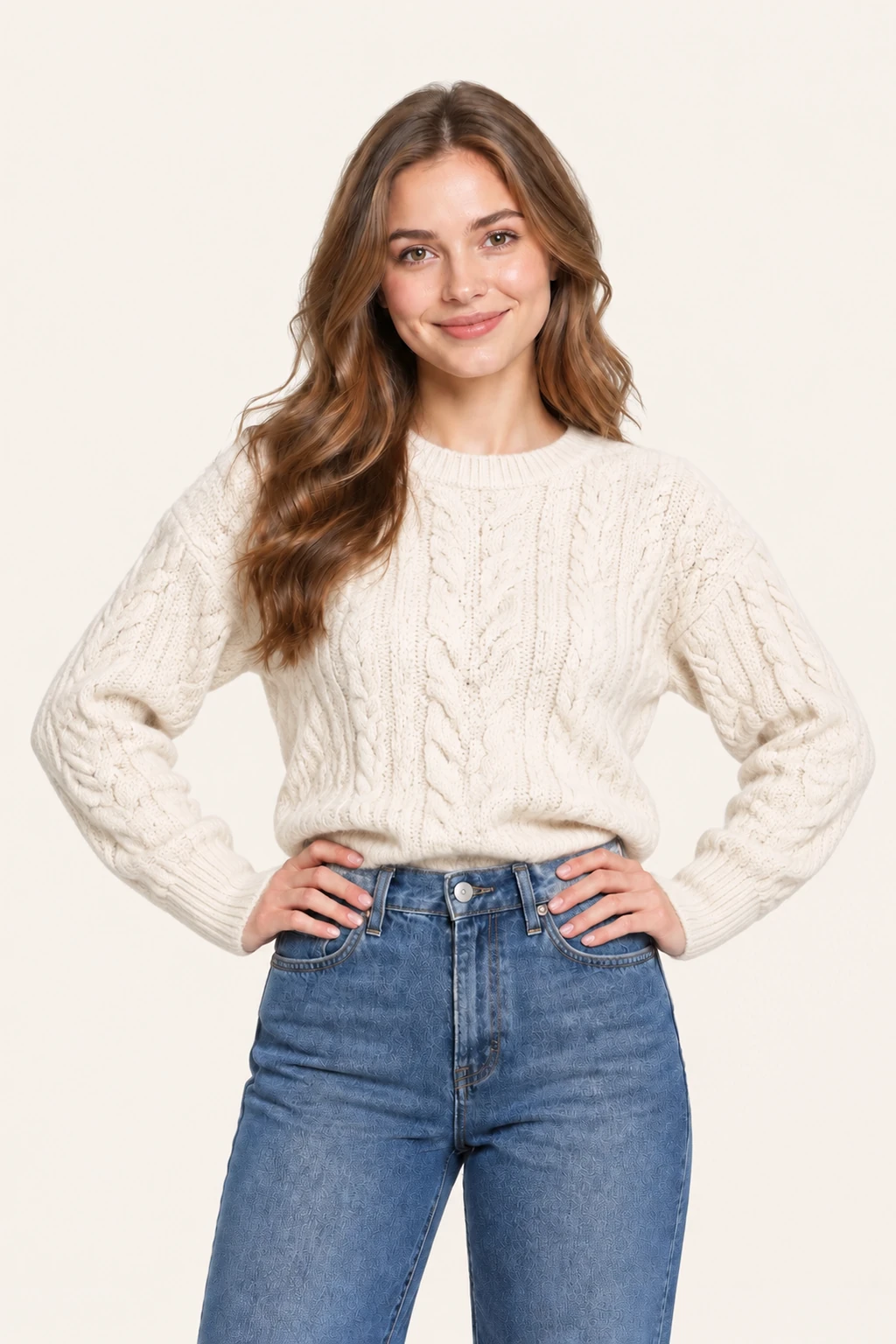
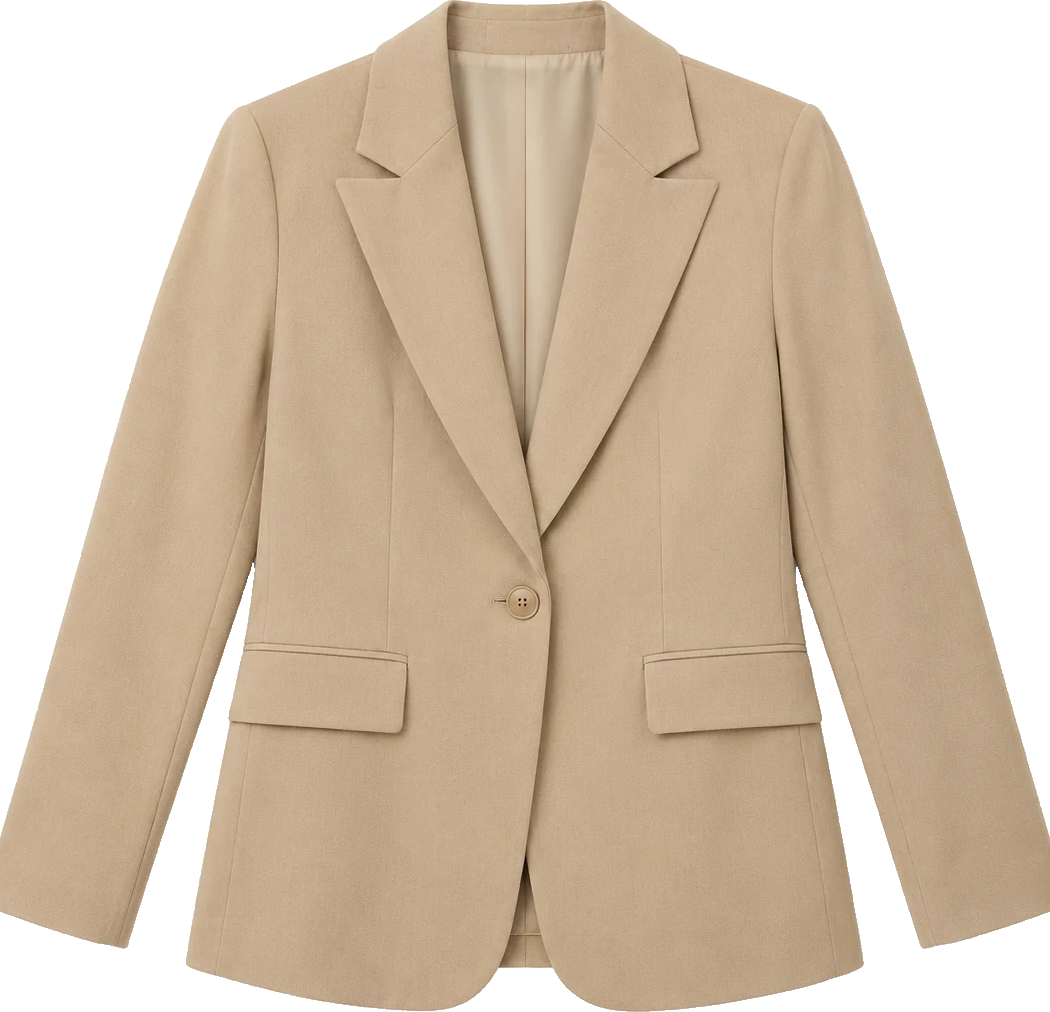
Amateur flat-lays, bed photos, and hanger shots rarely communicate how a structured garment falls over human shoulders and hips. AIClothSwap bridges that gap by interpreting fabric weight, seam construction, and gravity. On a real portrait, tailored coats fall naturally to the knees, lapels lay flat against the chest, and sleeve lengths adjust to the wearer's wrists while preserving hands and natural posture.
Editorial draping: transforming flat-lay images into on-model shots
Comparing multiple styling directions on a single portrait gives instant clarity between relaxed, structured, and contemporary office wear. When switching between a knit cardigan, a sharp tailored blazer, and an unstructured overshirt, our ai clothes changer maintains identical trouser lines, shoes, and corridor lighting. You evaluate the layer in authentic context rather than guessing from disconnected studio photos.
Head-to-toe cohesion: restyling complete layered looks in one pass
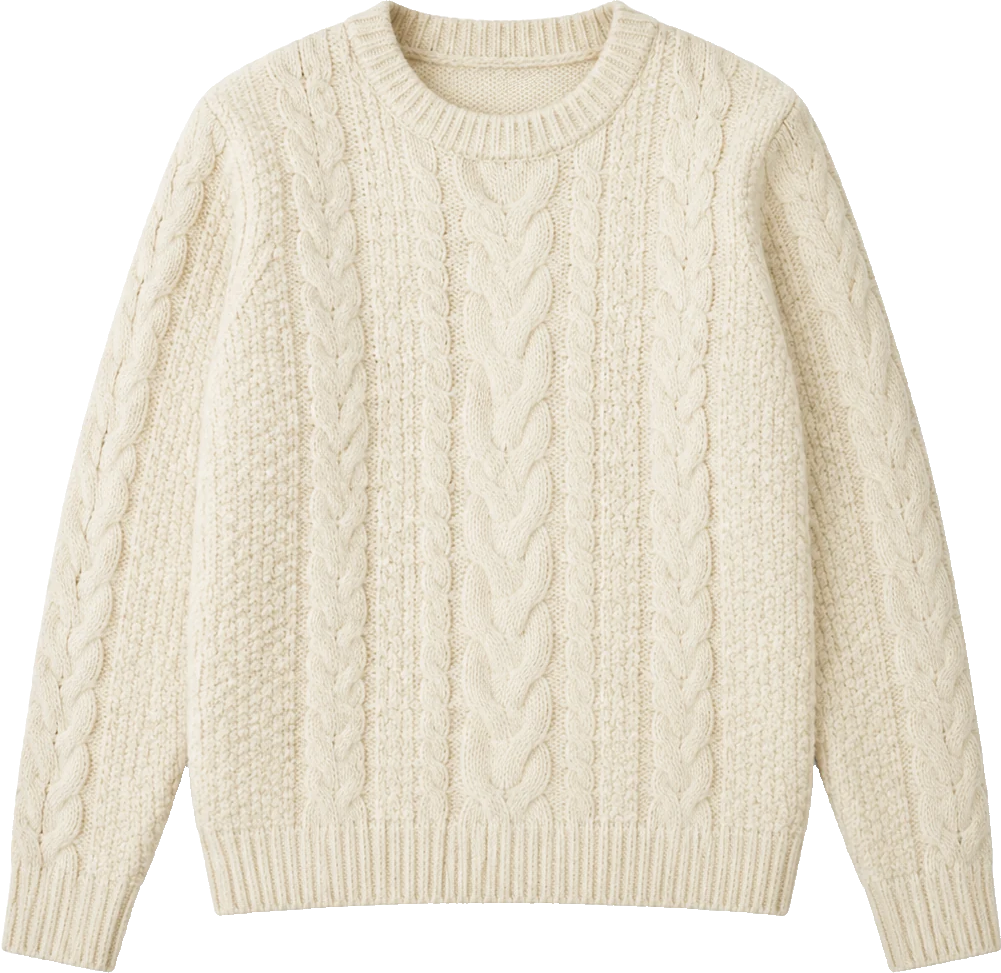
Intricate textile elements like chunky ribbed knits, denim washes, twill weaves, button plackets, and chest prints are notoriously difficult for generic image generators. AIClothSwap preserves micro-textures, seam stitches, and fabric folds rather than painting plastic-smooth surfaces. When recoloring or replacing a garment, natural folds and shadow gradients remain intact for honest side-by-side color evaluation.
Complex textures and precision graphic detailing

FAQ

What is an ai clothes changer and how does it work?

An ai clothes changer is an artificial intelligence tool that replaces or restyles the clothing on a person in a photo. AIClothSwap analyzes your source portrait to detect body contours, posture, and garment edges. It then wraps the reference clothing onto your body with realistic fabric drape, creases, and shadows while keeping your face, hair, natural proportions, and background lighting consistent.

Is the AI clothes changer free to use?

No. A preview will not run until you sign in. After login you can claim 10 silver credits a day. Fast Preview costs 3, and it stays watermarked until you buy a credit pack. Unused silver credits clear at midnight US Pacific time. HD and whole outfits use a credit pack.

Will swapping clothes change my face or natural body shape?

No. The system is engineered to protect your personal identity. Your facial features, expression, hairstyle, natural body build, and skin tones are preserved. The AI specifically modifies only the garment region you choose to replace. For the most accurate alignment, use clear, well-lit source photos with natural posture.

What kind of photos give the best outfit swap results?

For the person photo, use a clear, front-facing portrait with good lighting and minimal motion blur. Avoid photos with multiple people, extreme angles, or heavy filters. For garment photos, clean e-commerce product shots, flat-lays on neutral backgrounds, and ghost-mannequin images work best. Ensure garments are relatively flat and not crumpled or obstructed.

Can I swap multiple garments or a complete outfit at once?

Yes. AIClothSwap allows you to replace tops, bottoms, one-pieces, or complete head-to-toe looks. In Studio Quality, you can upload up to 6 garment images simultaneously, combining shirts, jackets, pants, footwear, and accessories like hats or bags into one unified, realistic outfit swap.

Can I change clothes without uploading a garment photo?

Yes. In Studio Quality, you can skip the garment photo entirely and describe what you want to wear in plain words. Enter descriptions like a relaxed linen summer set, a double-breasted charcoal wool suit, or an elegant evening slip dress, and the AI will dress your portrait in that style.

Can I change the background and the model's pose as well?

Yes. Studio Quality allows you to request background settings and model poses in the prompt box alongside your clothing changes. You can ask for a minimalist beige studio, a sunlit modern interior, or specific stances like hands in pockets or a turn to the side. You can also lock the person and pose completely and swap only the garments.

How is AIClothSwap different from using ChatGPT or generic AI generators?

Generic AI image generators typically regenerate the entire image from scratch, which drastically alters your face, skin, proportions, and background. AIClothSwap uses specialized body contouring and garment detection designed specifically for virtual try-on. It isolates the clothing layer while keeping your identity, face, and natural lighting intact.

Is my uploaded data private and secure?

Yes. Your privacy is paramount. All uploaded portraits, garment references, and generated results are stored in your secure personal account and automatically deleted after 30 days. We never sell your personal photos or use your private images for public training.

Can e-commerce sellers and marketing teams use AIClothSwap commercially?

Yes. Paid plans include commercial usage rights. E-commerce apparel merchants, fashion brands, agencies, and social creators can generate on-model product imagery, lookbooks, and marketing visuals from flat-lays or text prompts for commercial promotion.

Related pages

/virtual-try-on, /ai-outfit-generator, /ai-dress-up, /mens-outfit-generator, /clothes-color-changer, /try-on/dress

AIClothSwap is a browser tool that lets you swap outfits on photos you already took. Upload your photo along with clothing images or a short description to preview that same person in new styles. Sign in to claim 10 silver credits a day. Results vary; the product is for planning an outfit, not for proving a size.

Updated