 AIClothSwap
Sophisticated neutral ivory, oatmeal, and camel recoloring
Test soft light-toned neutrals on coats and sweaters to see how brighter shades illuminate your skin tone and soften contrast.
Front-facing works best.
One garment photo.
We accept JPEG, PNG or WEBP formats up to 24MB
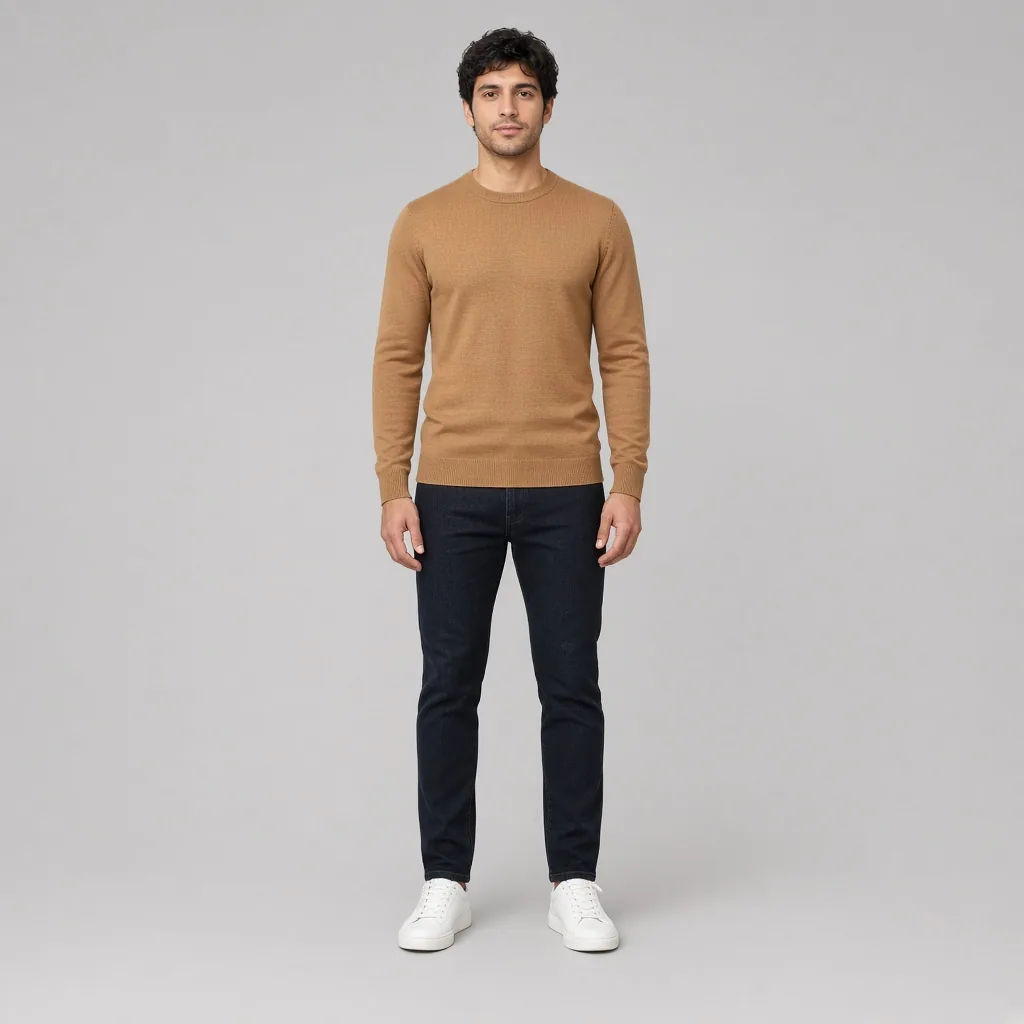
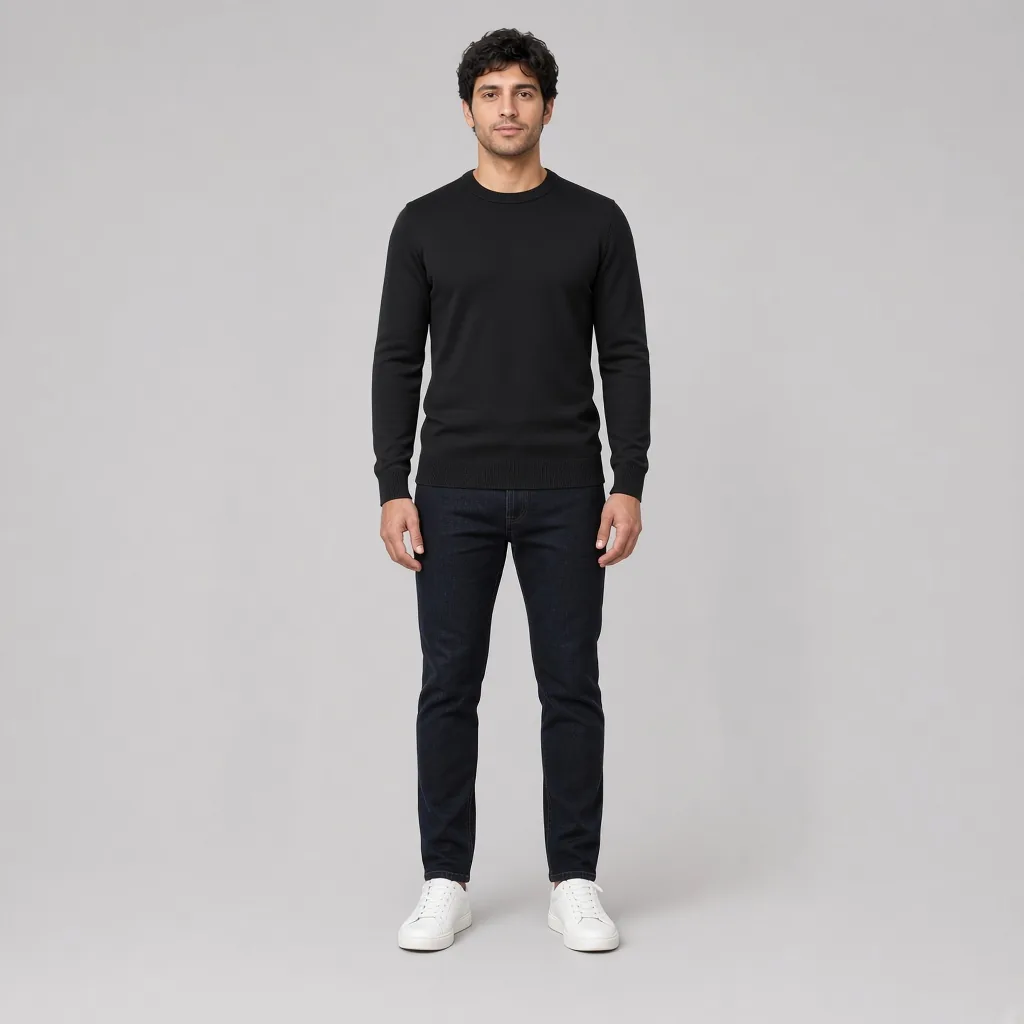
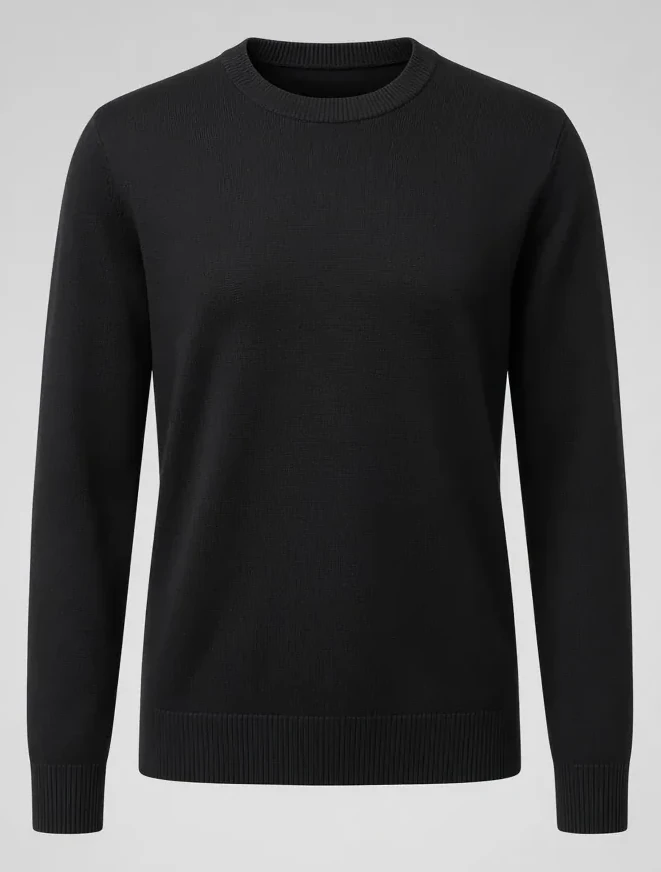
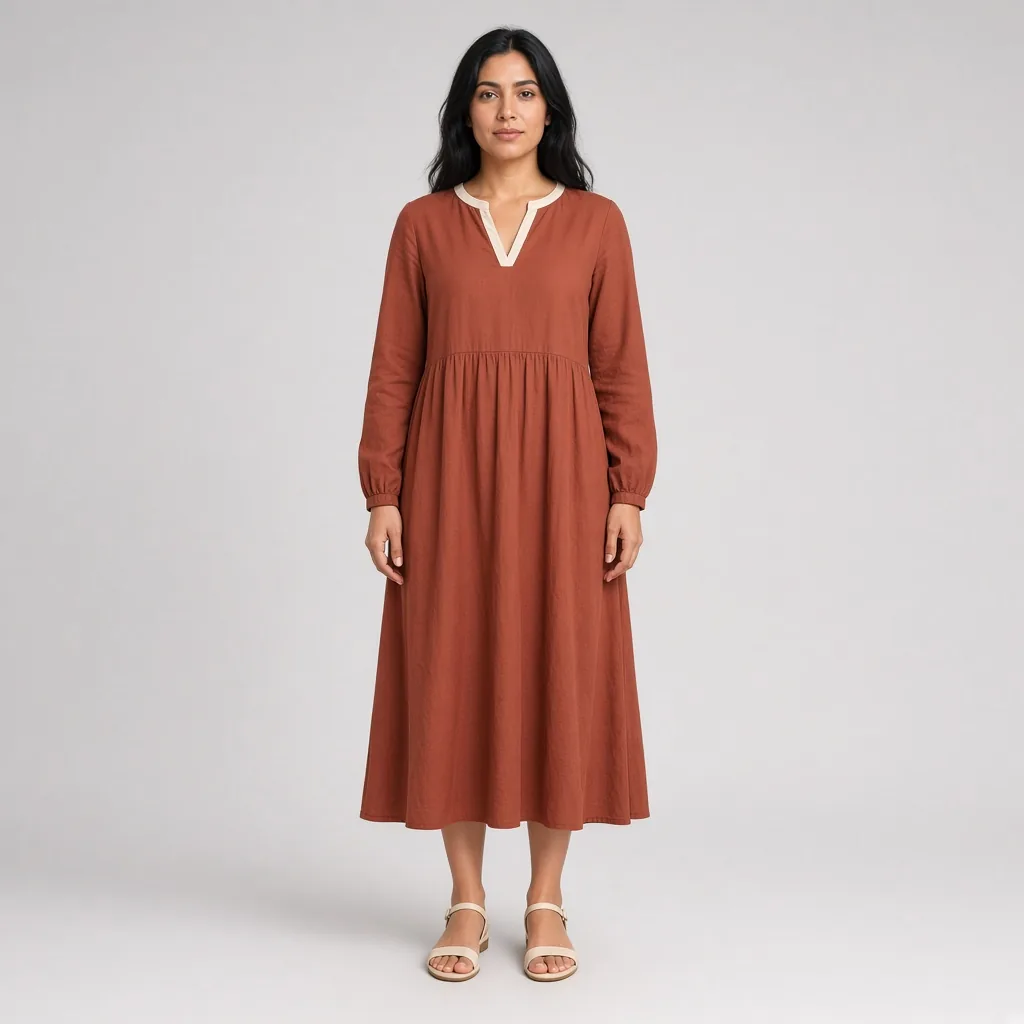
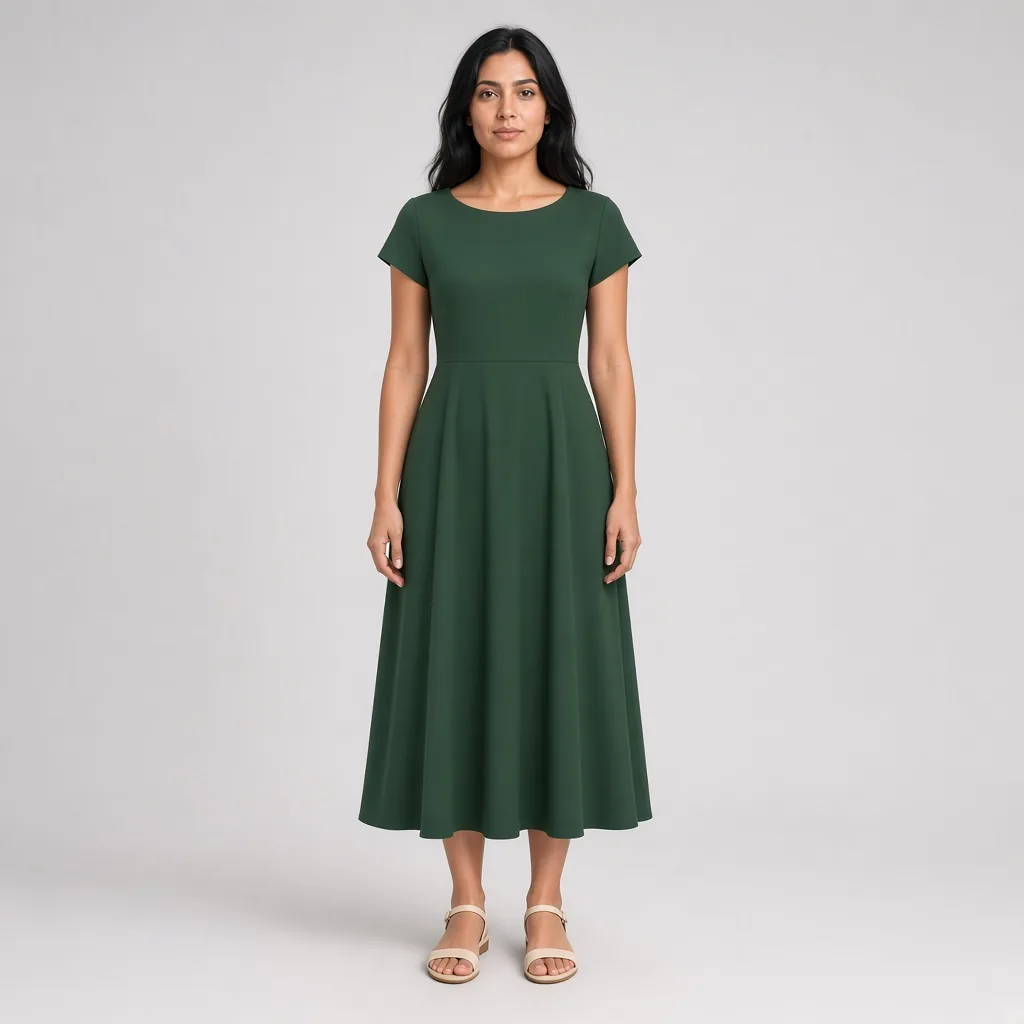
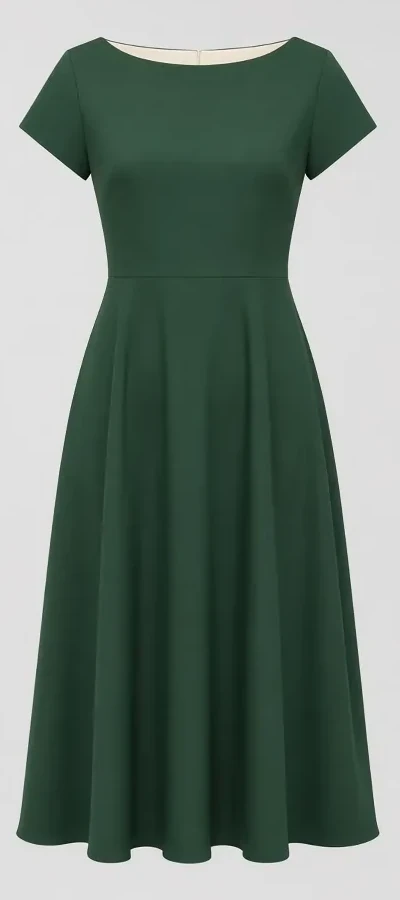
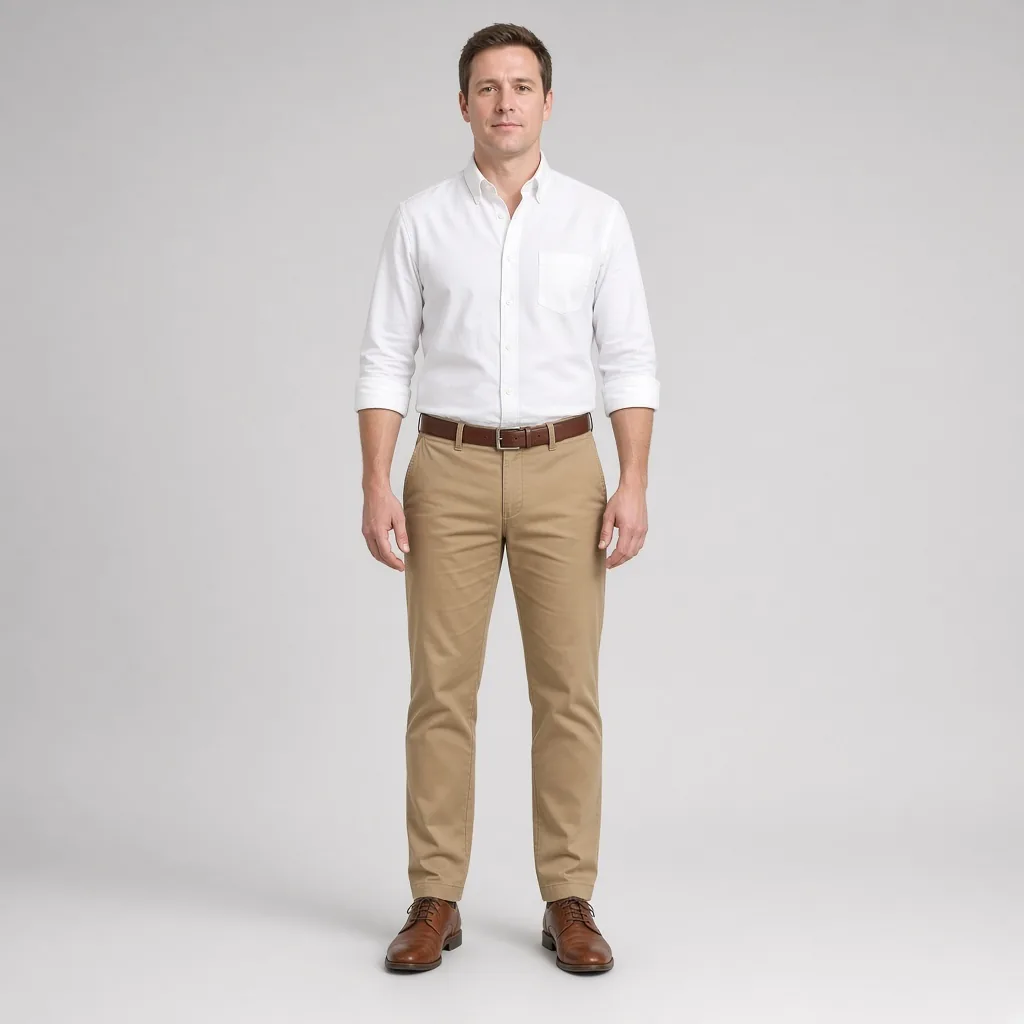
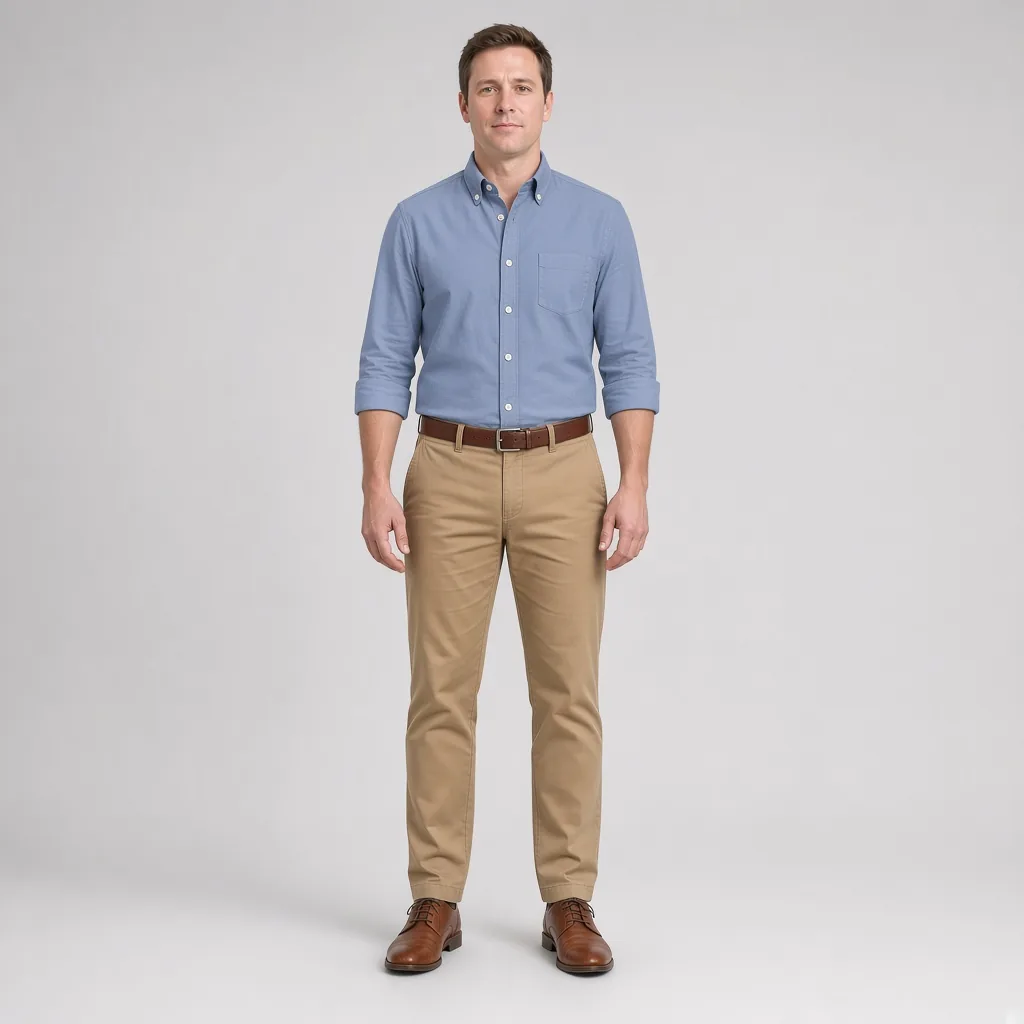
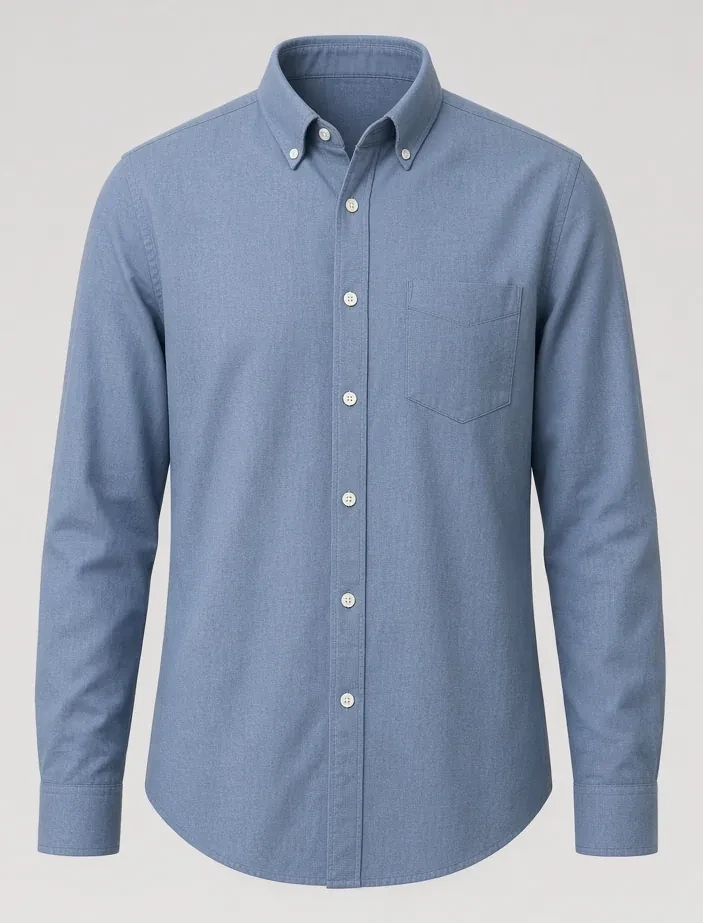
Test soft light-toned neutrals on coats and sweaters to see how brighter shades illuminate your skin tone and soften contrast.

Explore rich dark tones that add grounding depth and quiet luxury to shirts, trousers, and outerwear for autumn and winter.

Preview vibrant autumn colorways to discover whether warm undertones bring out the best in your complexion and existing wardrobe.
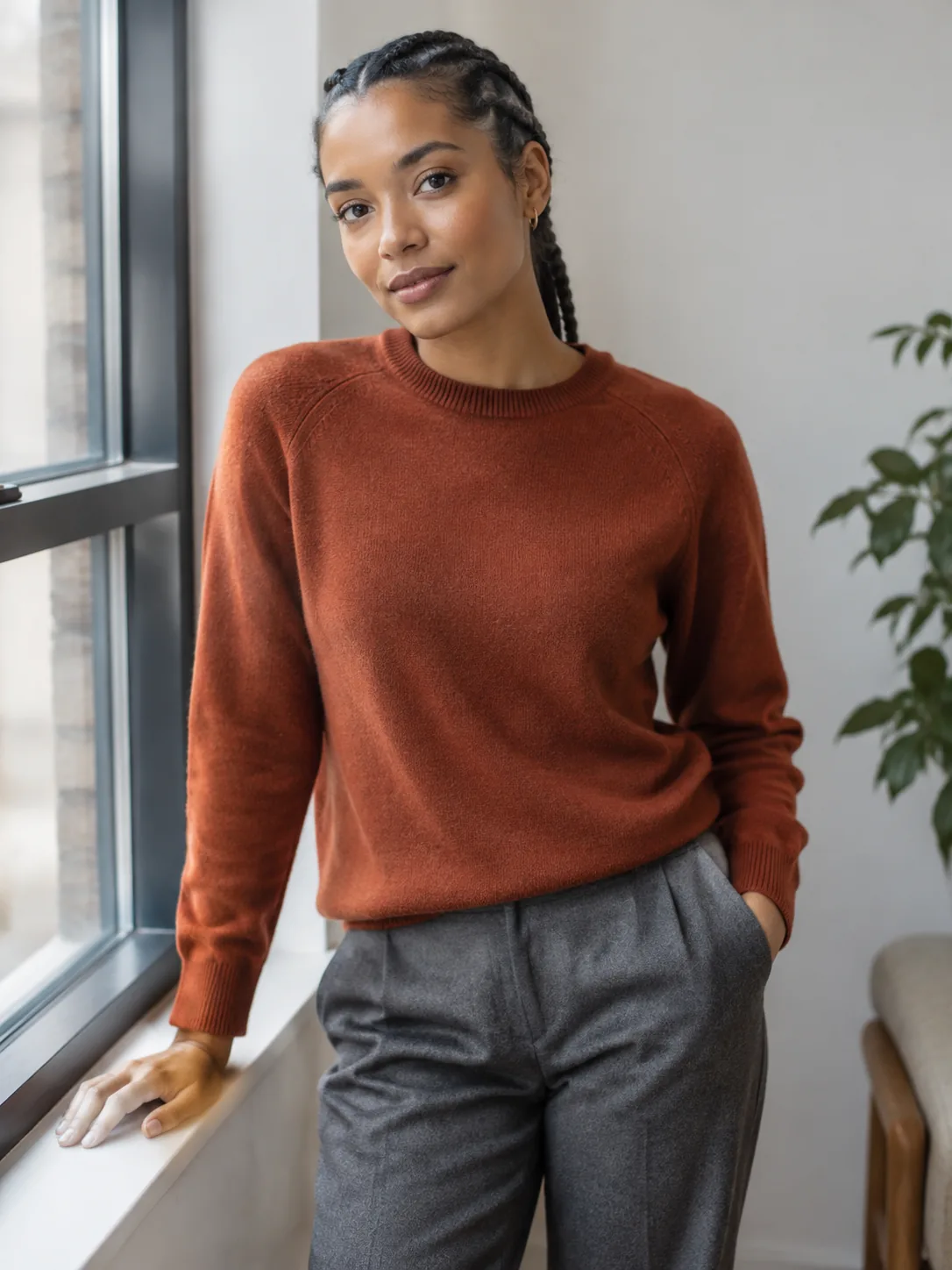
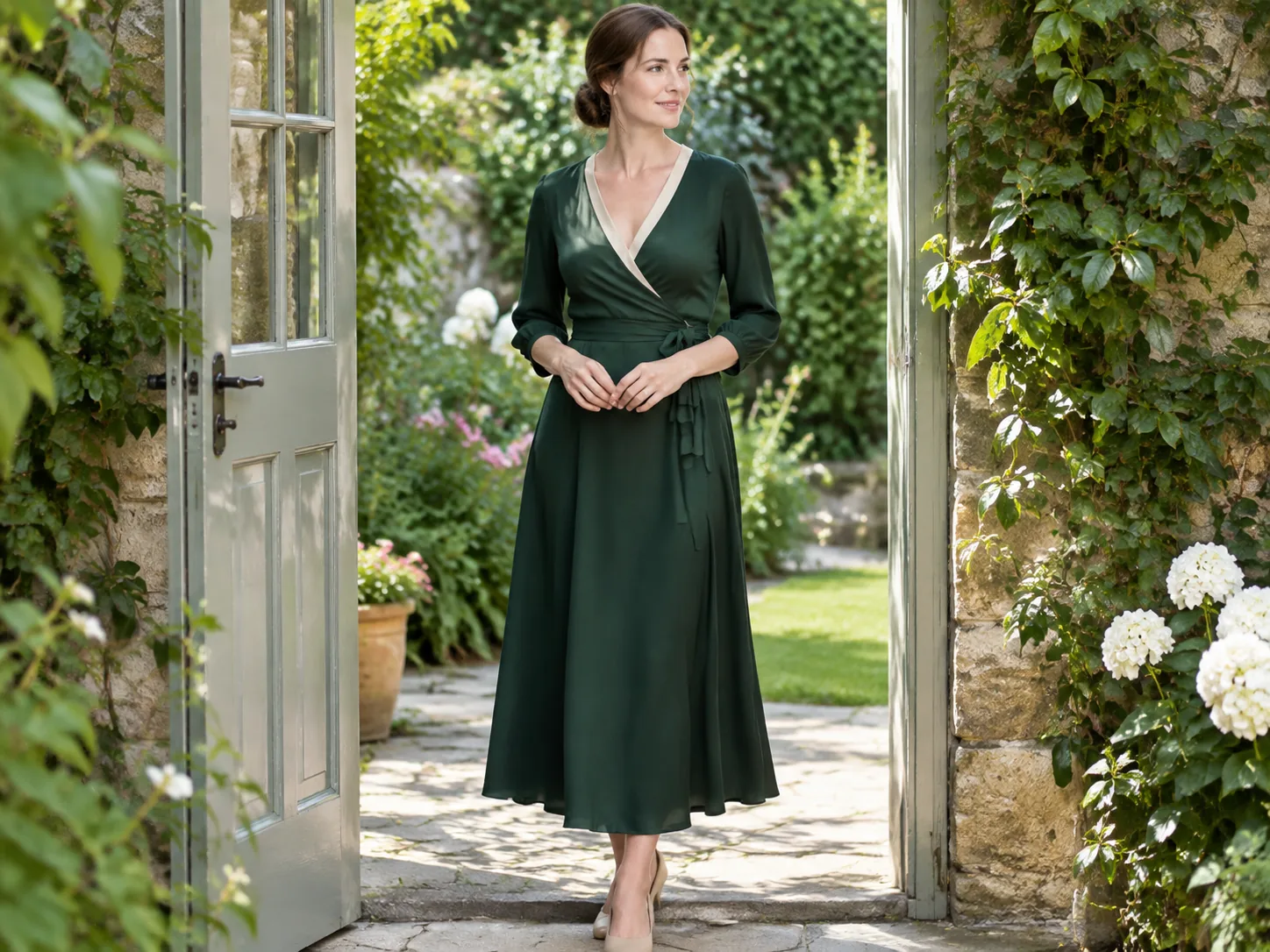
Unlike simple color-bucket overlays that flatten images into cartoonish blocks, our AI clothes color changer analyzes stitch lines, micro-shadows, and yarn texture to render authentic dyed fabric.

State-of-the-art garment segmentation protects your wrists, fingers, neck, buttons, and environment from unwanted tint contamination.

Need to compare different swatches side by side? You can test new shades here or explore our companion [Clothes Color Changer](/clothes-color-changer/) tool for additional palette variations.
Upload one person photo and one garment photo for a fast preview. Unauthenticated visitors receive 10 daily credits per IP to test Fast Preview (3 credits each, up to 3 runs a day). Fast Preview stays watermarked until you buy a credit pack. Unused silver credits clear at midnight US Pacific time.
Designed for regular wardrobe exploration and shopping checks at 10 credits per generation. Delivers refined garment edge blending, higher fabric fidelity, and basic prompt direction support for single garments or full looks. Transparent pay-as-you-go credit usage keeps testing flexible and affordable.
Our premier fidelity tier designed for demanding stylists, creators, and brands. Offers maximum prompt obedience, exquisite fabric texture retention, and best-in-class facial and skin preservation. Supports up to 6 garments simultaneously for complex layered looks, custom environment backdrops, and pose directions. Studio Quality unlocks automatically with any payment, and that same single payment permanently removes watermarks across your account.
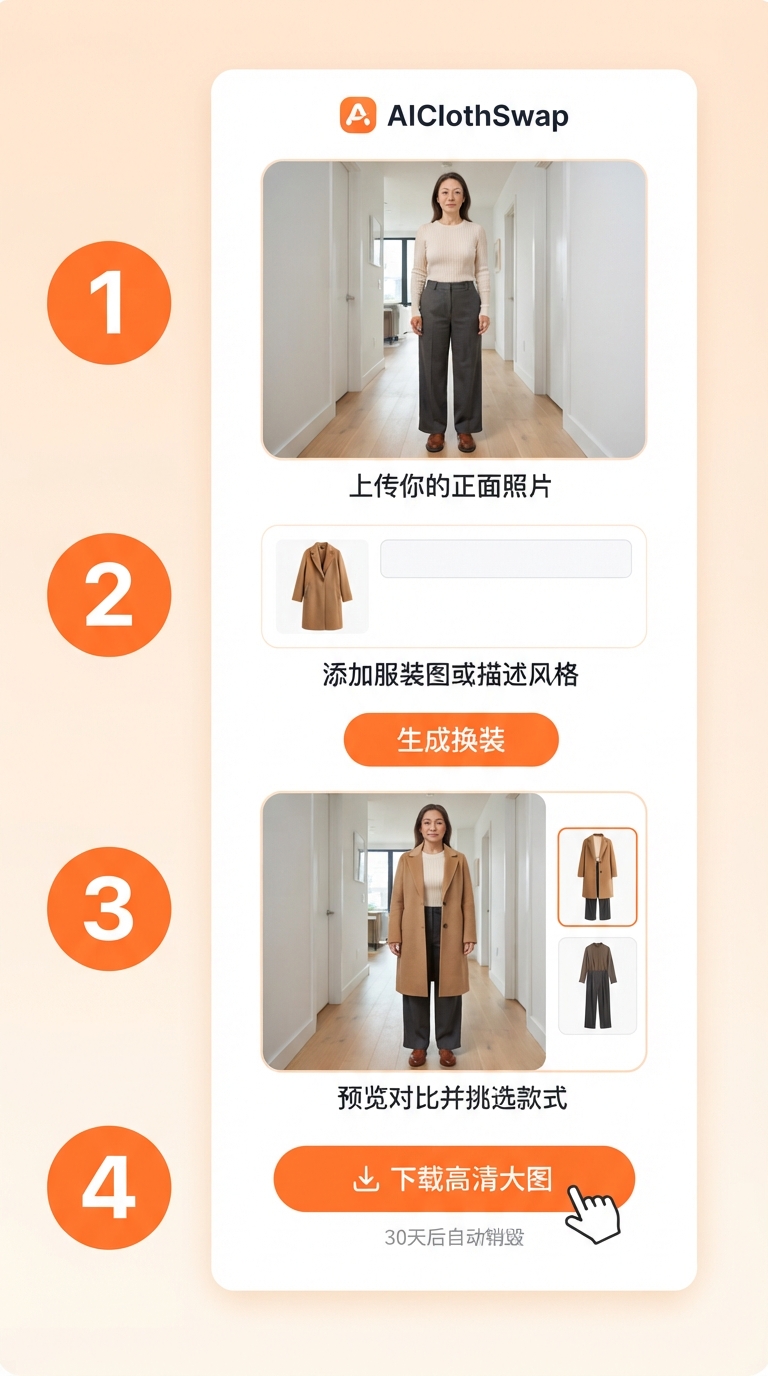
Choose a clear snapshot of yourself wearing the item or a clean catalog flat-lay. Good lighting reveals the best fabric texture.
Type any color name (e.g. "sage green", "dusty rose", "vintage washed navy") or drop in a color swatch image.
The AI transforms the fabric color in seconds, maintaining realistic highlights, natural shadows, and wrinkle contours.
Yes. AIClothSwap works seamlessly on iOS Safari, Android Chrome, and desktop browsers without installing apps.
This AI clothes color changer features enhanced edge isolation and deeper neural texture blending. Both this page and our [Clothes Color Changer](/clothes-color-changer/) share the same credits and provide complementary recoloring workflows.
Yes. The neural recoloring engine handles dark-to-light transformations (such as black to cream or navy to beige) while realistically recalculating luminosity.
Every visitor gets free daily silver credits to test recoloring. You can purchase affordable credit packs anytime for unlimited high-definition downloads.
Yes. All uploads are confidential, encrypted, never published publicly, and purged completely within 30 days.
[Clothes Color Changer](/clothes-color-changer/), [Virtual Try On](/virtual-try-on/), [AI Dress Up](/ai-dress-up/)
AboutAIClothSwap is a browser tool that lets you swap outfits on photos you already took. Upload your photo along with clothing images or a short description to preview that same person in new styles. Sign in to claim 10 silver credits a day. Results vary; the product is for planning an outfit, not for proving a size.




