
Virtual Try On: Preview Real Clothes and Styles on Your Own Photo

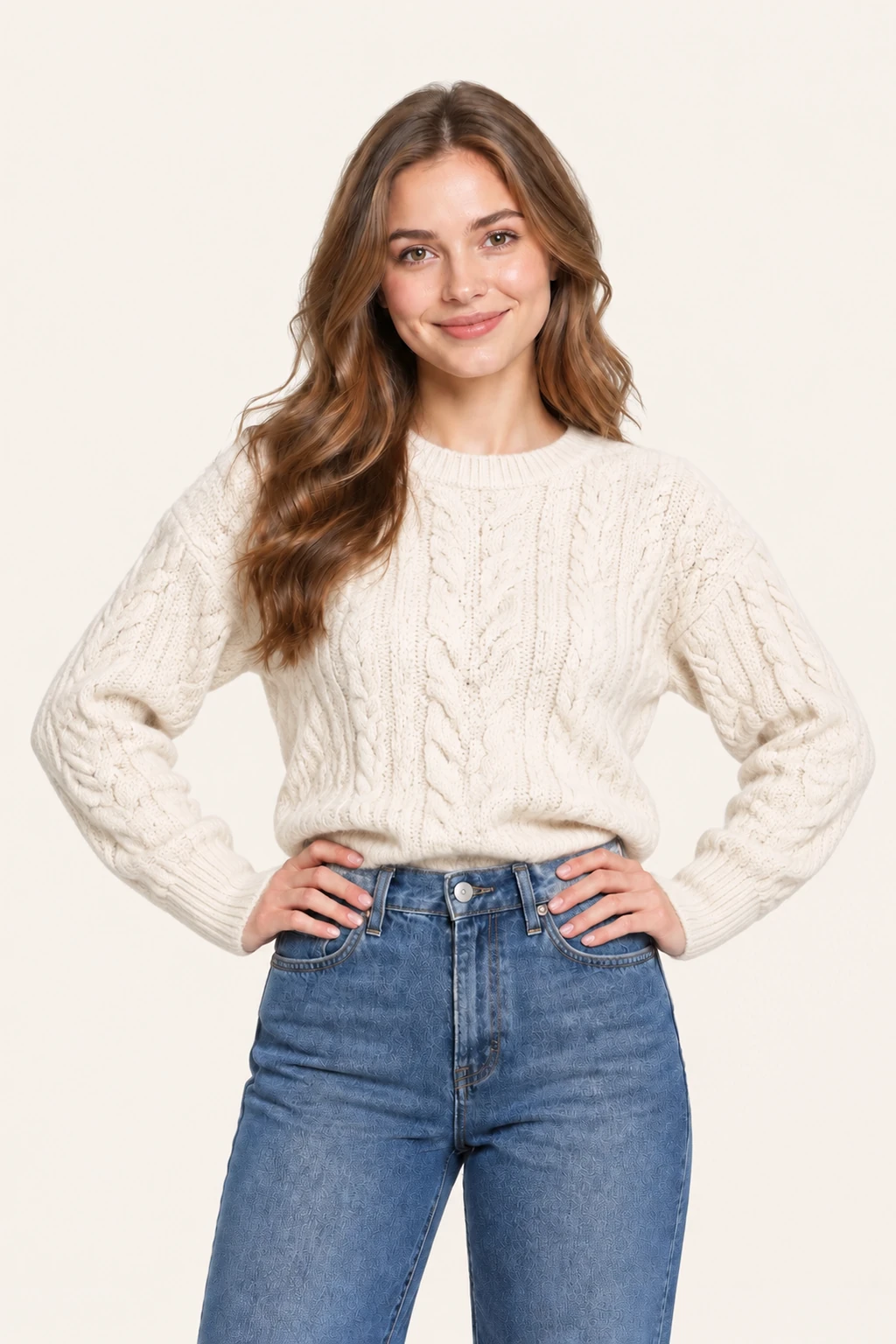
See how any outfit looks on your real photo, not on a studio model. Upload your photo and a garment image to preview the style and vibe in seconds.

Model
Image Upload
Person photo

Front-facing works best.

Garment photo

One garment photo.

We accept JPEG, PNG or WEBP formats up to 24MB

Prompt
0/1000
Try these examples
Aspect Ratio
Default
1:1
3:2
2:3
9:16
16:9
3:4
4:3
Image Resolution
1K
2K
4K
Recent Tasks ? View All ->

Relaxed linen layers for warm weather

Linen pieces can easily look slouchy or unkempt if the shoulder seam drops too low. Previewing an open linen overshirt on a photo taken in natural daylight lets you assess the slouch and sleeve length before buying for a summer trip.
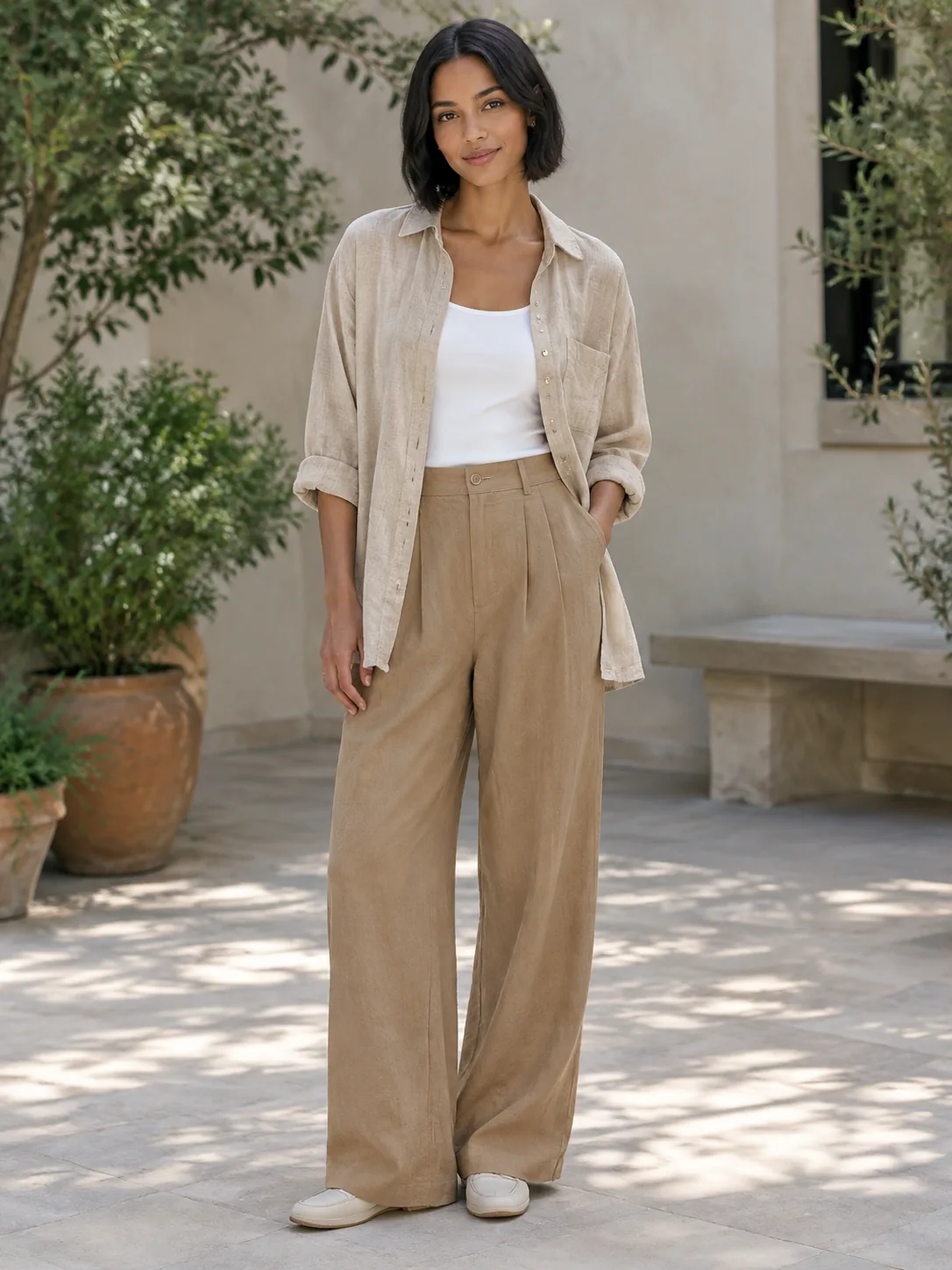
Adult woman in a sand linen overshirt

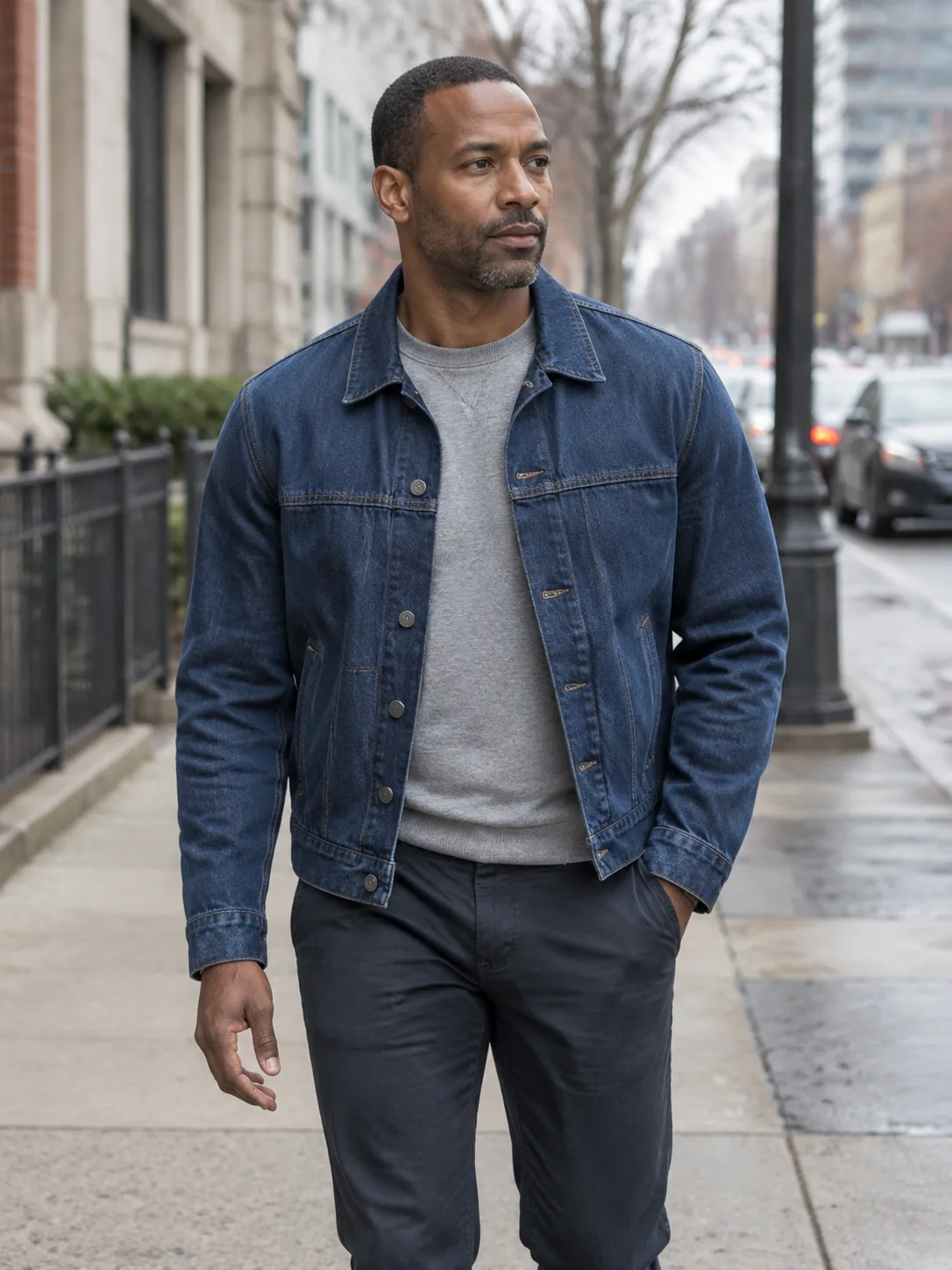
Straight-leg denim and everyday casual jackets

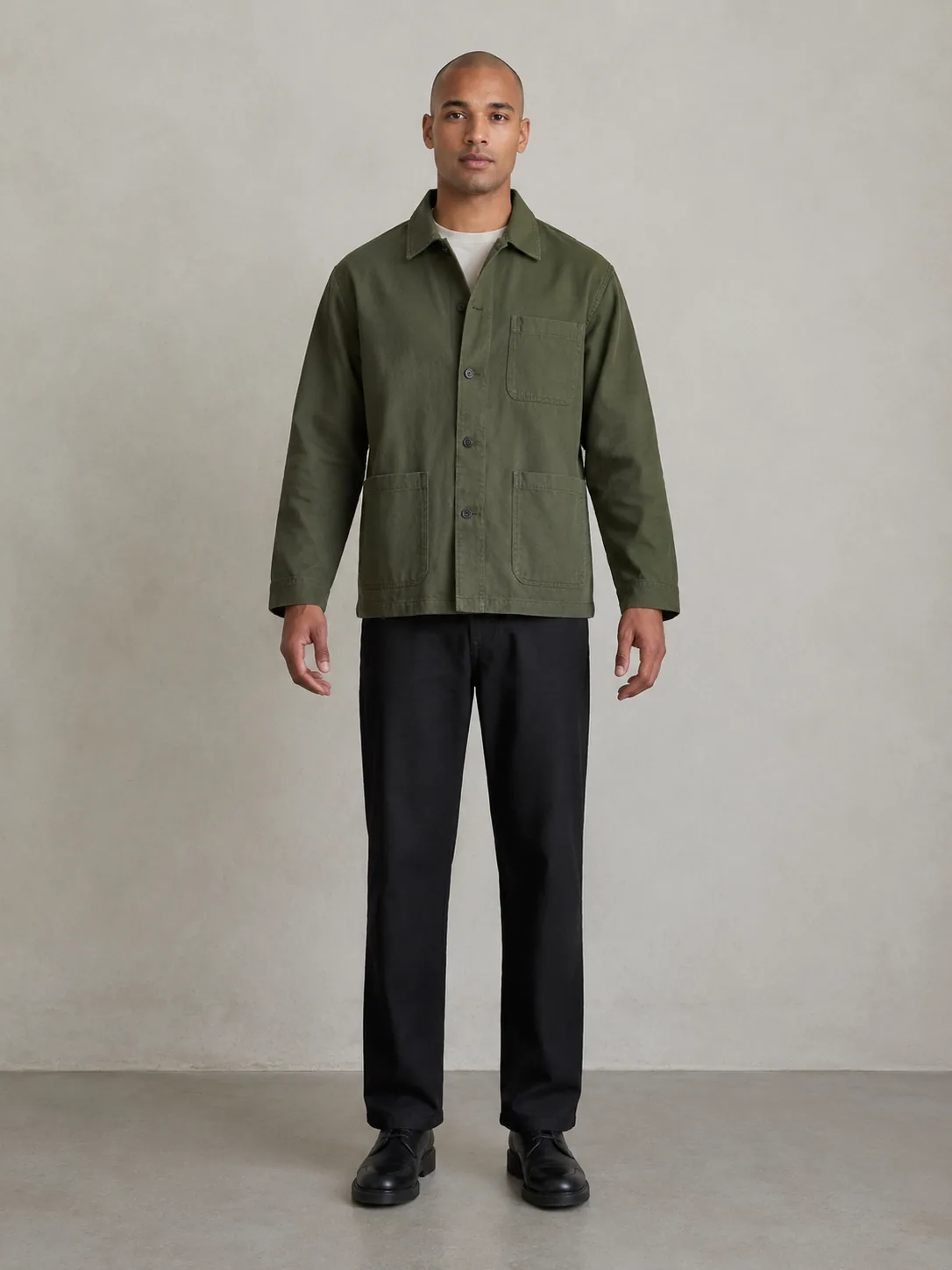
Denim and canvas jackets depend entirely on shoulder width and sleeve break. Previewing a trucker jacket on your standing posture shows whether the cuff stops cleanly at your wrist bone or swallows your hand completely.

Adult man in a straight indigo jacket

Fine-gauge knits and tailored workwear

Lightweight sweaters hug body contours closely. Use a source photo with fitted base clothing so the sweater preview reads your true shoulder slope and ribcage line without inheriting bulk from an oversized tee.

Adult person in a moss fine-gauge knit

Details

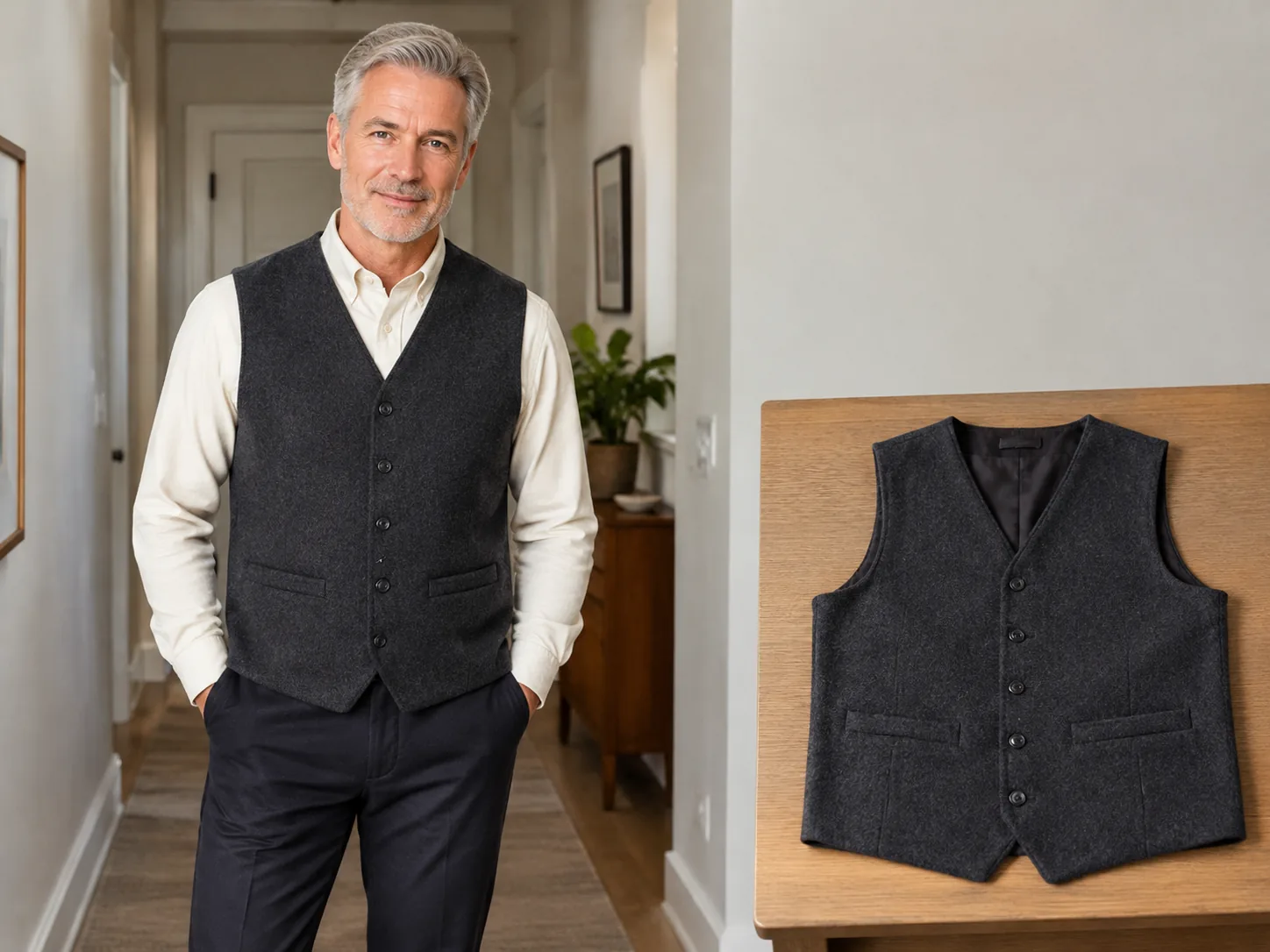
Flat lay of a wool vest next to a try-on preview

Getting the most accurate virtual try on result

Source photo quality determines the realism of the clothing drape. Stand 6 to 8 feet back from the camera at chest height. Avoid harsh backlighting or dark shadows across your chest. If you frequently shop online, keep one reliable full-body portrait on your phone to test items across different stores under consistent conditions.

Adult person comparing two jacket lengths

What clothing images work best

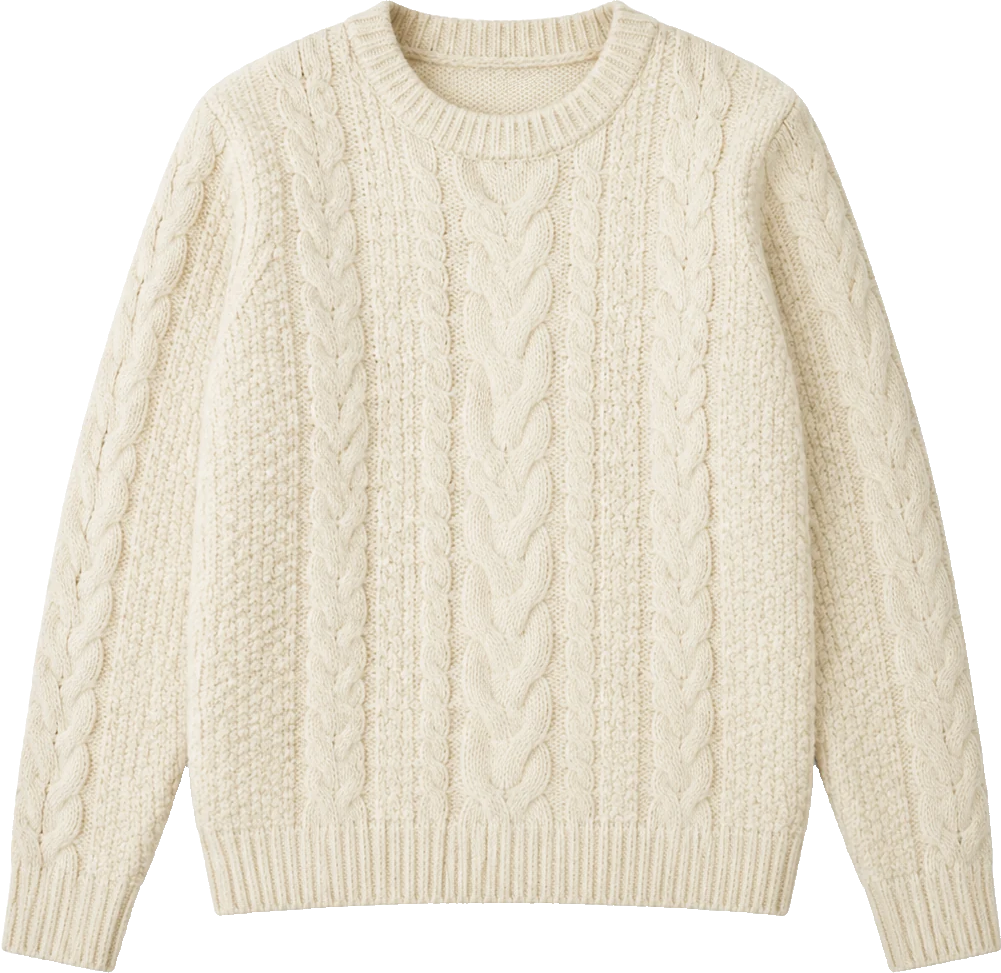
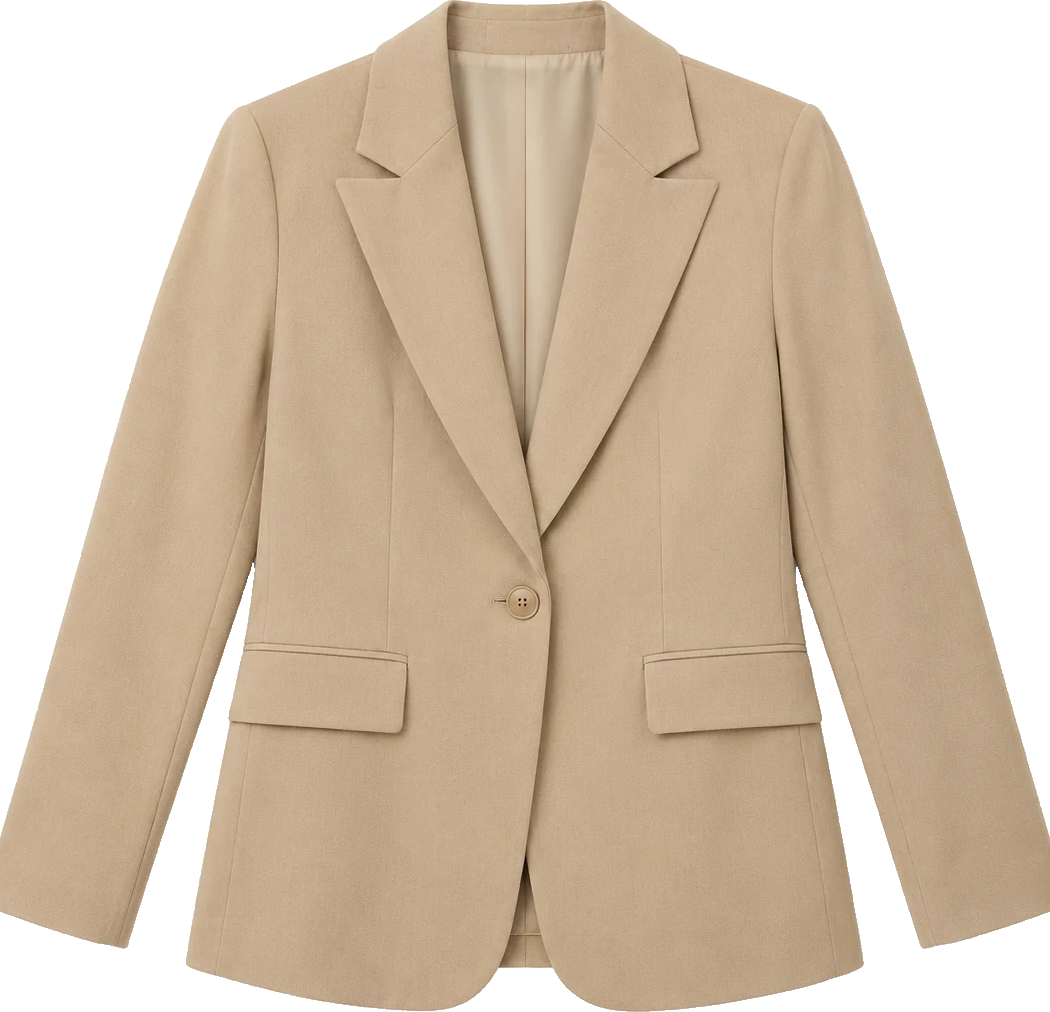
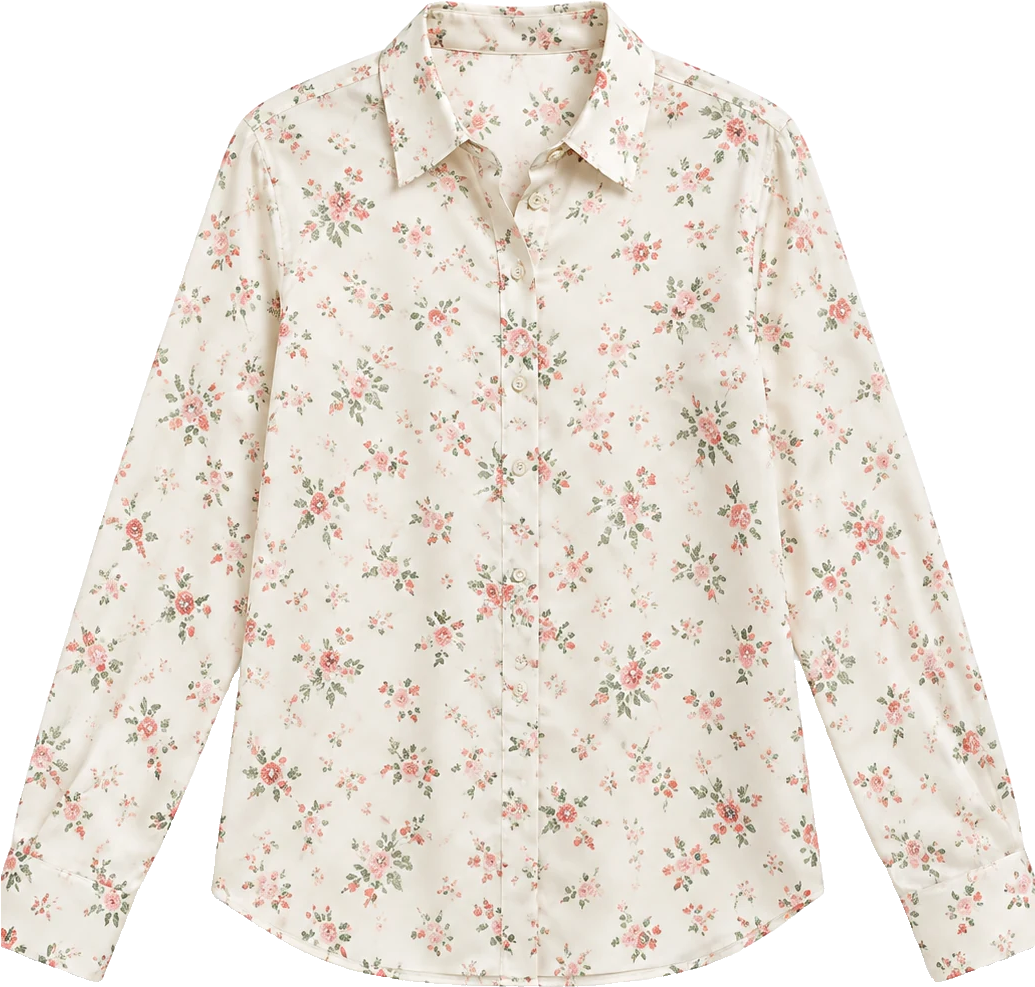
High-resolution catalog images with white or neutral backgrounds provide the cleanest edge detection. If shopping secondhand, ask the seller for a flat lay shot laid out on a bed. Avoid tiny thumbnails, screenshots with watermarks covering the collar, or heavily folded pieces where the neckline is obscured.

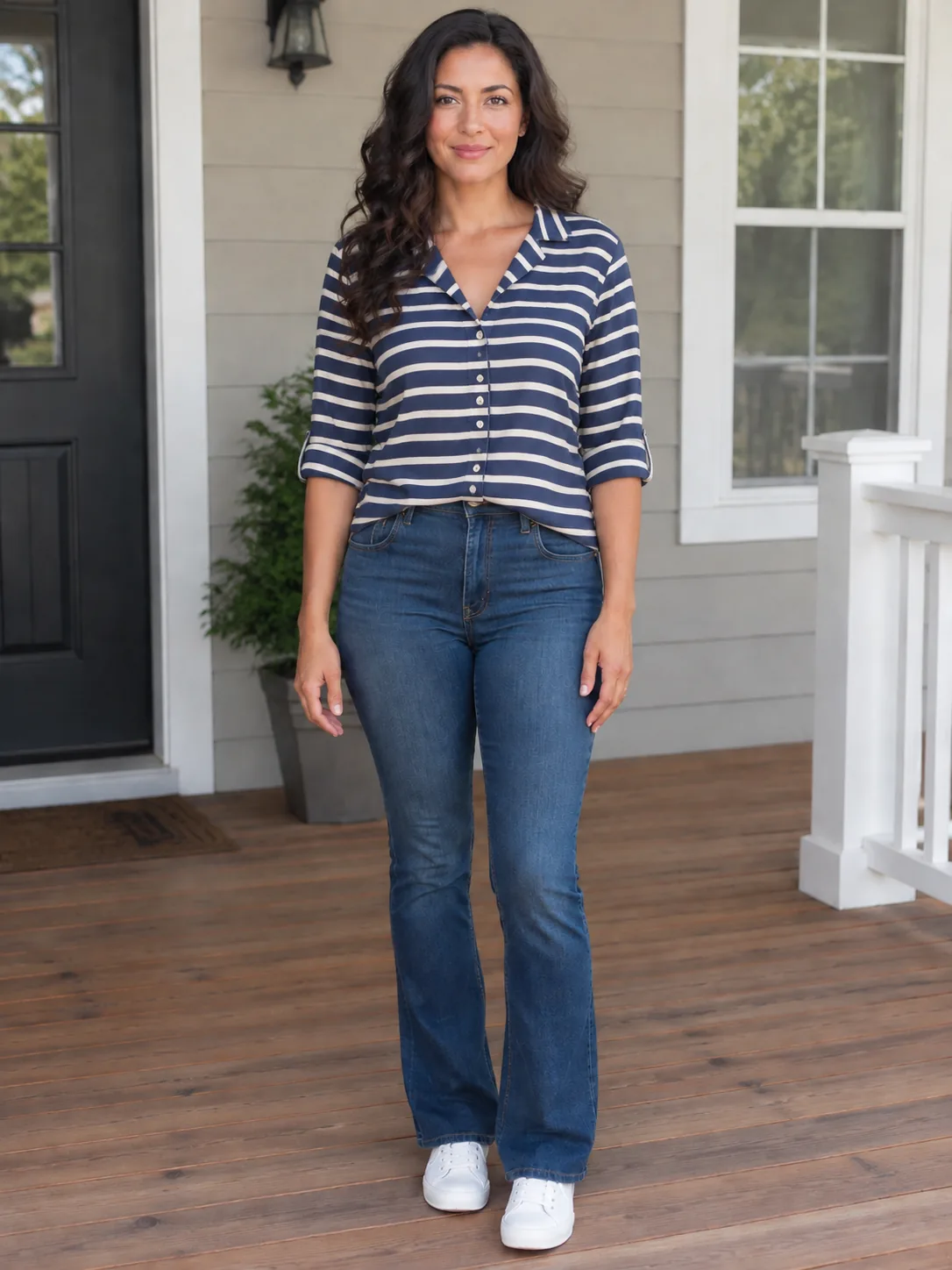
The same woman in a striped camp shirt

An honest guide to digital try on limits

AI virtual try on provides a visual guide for silhouette, proportion, color harmony, and length. It cannot feel the softness of fabric against your skin, check for tight waistbands, or guarantee factory sizing consistency. Always verify the brand size chart measurements after confirming the visual style looks great on you.

Plans

Free Preview

Upload one person photo and one garment photo for a fast preview. You need to sign in first. After login you can claim 10 silver credits a day. Fast Preview costs 3 and stays watermarked until you buy a credit pack. Unused silver credits clear at midnight US Pacific time.

Essential Try-On

Designed for regular wardrobe exploration and shopping checks at 10 credits per generation. Delivers refined garment edge blending, higher fabric fidelity, and basic prompt direction support for single garments or full looks. Transparent pay-as-you-go credit usage keeps testing flexible and affordable.

Studio Quality

Our premier fidelity tier designed for demanding stylists, creators, and brands. Offers maximum prompt obedience, exquisite fabric texture retention, and best-in-class facial and skin preservation. Supports up to 6 garments simultaneously for complex layered looks, custom environment backdrops, and pose directions. Studio Quality unlocks automatically with any payment, and that same single payment permanently removes watermarks across your account.

How it works

1

1. Upload your photo

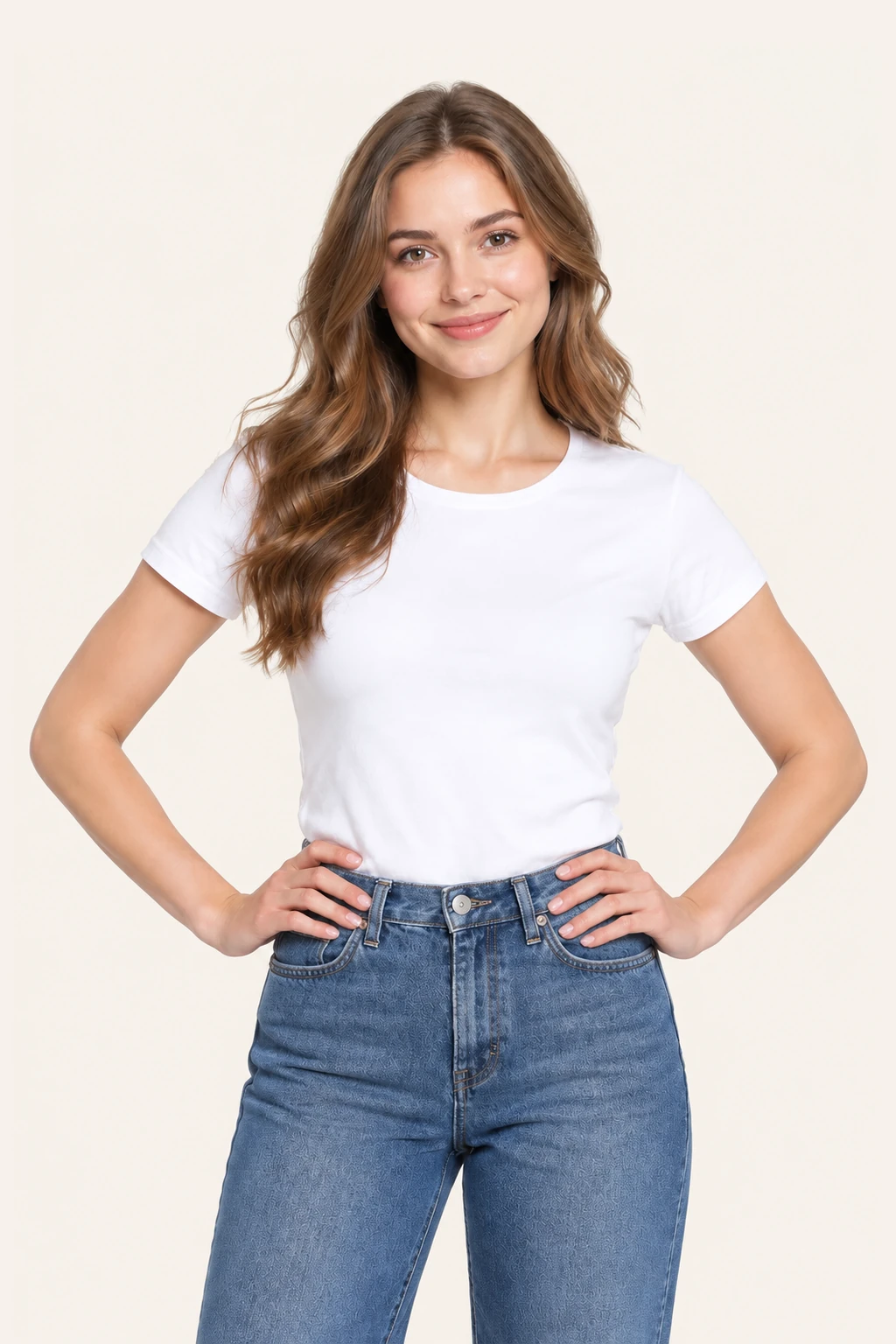
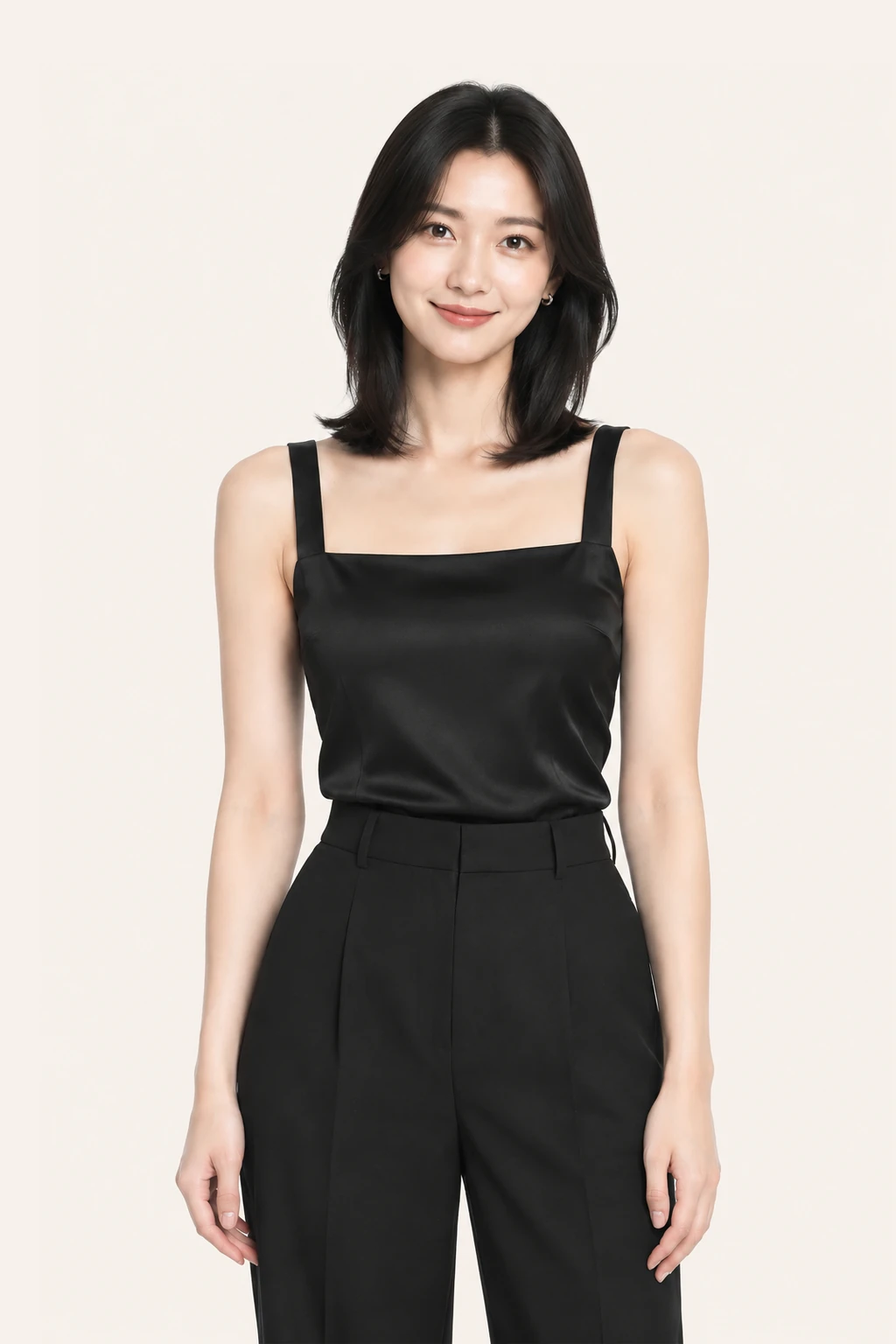
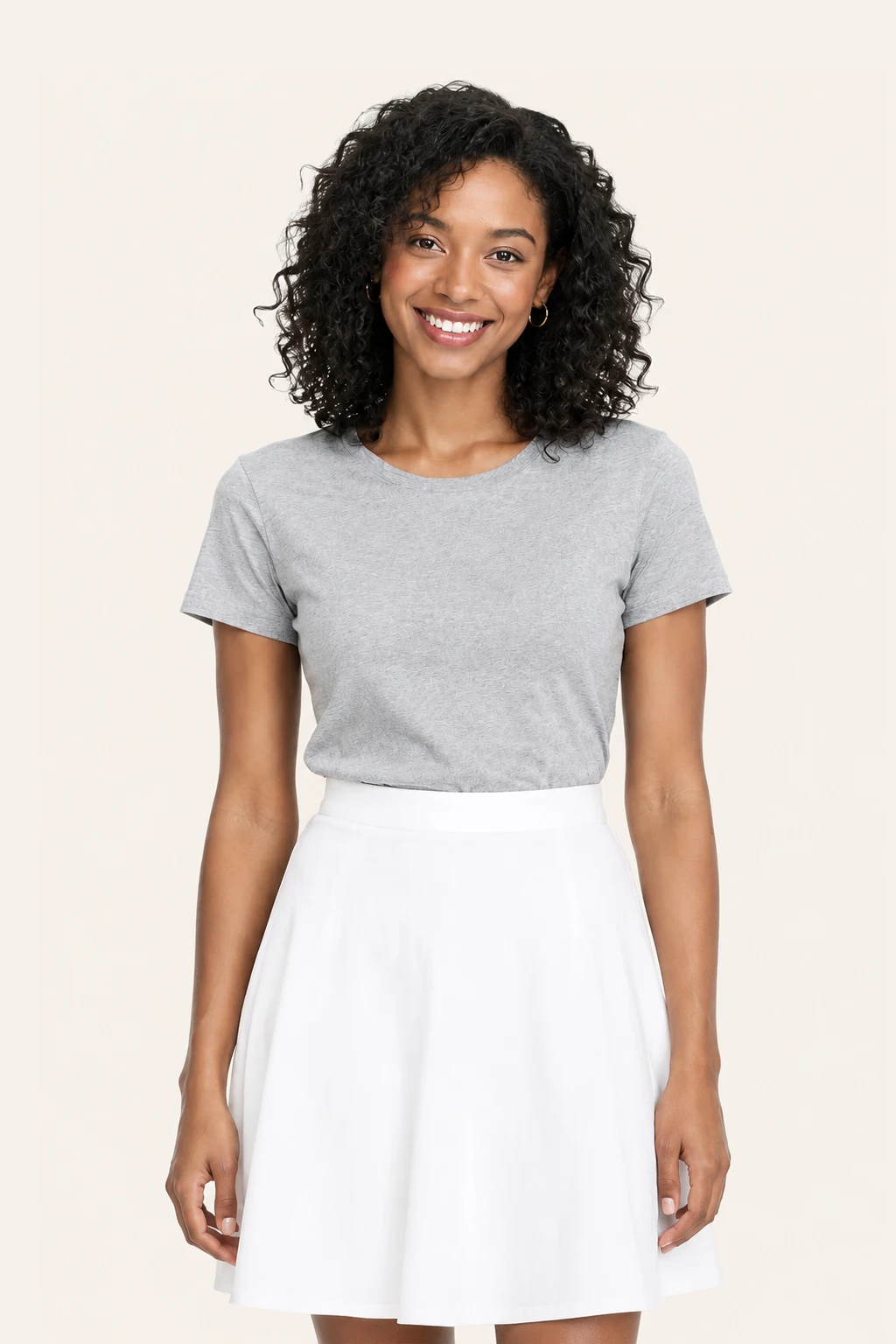
Take or upload a clear, front-facing photo where your body is in full view. Stand naturally with arms slightly away from your sides in even indoor or daylight. A fitted t-shirt and pants give the try-on tool the clearest map of your build.

2

2. Drop in the clothing image

Save any product shot, ghost mannequin, or flat-lay image from your favorite shopping site and upload it. Choose whether you want to try on tops, bottoms, one-pieces, or an entire matching outfit.

3

3. See the fit and decide

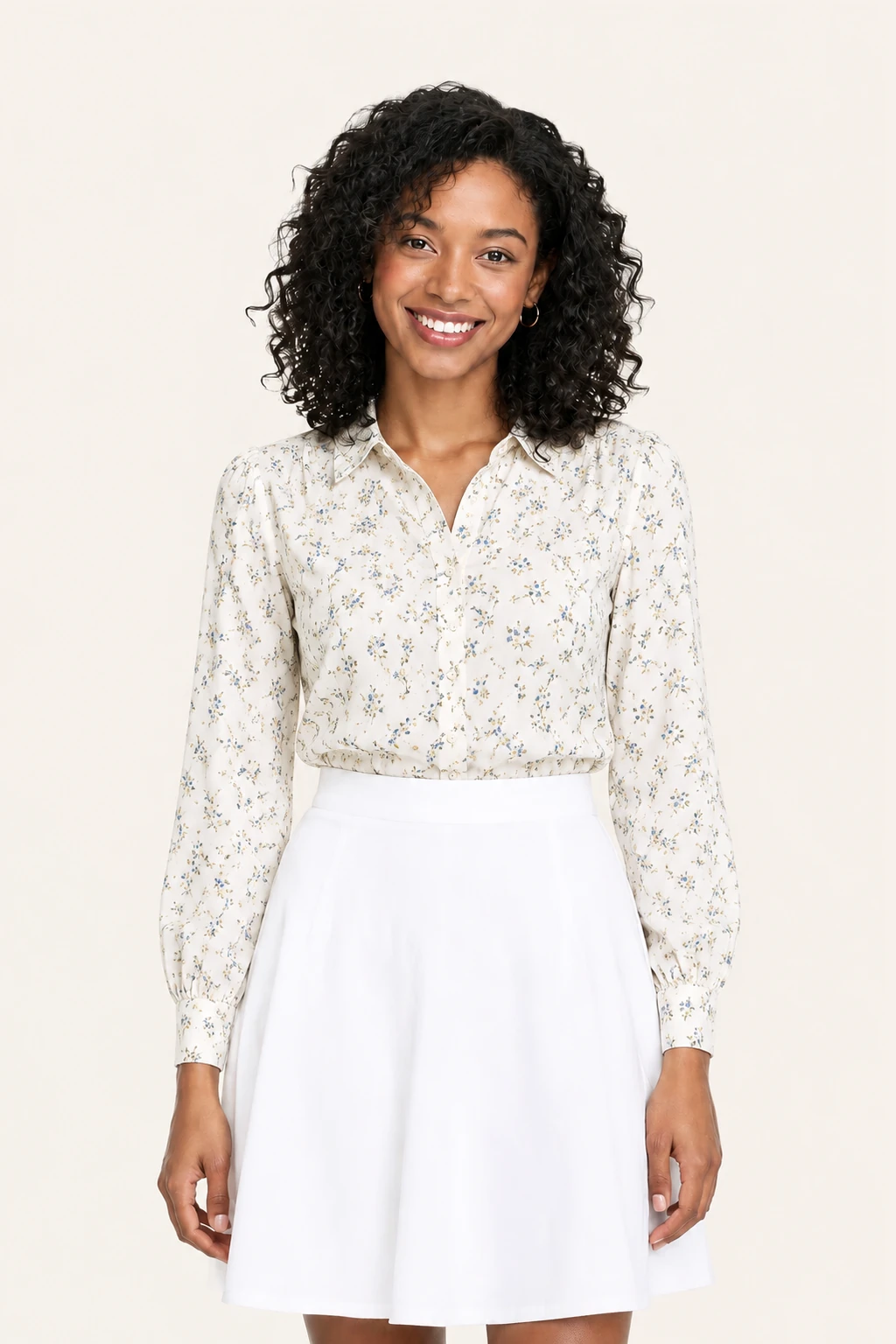
Review the generated preview in about a minute. Check how the neckline, shoulder seams, and bottom hem sit on your body. Download your favorite results, share with friends for a second opinion, and buy with confidence.

Use cases

A trustworthy virtual try on clothes preview keeps pattern scale, collar stance, and hem position faithful to the garment. When you upload a clean product shot of a camp-collar shirt, the AI maps the vertical stripes and chest pocket smoothly over your torso without distorting your posture. Seeing the shirt drape against your real waistline lets you know right away whether the relaxed silhouette looks breezy or just sloppy on your frame.
The patterned button-down that actually fits your shoulders
Lookbook model shots often crop collars or tuck hems behind crossed arms, hiding the true garment outline. When you try on clothes online using a clean flat lay or ghost-mannequin photo, the AI detects the precise armholes, seams, and fabric weight. It wraps the piece around your natural torso line so you can clearly see whether a structured vest buttons comfortably over your chest or pulls tightly across the midsection.
Why flat lays from store pages give the clearest preview
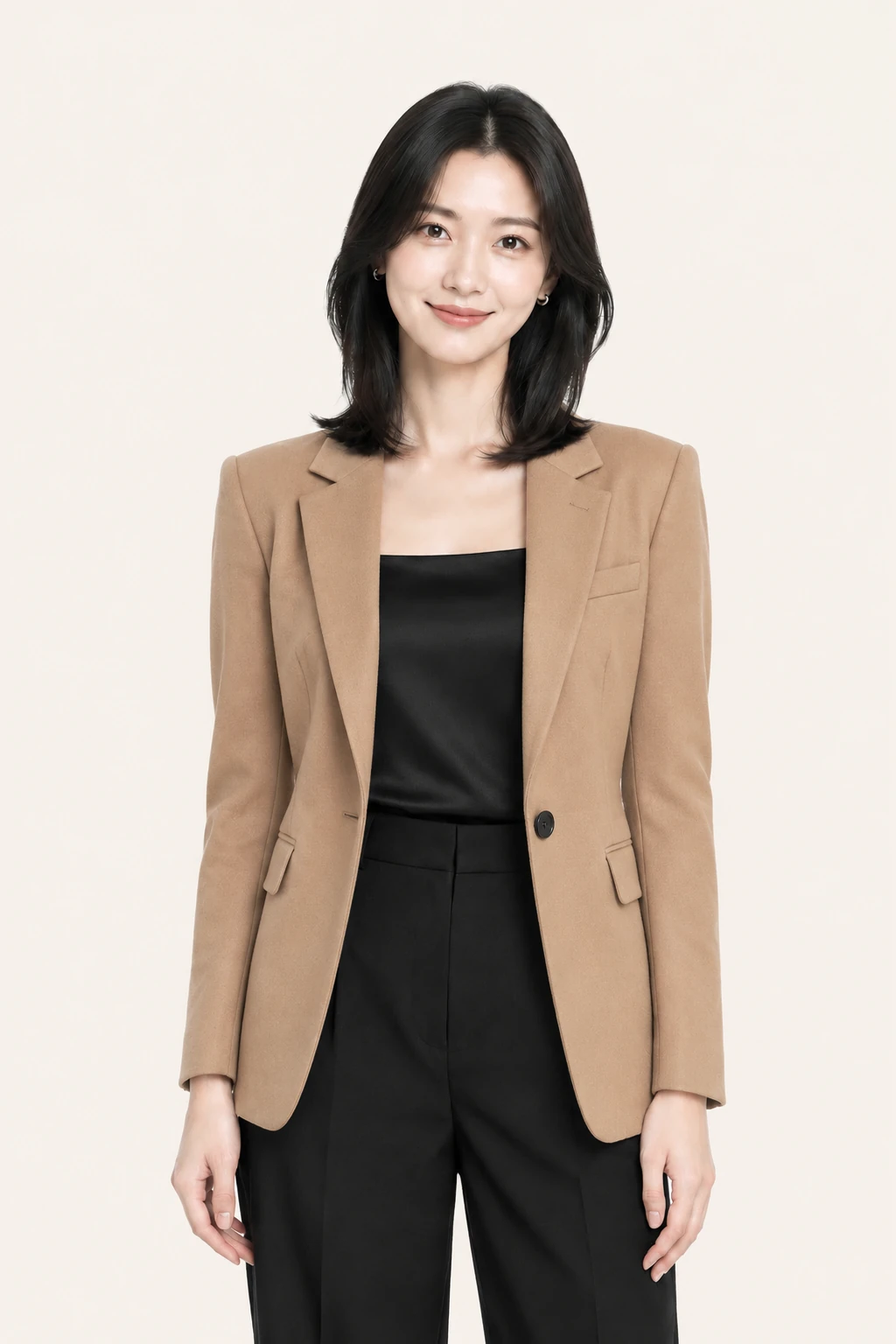
The smartest way to do an outfit try on is changing only the piece you are considering buying. Keep the dark trousers and everyday shoes you already own, and swap only the outerwear layer. Target the tops category so your lower body remains untouched. When you test two different jacket lengths against the exact same portrait, you get an apples-to-apples comparison of how each cut frames your stride.
Testing one change at a time with your existing wardrobe

FAQ

How do I try on clothes online using my phone?

You can use AIClothSwap directly in any mobile browser. Snap a quick standing selfie or upload a photo from your camera roll, save a clothing picture from any shopping app, and preview the outfit immediately without downloading any app.

Can I virtual try on clothes from any store website?

Yes. You can take a screenshot or save the product picture from any retailer or fashion brand. As long as you have the image of the garment, upload it to preview how it looks on your body.

What parts of my photo will the ai try on change?

The tool replaces only the clothing in the designated area—such as tops, bottoms, or full outfit. Your facial features, hair, skin tone, natural proportions, background, and lighting are preserved to give you an accurate look at yourself in the new clothes.

Does virtual try on replace checking my actual size?

No. The preview shows how the cut and style look on your build, but it is not a digital tailor tape. Always consult the retailer sizing chart and garment measurements before submitting your order.

Can I mix a new jacket with pants I already own?

Yes. Select the tops garment area. The AI will swap only the jacket or shirt onto your frame while keeping the pants, shoes, and accessories from your original portrait intact.

How many free previews can I try each day?

Sign in to claim 10 silver credits a day. Fast Preview costs 3 and stays watermarked until you buy a credit pack. Any payment permanently removes the watermark across all your results.

Is my uploaded photo private and safe?

Yes. All uploaded portraits and generated try-on previews are stored in your secure account and automatically permanently deleted after 30 days. We never sell your photos or use them publicly.

Related pages

/home, /ai-outfit-generator, /ai-dress-up, /mens-outfit-generator, /clothes-color-changer, /try-on/dress

AIClothSwap is a browser tool that lets you swap outfits on photos you already took. Upload your photo along with clothing images or a short description to preview that same person in new styles. Sign in to claim 10 silver credits a day. Results vary; the product is for planning an outfit, not for proving a size.

Updated