Virtual Dress Try On: Preview Hemlines, Waistlines, and Drapes on Your Photo

Stop guessing dress lengths from 5'10" runway models. Preview any dress on your real height and body shape to see whether the hem lands above the knee, across the calf, or swallows your ankles.

Model
Image Upload
Person photo

Front-facing works best.

Garment photo

One garment photo.

We accept JPEG, PNG or WEBP formats up to 24MB

Prompt
0/1000
Try these examples
Aspect Ratio
Default
1:1
3:2
2:3
9:16
16:9
3:4
4:3
Image Resolution
1K
2K
4K
Recent Tasks ? View All ->

Everyday printed wrap dresses that adjust to your curves

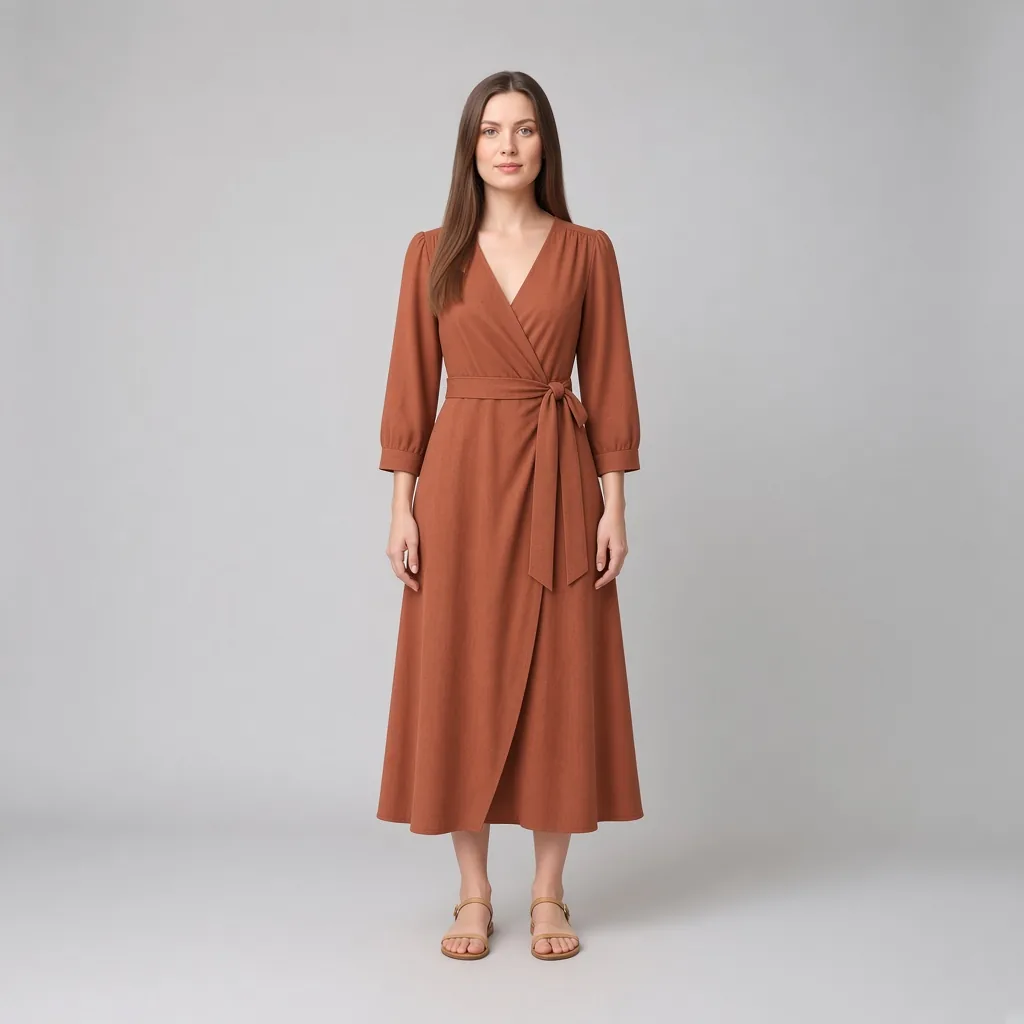
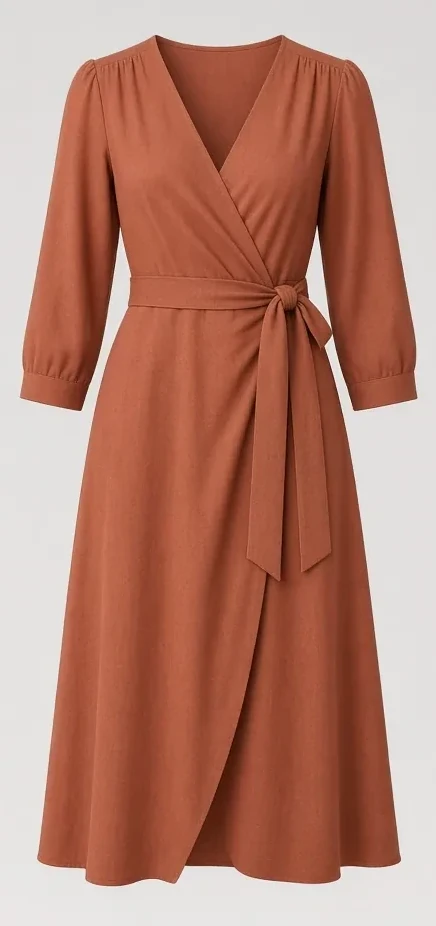
The crossover V-neck and self-tie waist offer customizable ease. Preview the wrap dress on your photo to check that the skirt overlap stays secure while walking and that the tie hits right below your ribs.
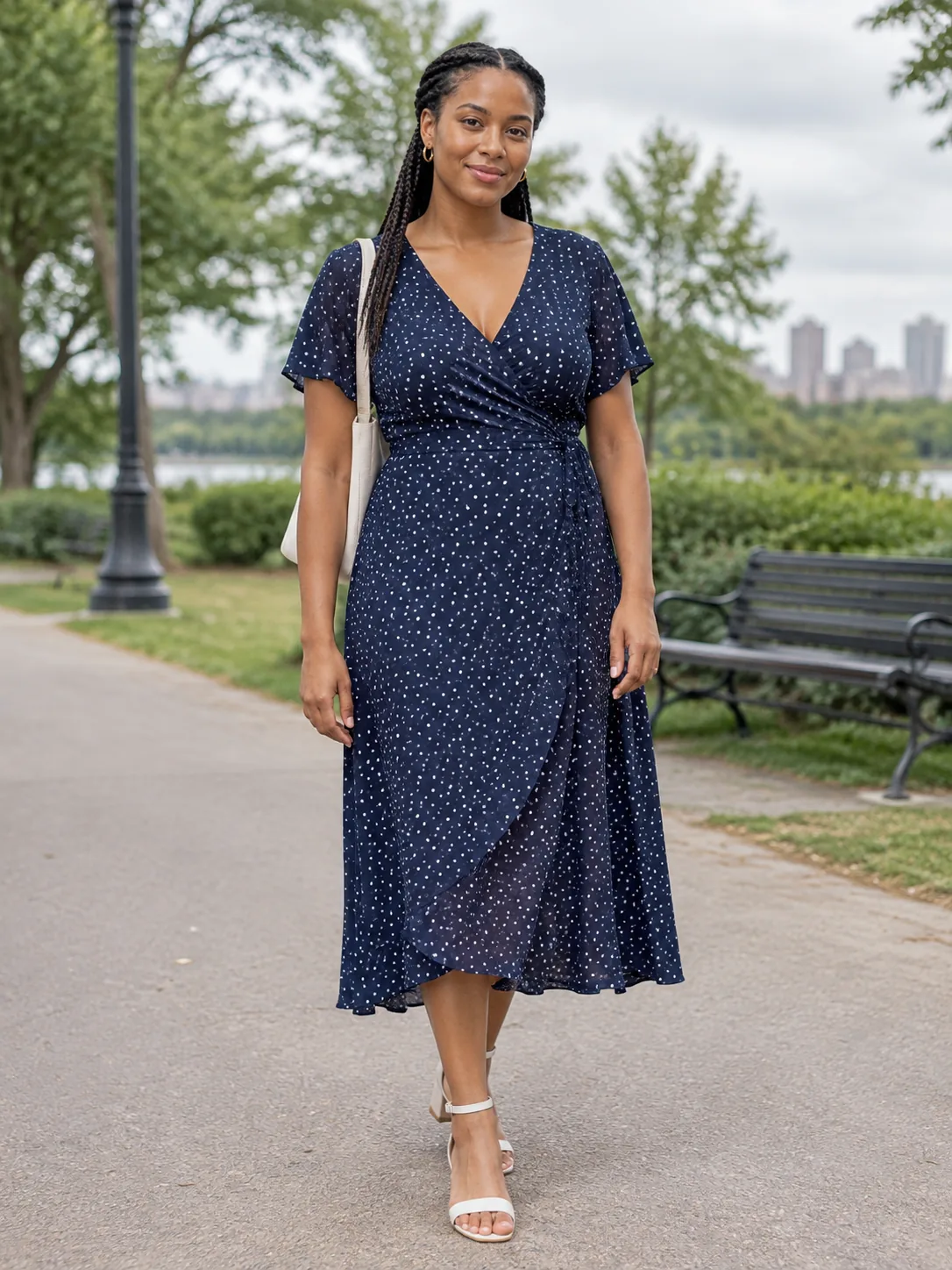
Adult woman in a printed wrap dress

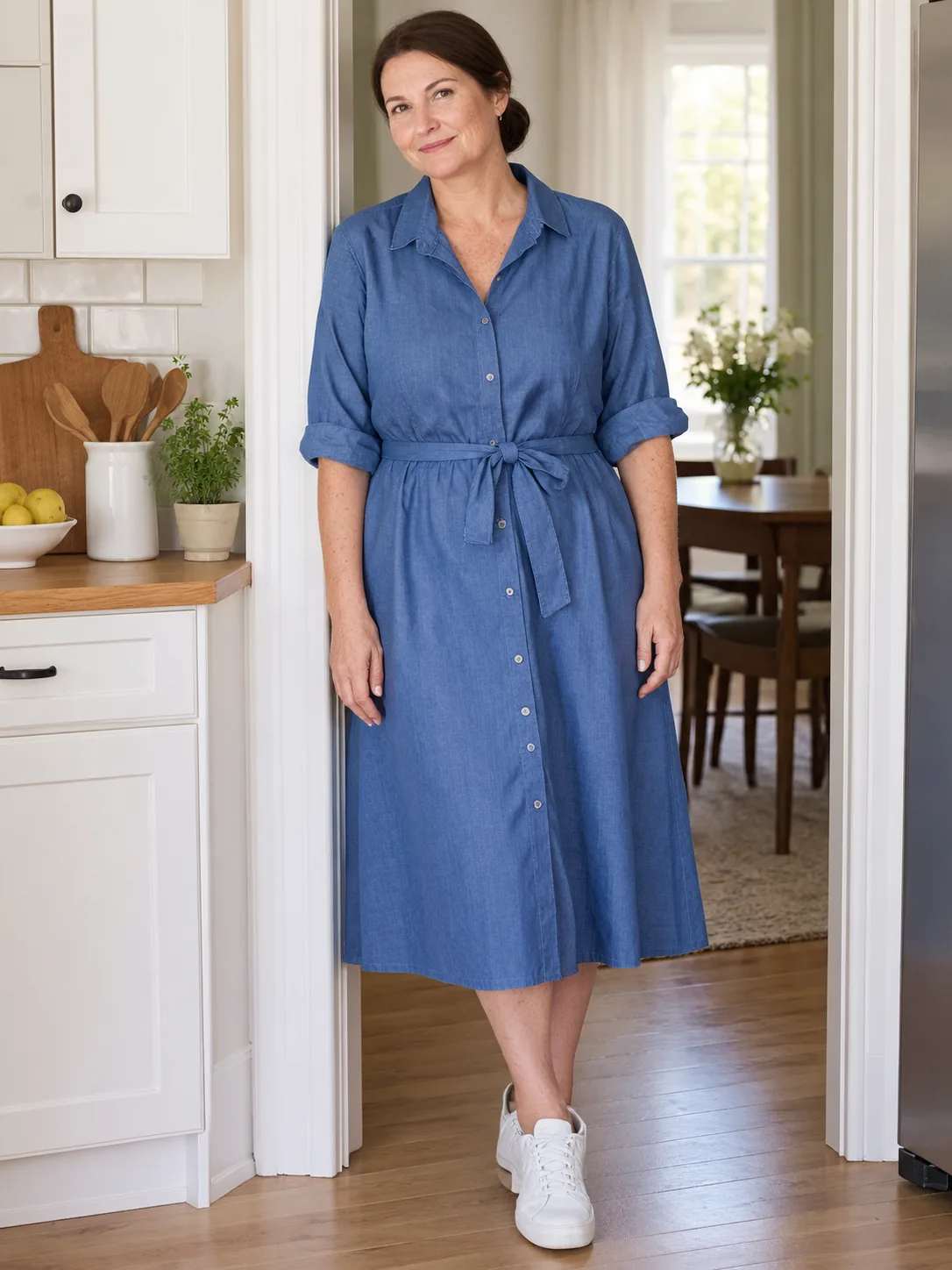
Crisp tailored shirt dresses for weekdays and work

A structured collar and belted waist balance polished professionalism with daily comfort. Previewing beforehand ensures the shoulder seam rests on your natural shoulder without pulling across the bust line.

Adult woman in a blue shirt dress

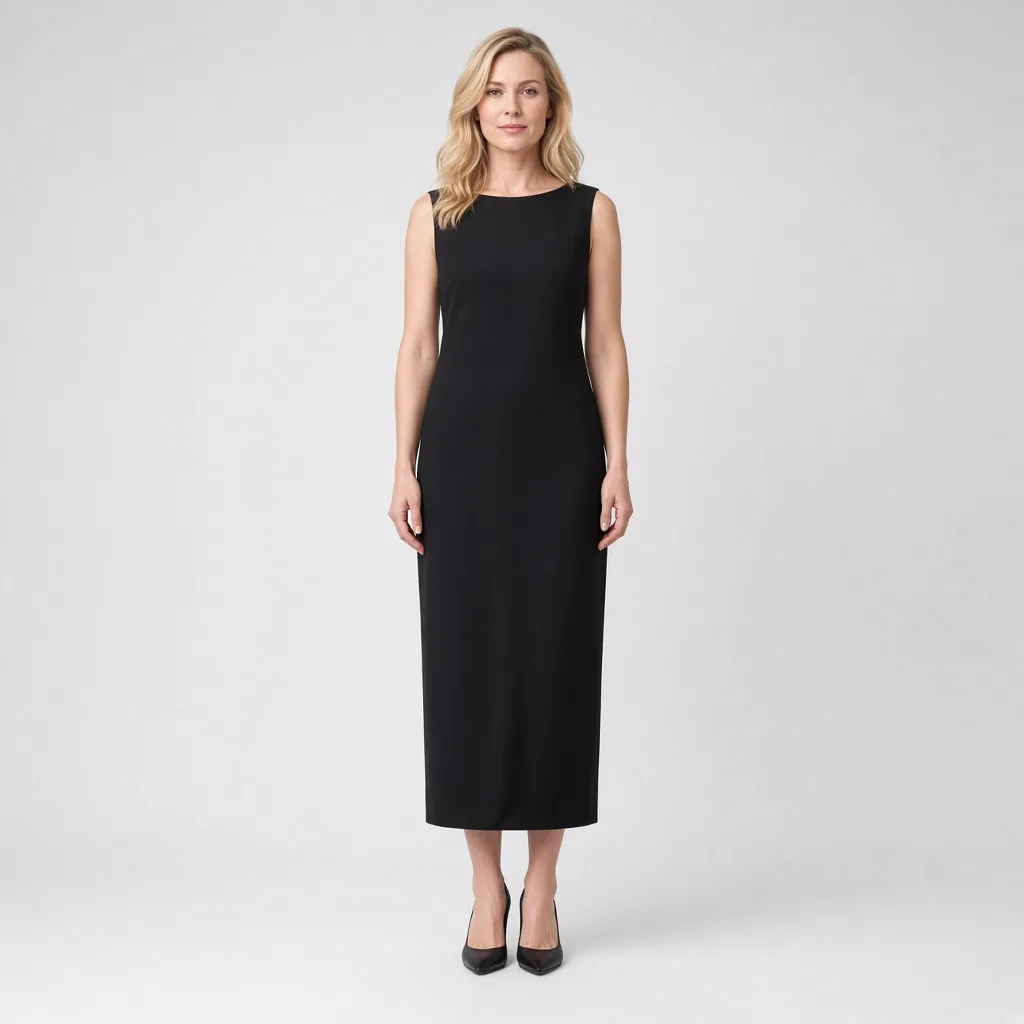
Sleek column dresses with clean vertical drape

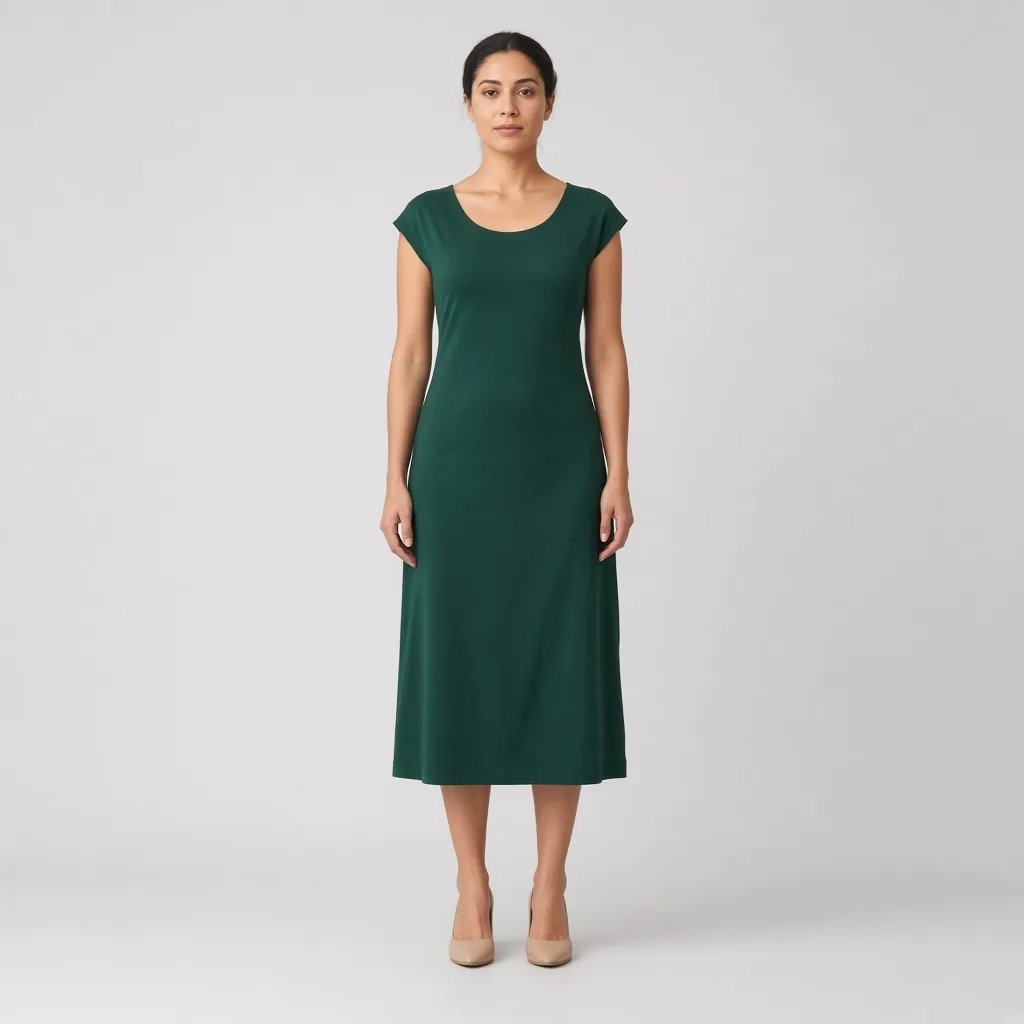
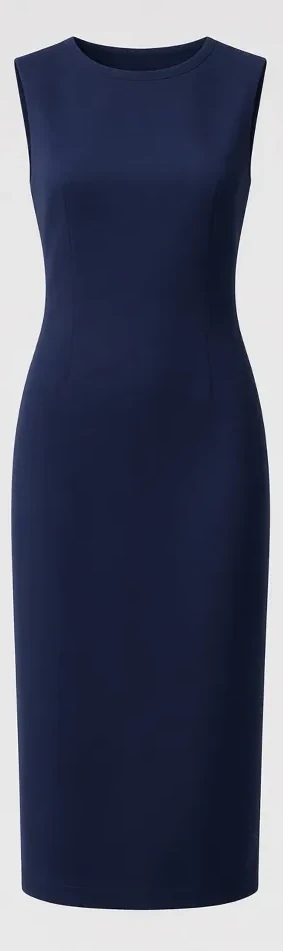
Minimalist silhouettes rely entirely on seamless fabric drape. Test a black column dress on your standing portrait to verify that the fabric flows smoothly without clinging tightly around the outer thighs.

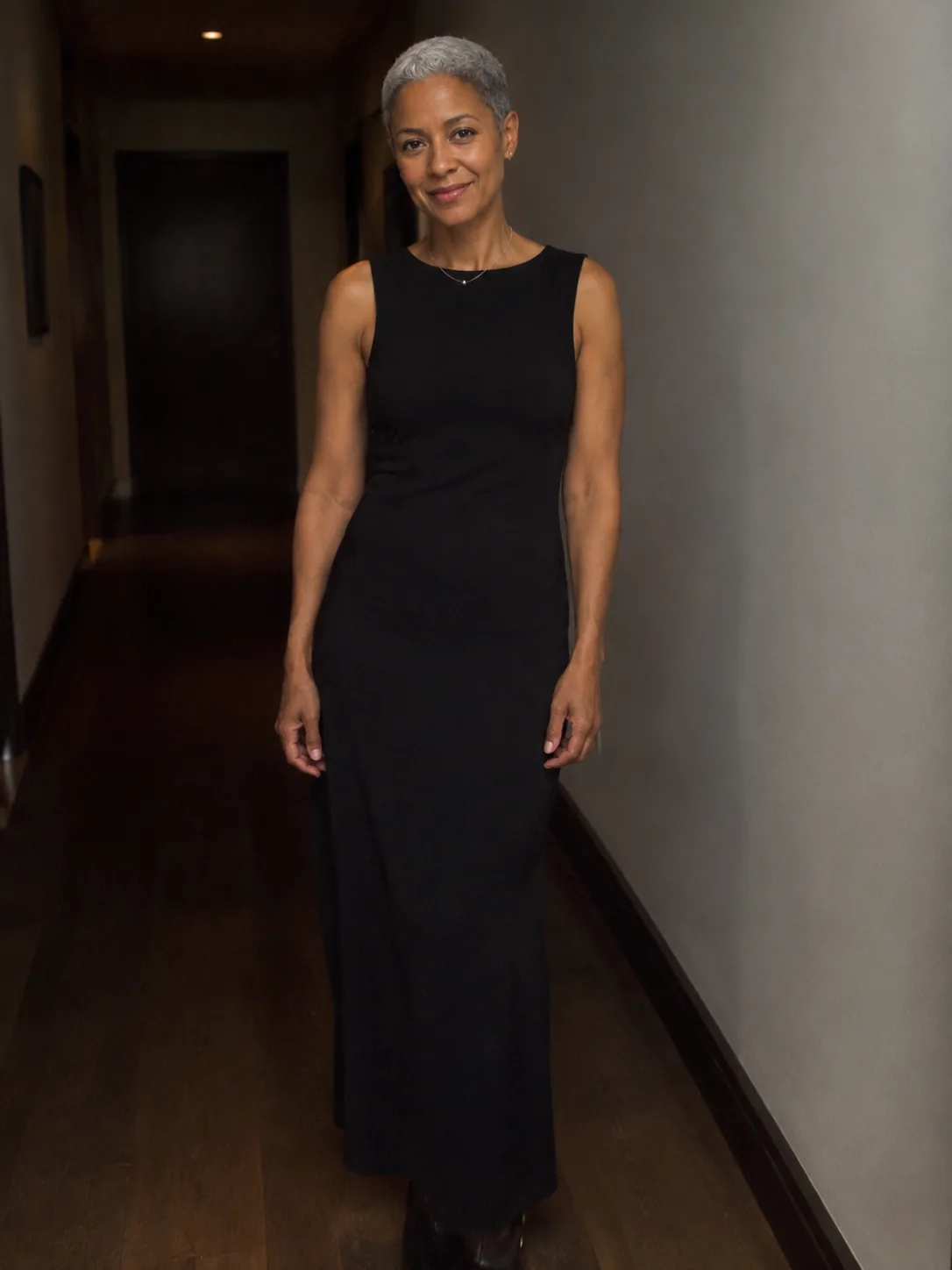
Adult person in a black column dress

Details

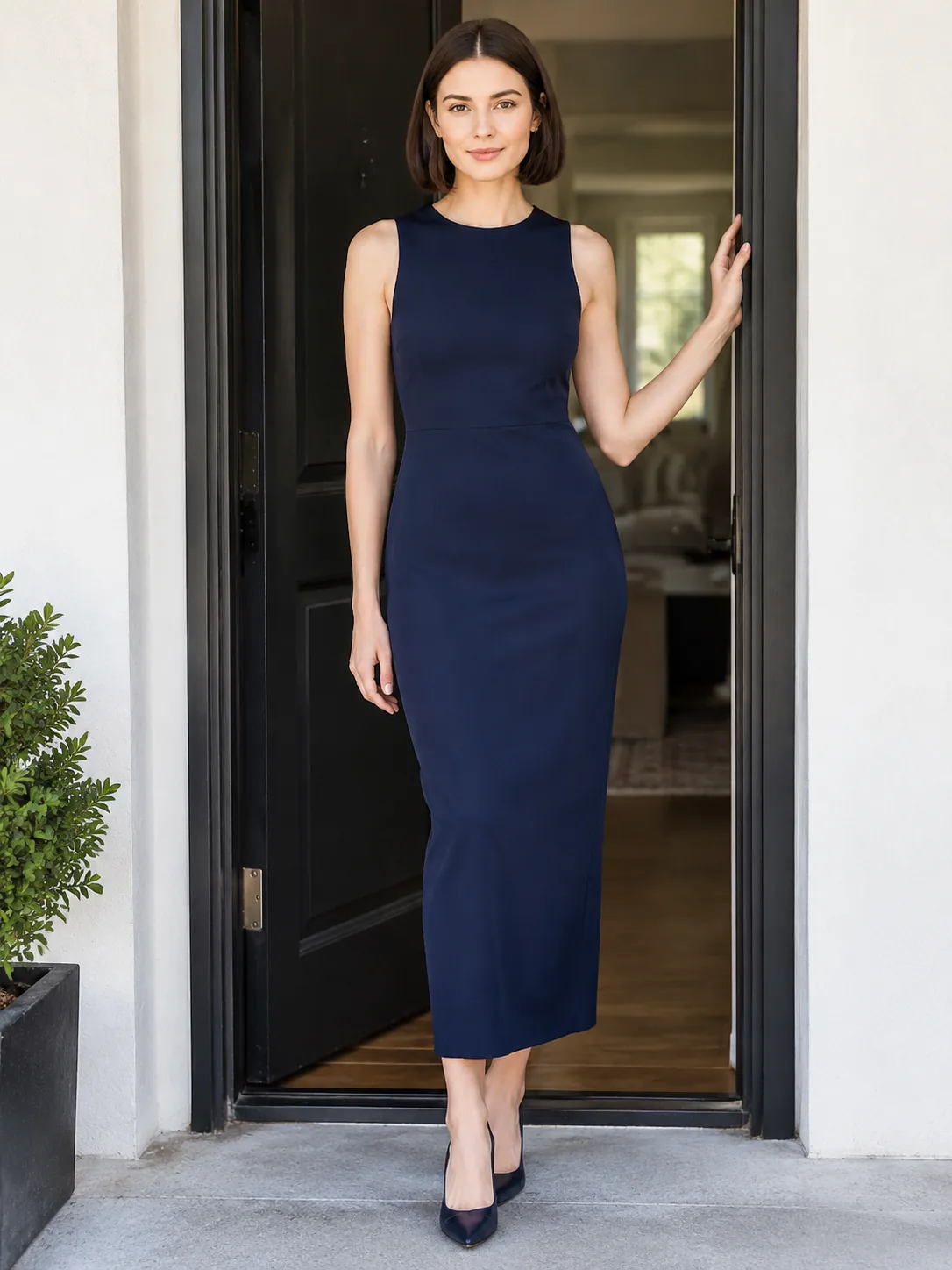
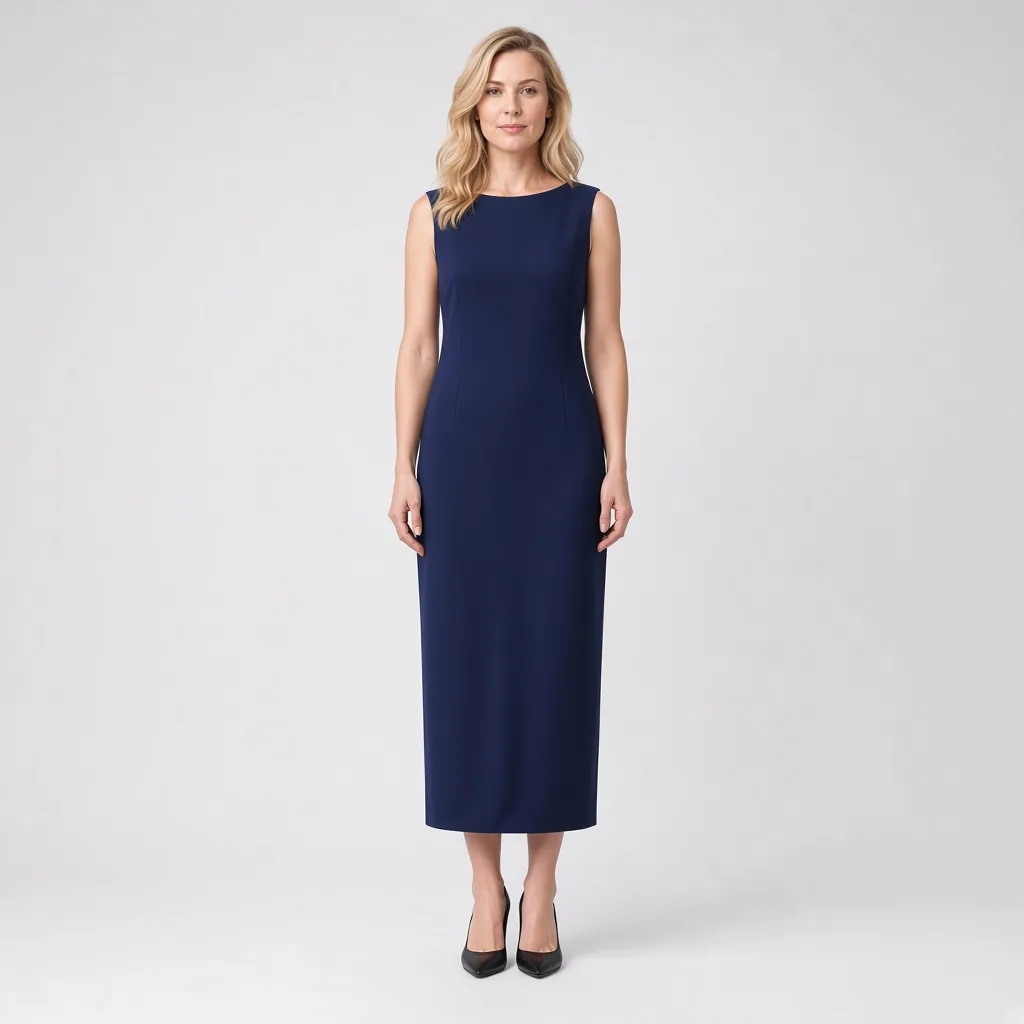
Adult person in a navy column dress

Why waistline placement determines your visual height

If you have a shorter torso, an ultra-high empire waist can crowd your bust and make you look top-heavy. If you have a longer torso, a drop-waist cut visually shortens your legs. Testing the dress directly on your body shows you precisely where the waist seam hits relative to your belly button.

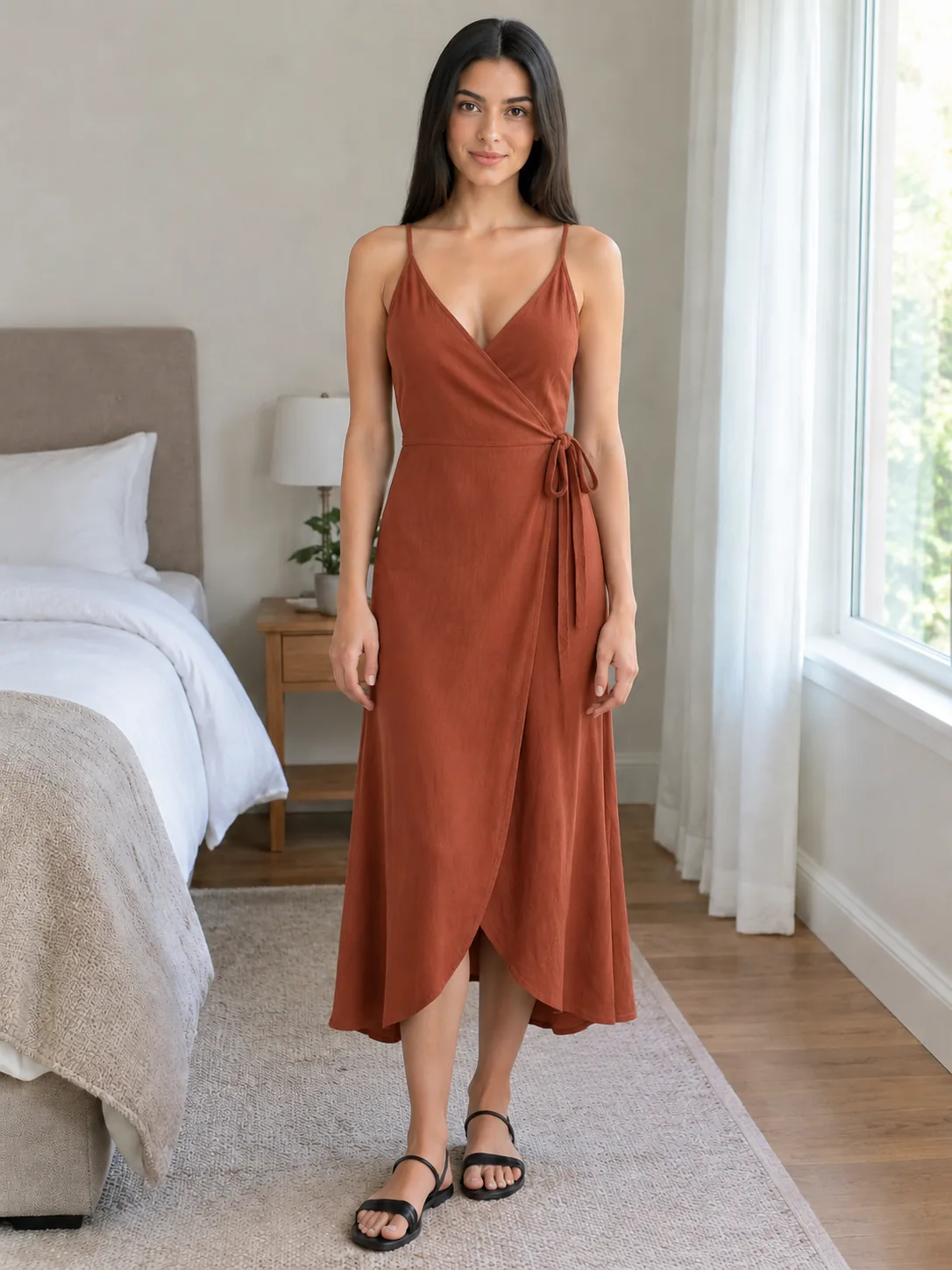
The same woman in a midi wrap dress

Avoiding unflattering hemline cuts

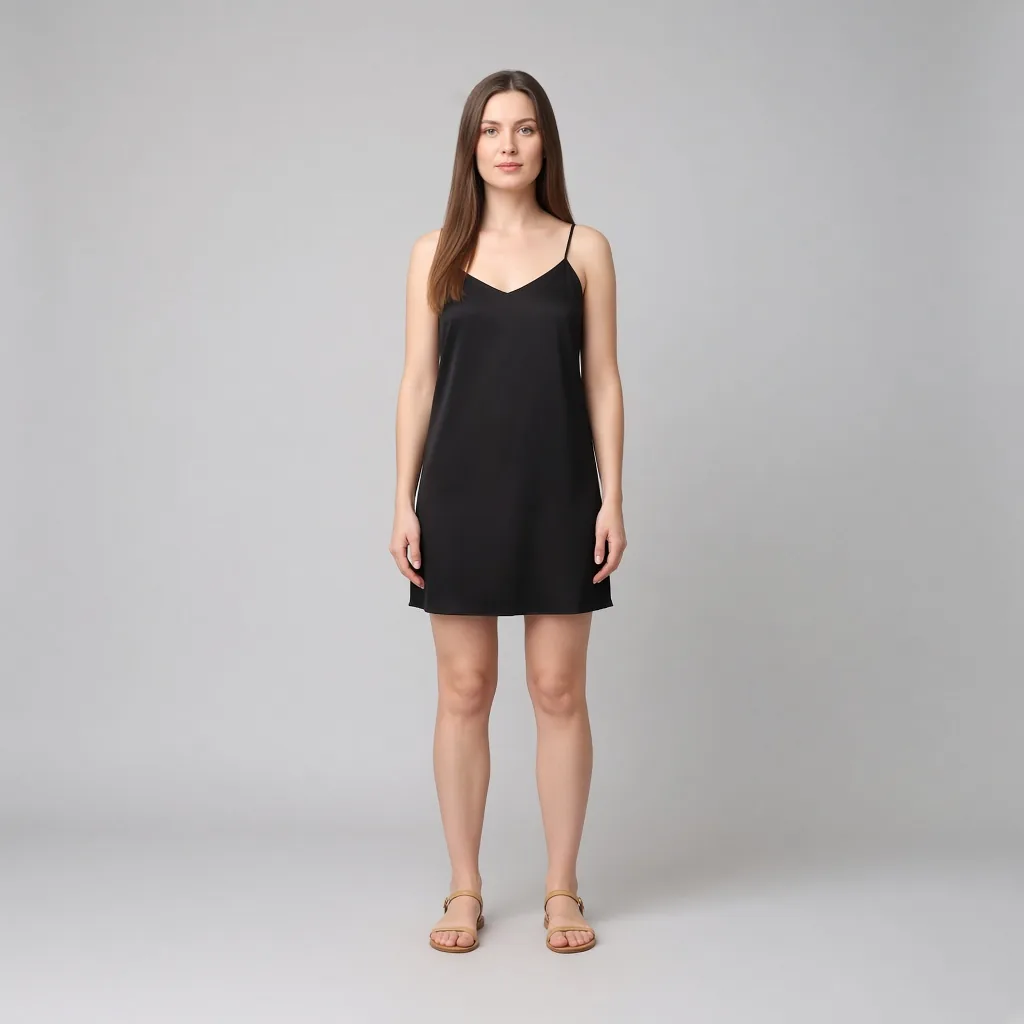
Hemlines that end right at the thickest midpoint of the calf visually cut the leg in half. Landing 2 inches above the knee elongates the leg line, while hitting right above the ankle bone creates an elegant maxi silhouette. Testing beforehand lets you check the exact length before you head to the checkout.

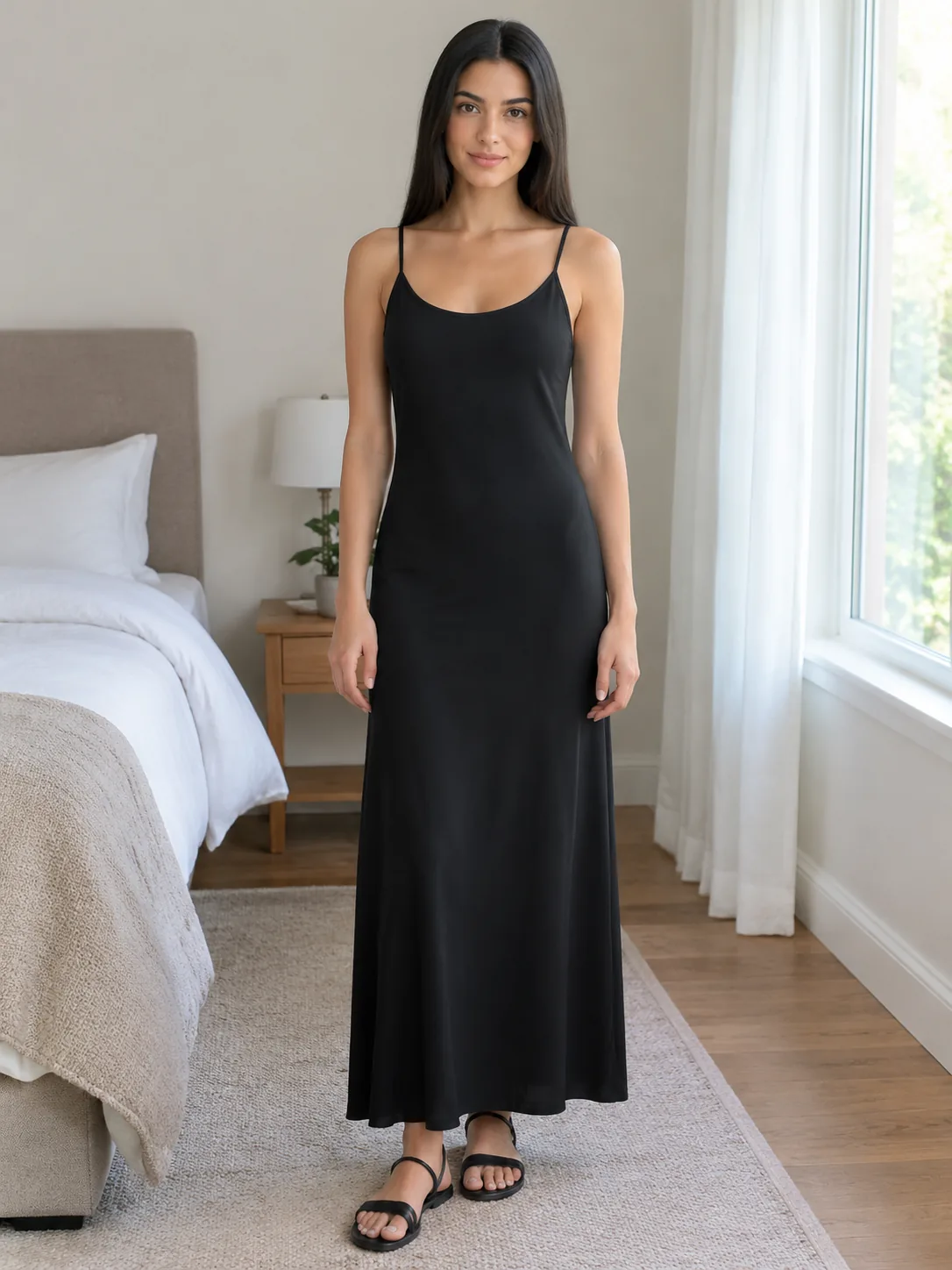
Adult woman in a simple slip dress

Honest boundaries of digital dress previews

A virtual try-on accurately reflects silhouette, hemline drop, neckline balance, and color harmony. However, it cannot feel fabric stretch, lining breathability, or zipper durability. Once you confirm the visual look suits you, always check the brand's chest and waist measurement chart.

Plans

Free Preview

Upload one person photo and one garment photo for a fast preview. You need to sign in first. After login you can claim 10 silver credits a day. Fast Preview costs 3 and stays watermarked until you buy a credit pack. Unused silver credits clear at midnight US Pacific time.

Essential Try-On

Designed for regular wardrobe exploration and shopping checks at 10 credits per generation. Delivers refined garment edge blending, higher fabric fidelity, and basic prompt direction support for single garments or full looks. Transparent pay-as-you-go credit usage keeps testing flexible and affordable.

Studio Quality

Our premier fidelity tier designed for demanding stylists, creators, and brands. Offers maximum prompt obedience, exquisite fabric texture retention, and best-in-class facial and skin preservation. Supports up to 6 garments simultaneously for complex layered looks, custom environment backdrops, and pose directions. Studio Quality unlocks automatically with any payment, and that same single payment permanently removes watermarks across your account.

How it works

1

1. Upload a full-length standing photo

Pick a well-lit photo where you are standing upright with both feet visible. Wearing a simple tank top and fitted leggings gives the dress preview the clearest baseline for your natural shoulder width, waistline, and leg length.

2

2. Add the dress picture from any online store

Save the product photo or flat lay from your favorite retail site and upload it. Choose the "One-pieces" category so the tool knows to wrap your full torso and legs.

3

3. See the fit and save your favorites

In seconds, the AI tailors the dress onto your real body frame. Check the hemline position, neckline depth, and overall proportions, then save the preview to your phone as a shopping guide.

Use cases

The most common trap in online dress shopping is deceptive length. A dress that brushes the knees on a six-foot e-commerce model will often drag across the floor on someone who is 5'2" to 5'4", weighing down their entire frame. Upload a barefoot full-body photo to preview the garment on your own proportions. You immediately see whether the hem cuts neatly across the knee or lands awkwardly at the widest part of your calf.
Spotting misleading hemlines before you order
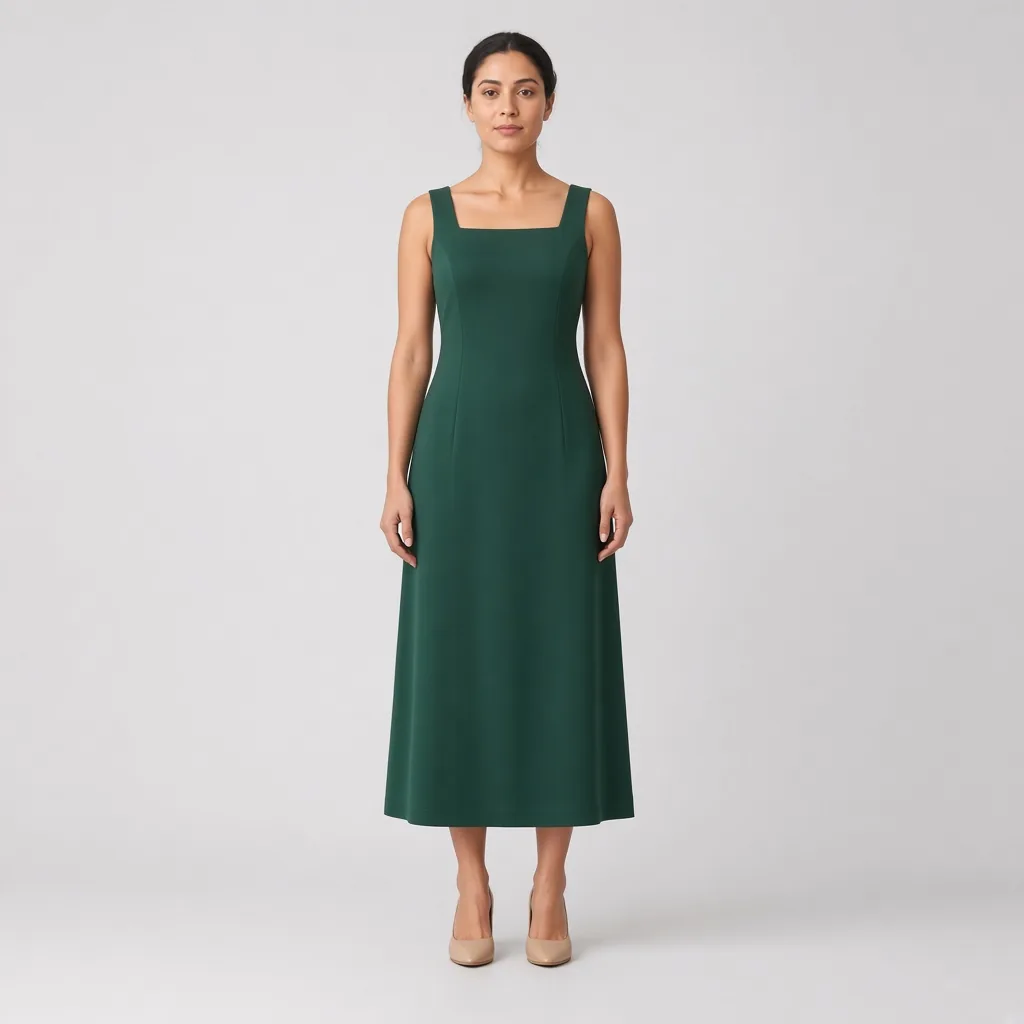
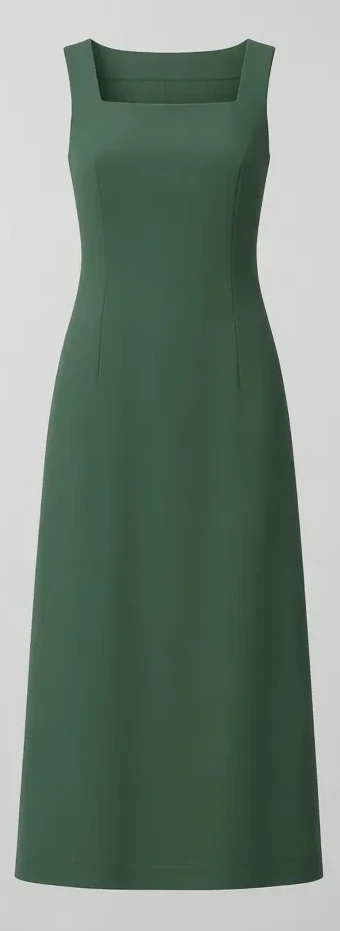
Square necklines and vintage sweetheart cuts look stunning on mannequins, but cut too wide they slip off natural shoulders or reveal bra straps. Testing the cut on your own shoulders reveals exactly how much chest and collarbone is exposed, helping you pick a neckline that frames your face gracefully without feeling insecure.
Necklines that actually flatter your collarbone and shoulders
Flowy tent dresses and column frocks that promise to "hide everything" can easily create a boxy, voluminous look on curvier or petite builds. By comparing a clean navy column dress side-by-side with a cinch-waist midi, you get an honest view of how vertical lines fall along your ribcage and hip contour.
Relaxed columns vs. defined waistlines: see the true side silhouette

FAQ

Can I try on dresses using my smartphone browser?

Yes. AIClothSwap works completely in your mobile web browser without requiring any download. Open the page, upload a picture from your camera roll, and see results in seconds.

Does the dress try on work with screenshots from Zara, ASOS, or Amazon?

Yes. Any clear product image, flat lay, or ghost mannequin photo from any shopping site can be uploaded directly. Clean, white-background catalog shots yield the sharpest results.

Will the try on change my face, hair, or footwear?

No. The tool isolates only the dress area. Your face, hairstyle, skin tone, posture, original shoes, and room background remain completely untouched.

How does this help petite shoppers?

This is one of the most powerful uses of the tool. If your source photo captures your full standing height, the system accurately scales the dress hemline so you see if a midi dress turns into an unintentional maxi dress on your frame.

How many free dress previews can I do every day?

Sign in to receive 10 daily silver credits. A Fast Preview costs 3 credits and includes a watermark. Any single payment removes watermarks permanently across your account.

Are my uploaded photos safe and private?

Yes. Your personal uploads and generated previews stay strictly confidential within your account and are automatically deleted from servers after 30 days.

Related pages

[Virtual Try On](/virtual-try-on/), [AI Outfit Generator](/ai-outfit-generator/), [Wedding Guest Outfits](/outfits/wedding-guest/)

AIClothSwap is a browser tool that lets you swap outfits on photos you already took. Upload your photo along with clothing images or a short description to preview that same person in new styles. Sign in to claim 10 silver credits a day. Results vary; the product is for planning an outfit, not for proving a size.

Updated