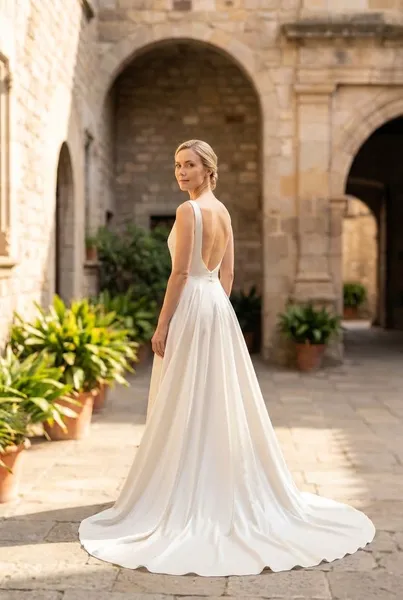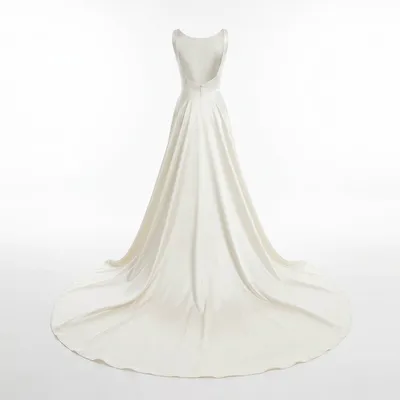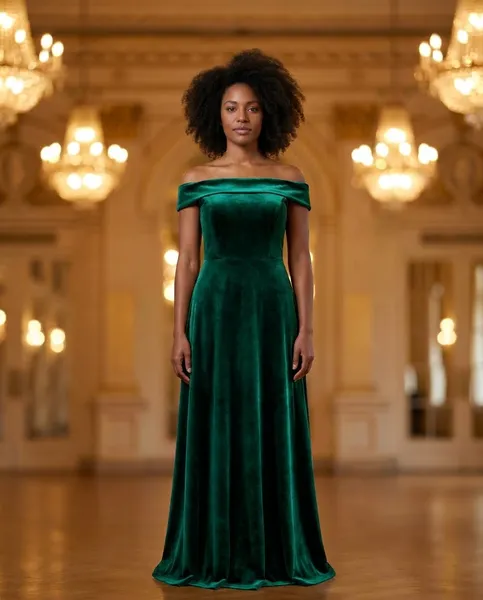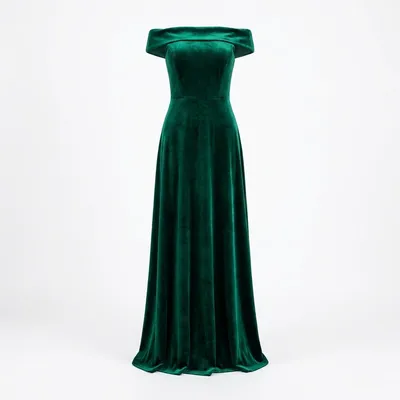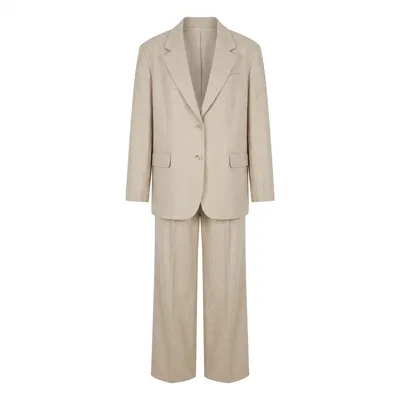
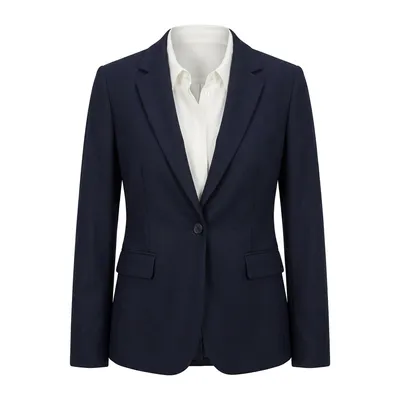
🧥 Garment
1:1
Pre-loads this garment prompt. Upload your photo to preview now.
| Category | Color Swap |
|---|---|
| Aspect ratio | 16:9 |
| Input | Person photo + garment image |
| Example generated with | Nano Banana Pro |
| Best for | Fashion buyers and shoppers comparing colorways |
| Original author | @joshesye · Original post on X |
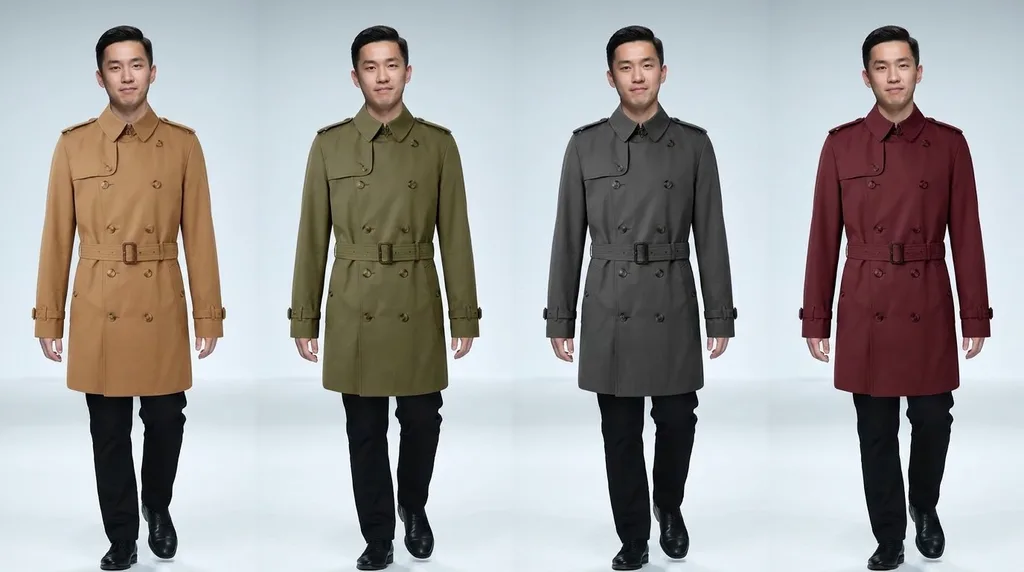
Keeping the person and the trench silhouette identical across four panels turns color into the only variable, which is the point of a palette comparison. Classic seasonal hues like camel, olive, charcoal and burgundy are distinct enough to compare, and the 16:9 runway layout gives each panel equal space.
| Variable | What it changes | Examples |
|---|---|---|
| Palette | Which colorways appear in the comparison. | navy / khaki / black / stone |
| Garment | The piece pulled from image 2 — cut, fabric and color all follow the reference. | wool coat, puffer jacket |
| Aspect ratio | Output framing and where the image will be used. | 16:9 for 4 panels, 4:3 for 2 panels |
AboutAIClothSwap is a browser tool that lets you swap outfits on photos you already took. Upload your photo along with clothing images or a short description to preview that same person in new styles. Sign in to claim 10 silver credits a day. Results vary; the product is for planning an outfit, not for proving a size.