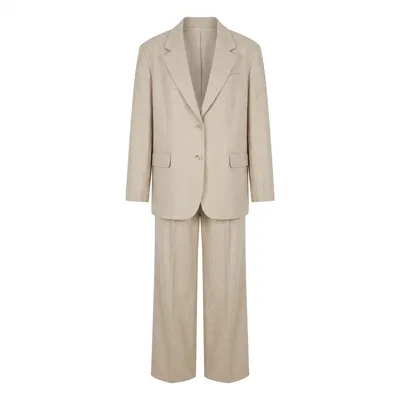
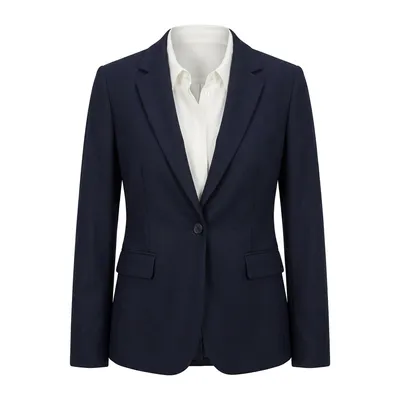
🧥 Garment
1:1
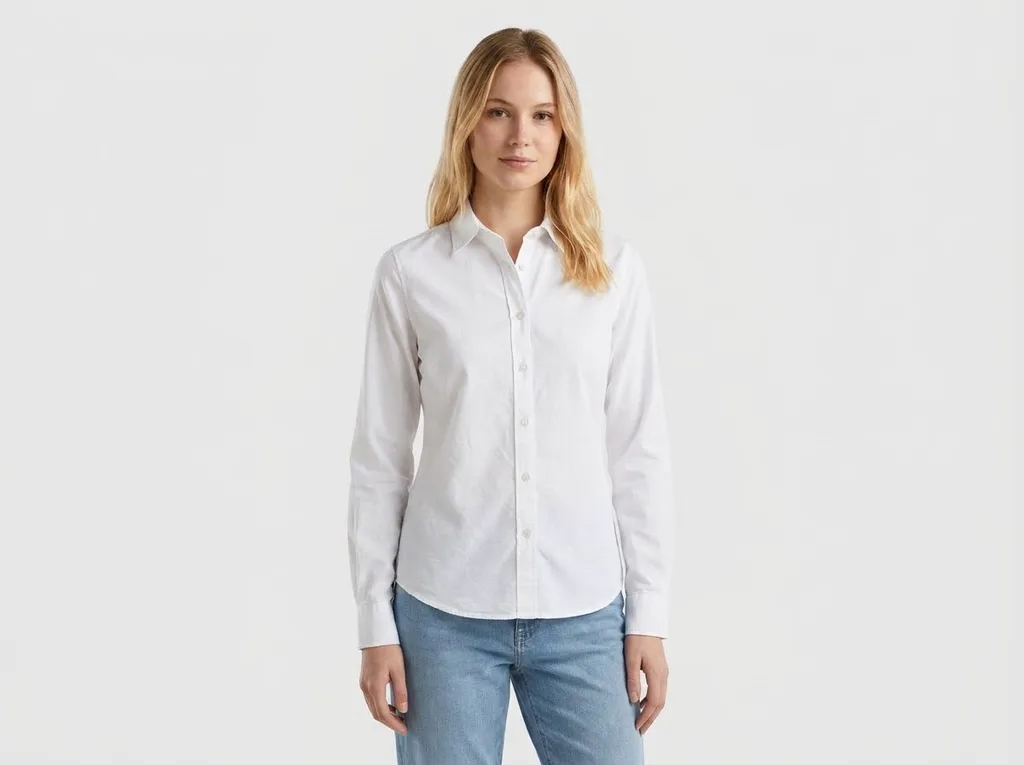
Pre-loads this garment prompt. Upload your photo to preview now.
| Category | E-commerce Model |
|---|---|
| Aspect ratio | 4:3 |
| Input | Person photo + garment image |
| Example generated with | Nano Banana Pro |
| Best for | Small shops turning flat-lay photos into on-model shots |
| Original author | @derek_wall90176 · Original post on X |
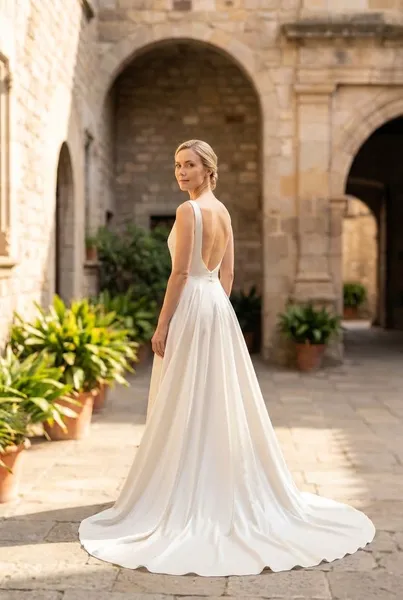
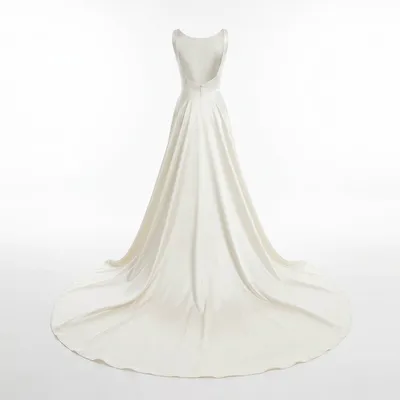
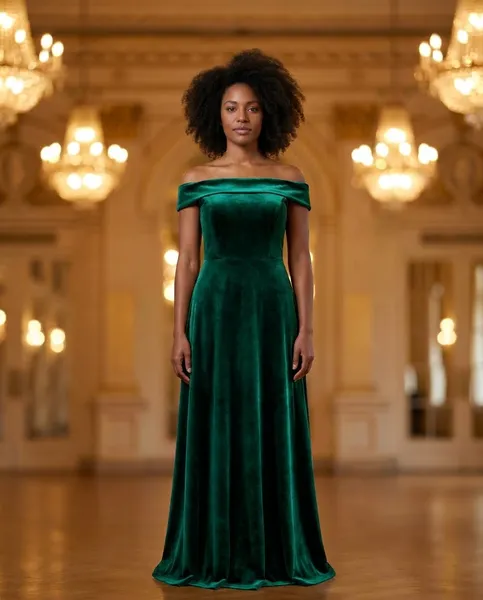
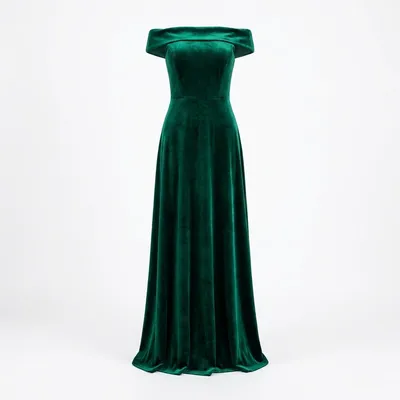
Starting from a white flat lay means the garment's true shape is fully visible, so the model can map it onto a real body without guessing. Commercial studio lighting and a lookbook style match how product pages look, letting sellers use the result next to their regular catalog photos.
| Variable | What it changes | Examples |
|---|---|---|
| Garment | The piece pulled from image 2 — cut, fabric and color all follow the reference. | oxford shirt, polo, linen dress |
| Setting | Background, location and mood around the person. | white sweep, light beige studio |
| Aspect ratio | Output framing and where the image will be used. | 4:3 listing, 1:1 marketplace thumbnails |
AboutAIClothSwap is a browser tool that lets you swap outfits on photos you already took. Upload your photo along with clothing images or a short description to preview that same person in new styles. Sign in to claim 10 silver credits a day. Results vary; the product is for planning an outfit, not for proving a size.