
Luminous and flattering ivory tones
Softer than harsh optic white, warm ivory blends seamlessly with warmer undertones. Recolor silk tops to ivory to inspect the gentle drape along your neckline.
Front-facing works best.
One garment photo.
We accept JPEG, PNG or WEBP formats up to 24MB
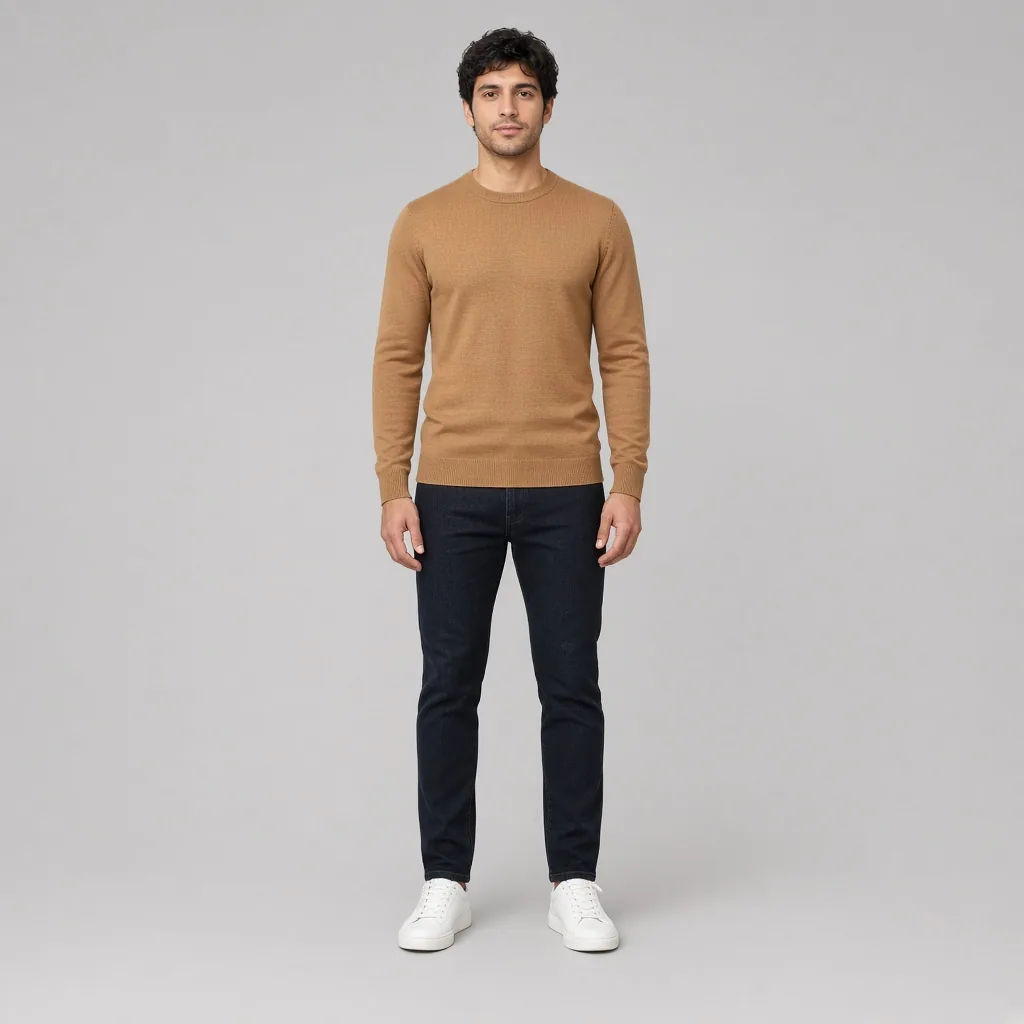
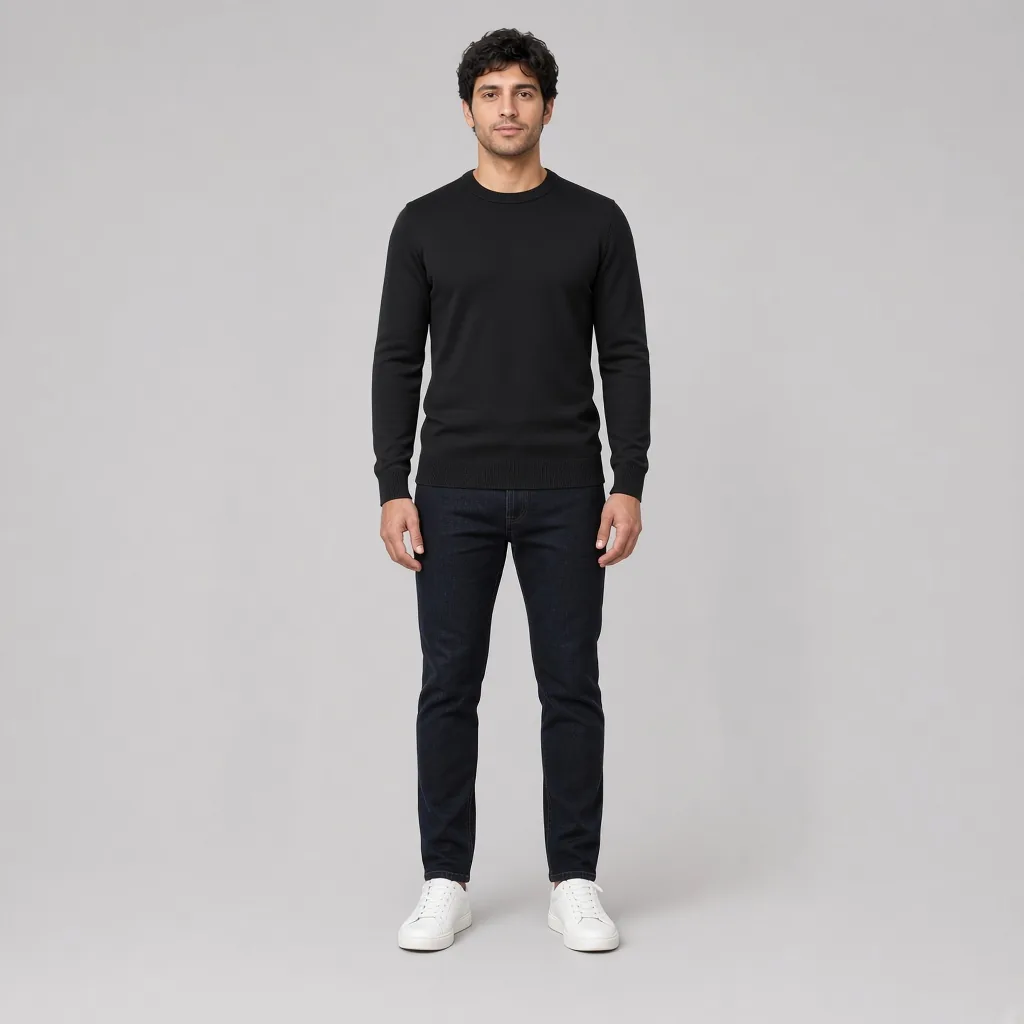
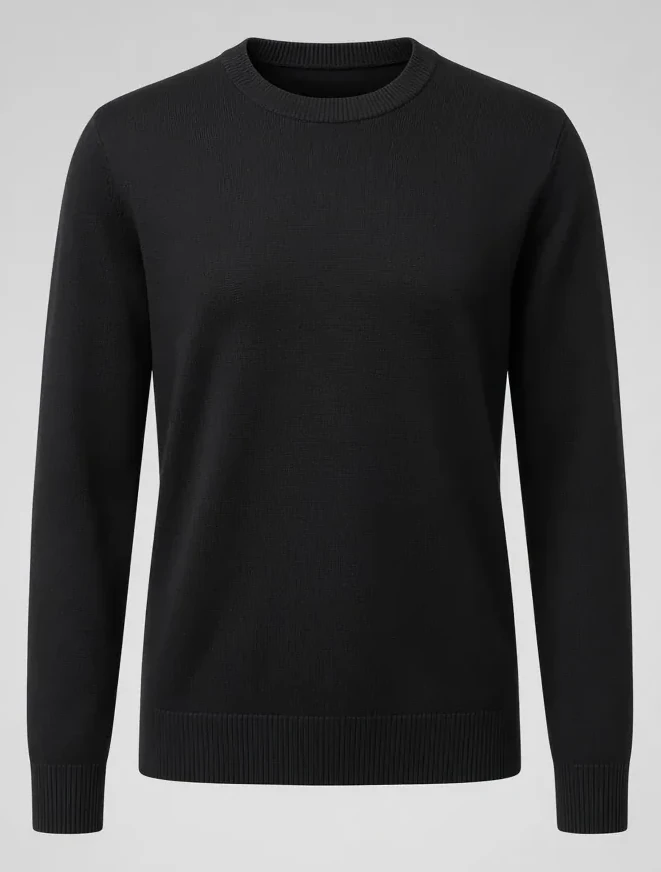
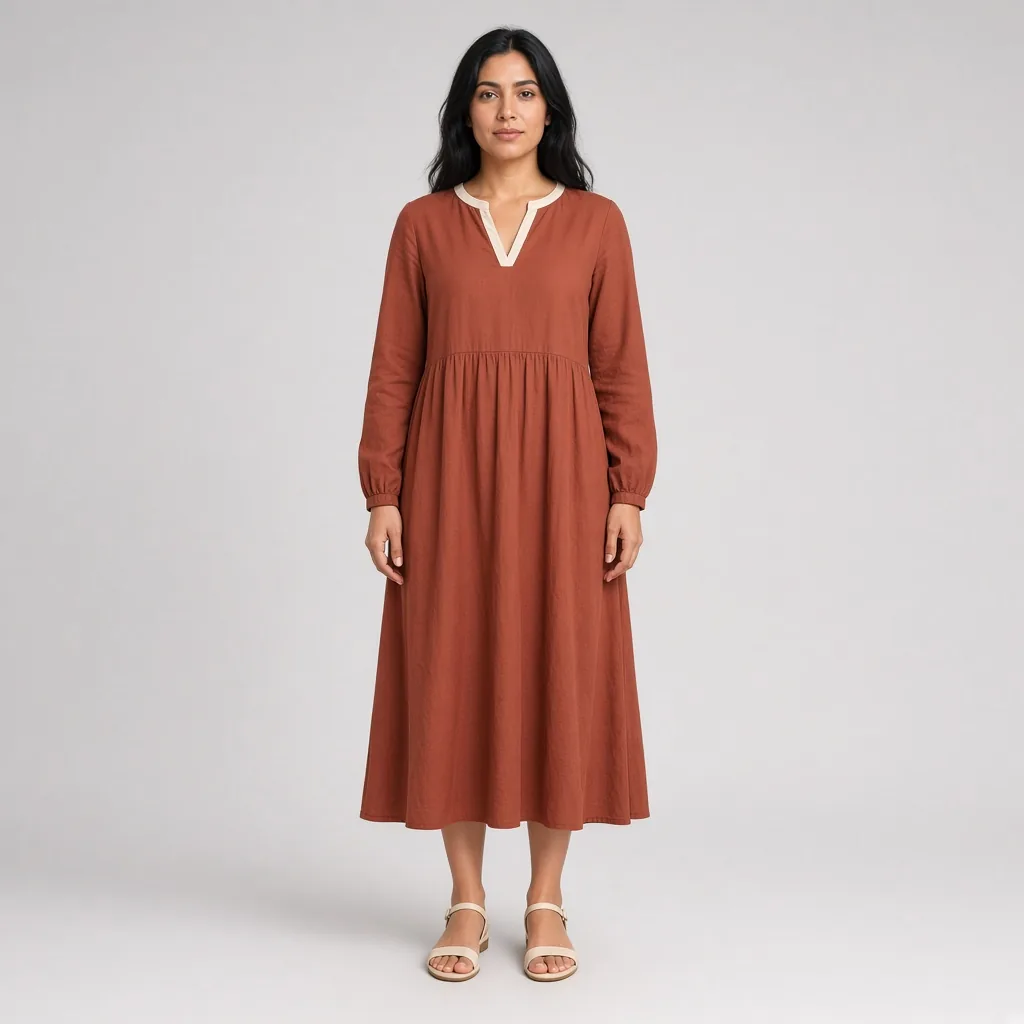
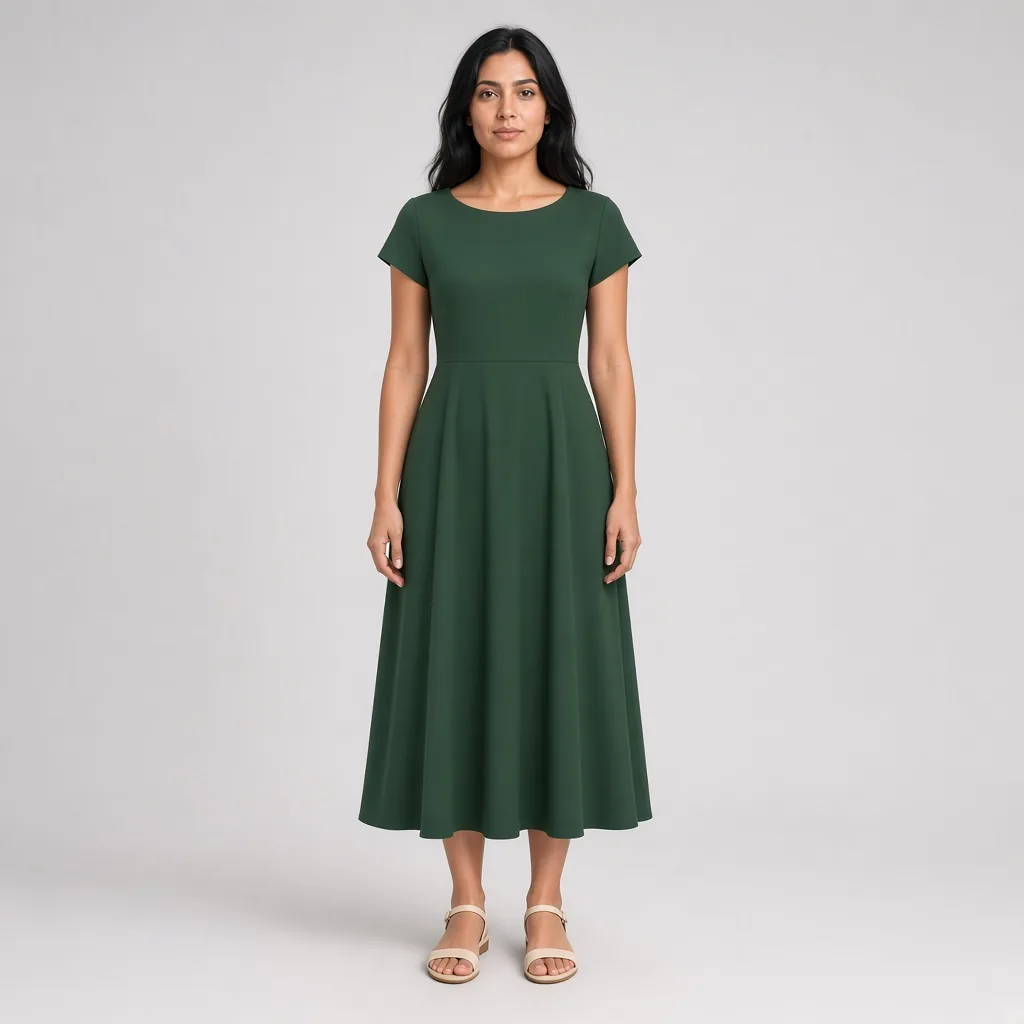
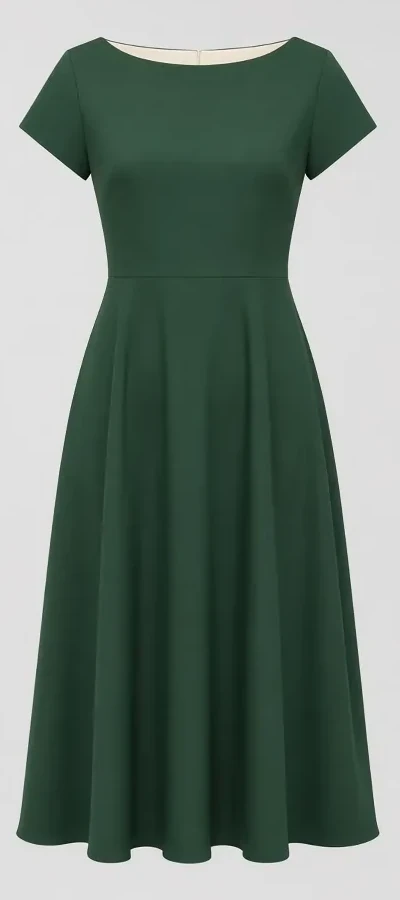
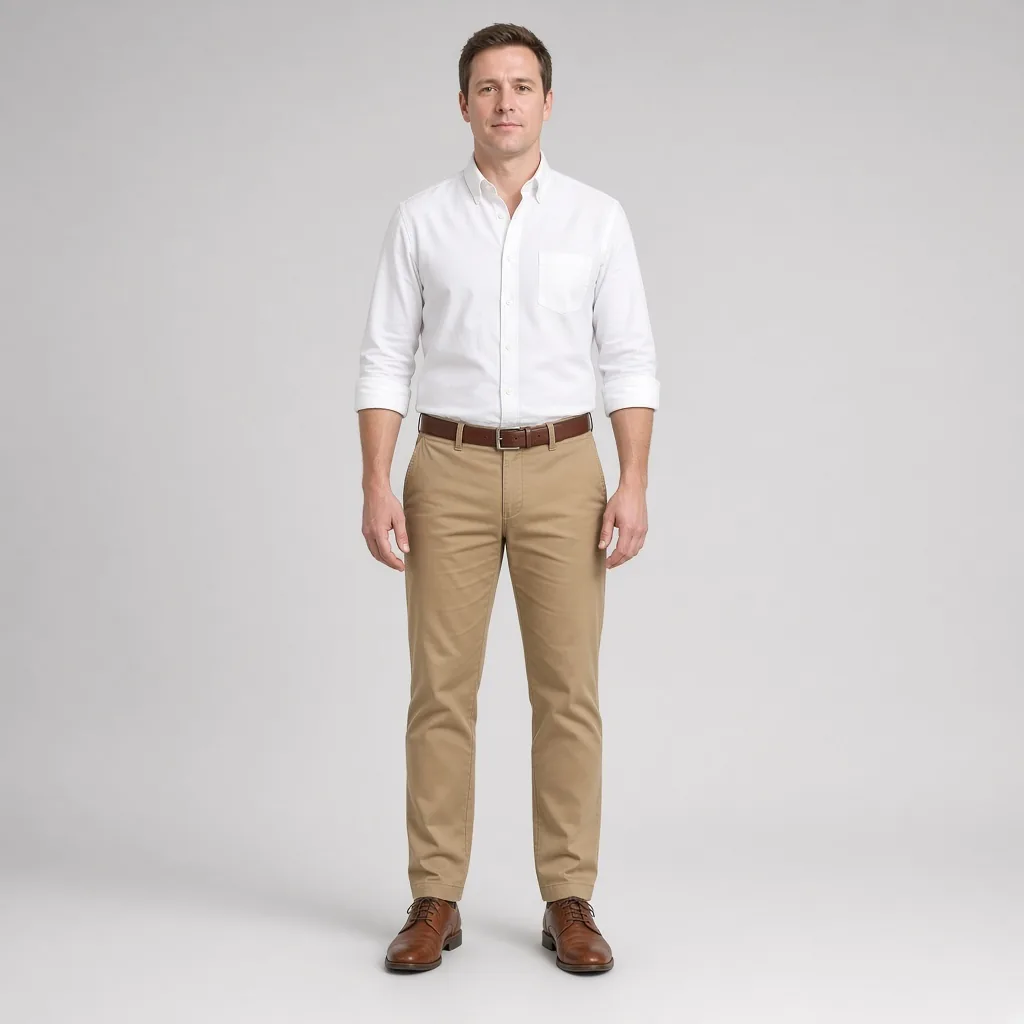
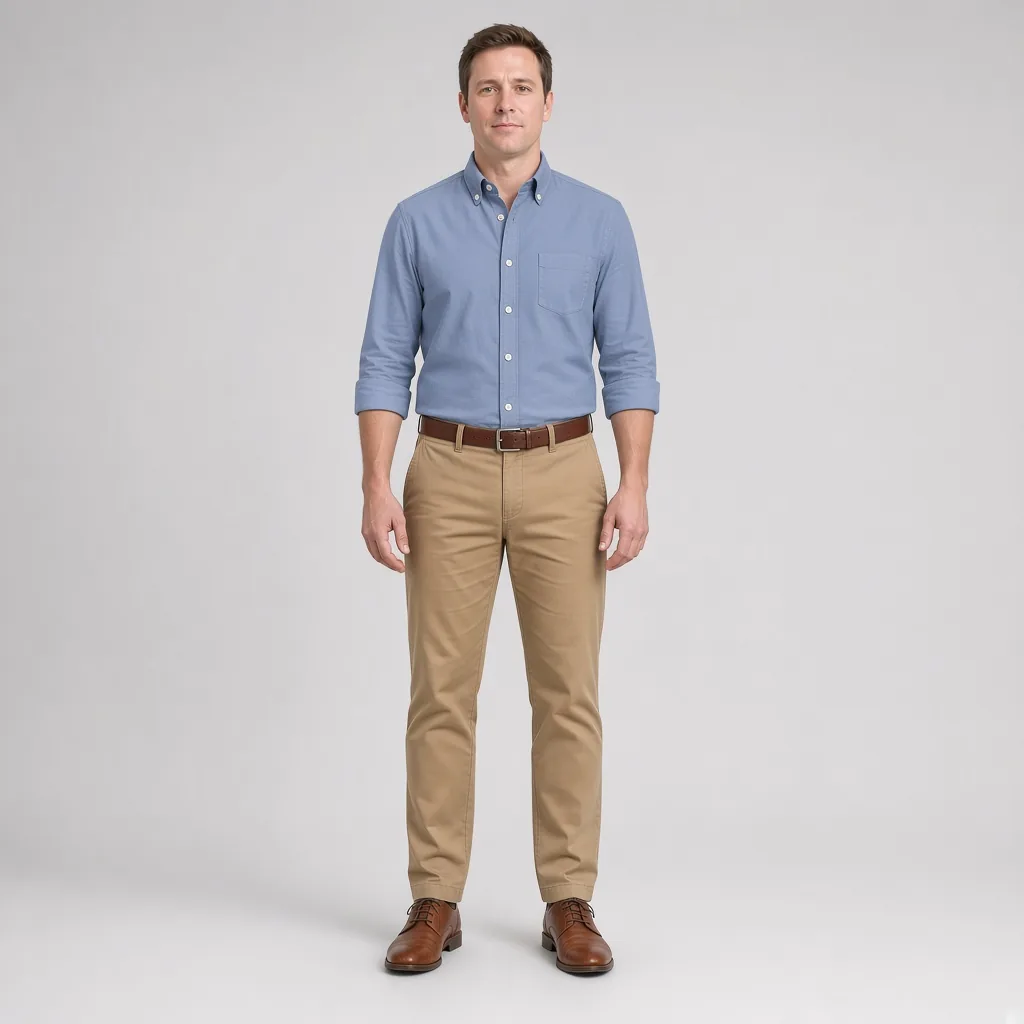
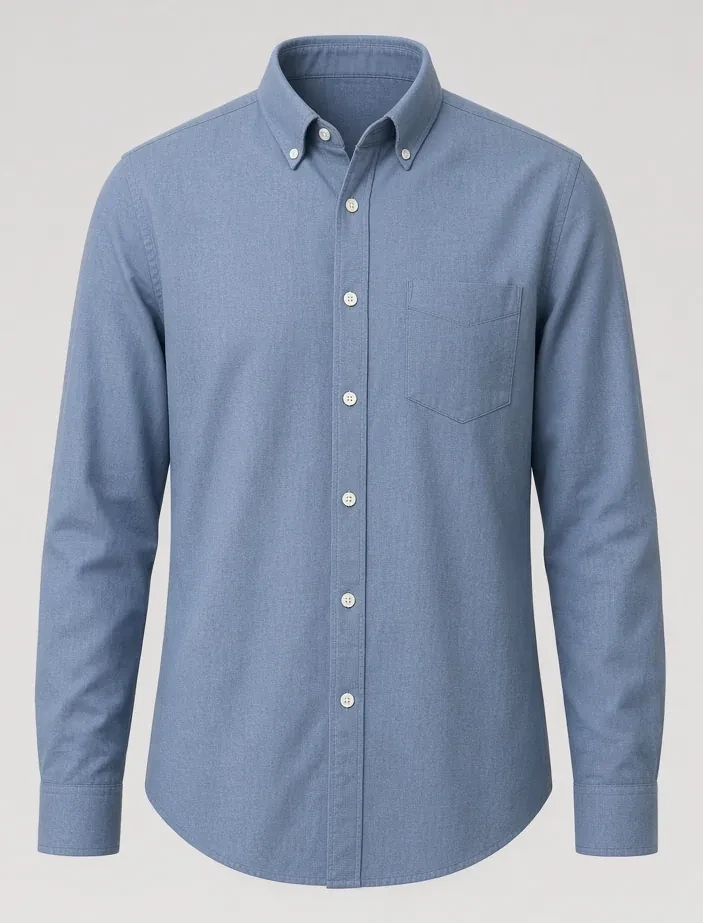
Softer than harsh optic white, warm ivory blends seamlessly with warmer undertones. Recolor silk tops to ivory to inspect the gentle drape along your neckline.

Pine green delivers workwear ruggedness with understated dignity. Recolor a chore shirt to dark green to check how twill texture looks in muted tones.

Warm burnt-orange knits bring inviting radiance during cooler months. Test a rust recolor on your sweater to see if warm earth tones add healthy vitality to your complexion.

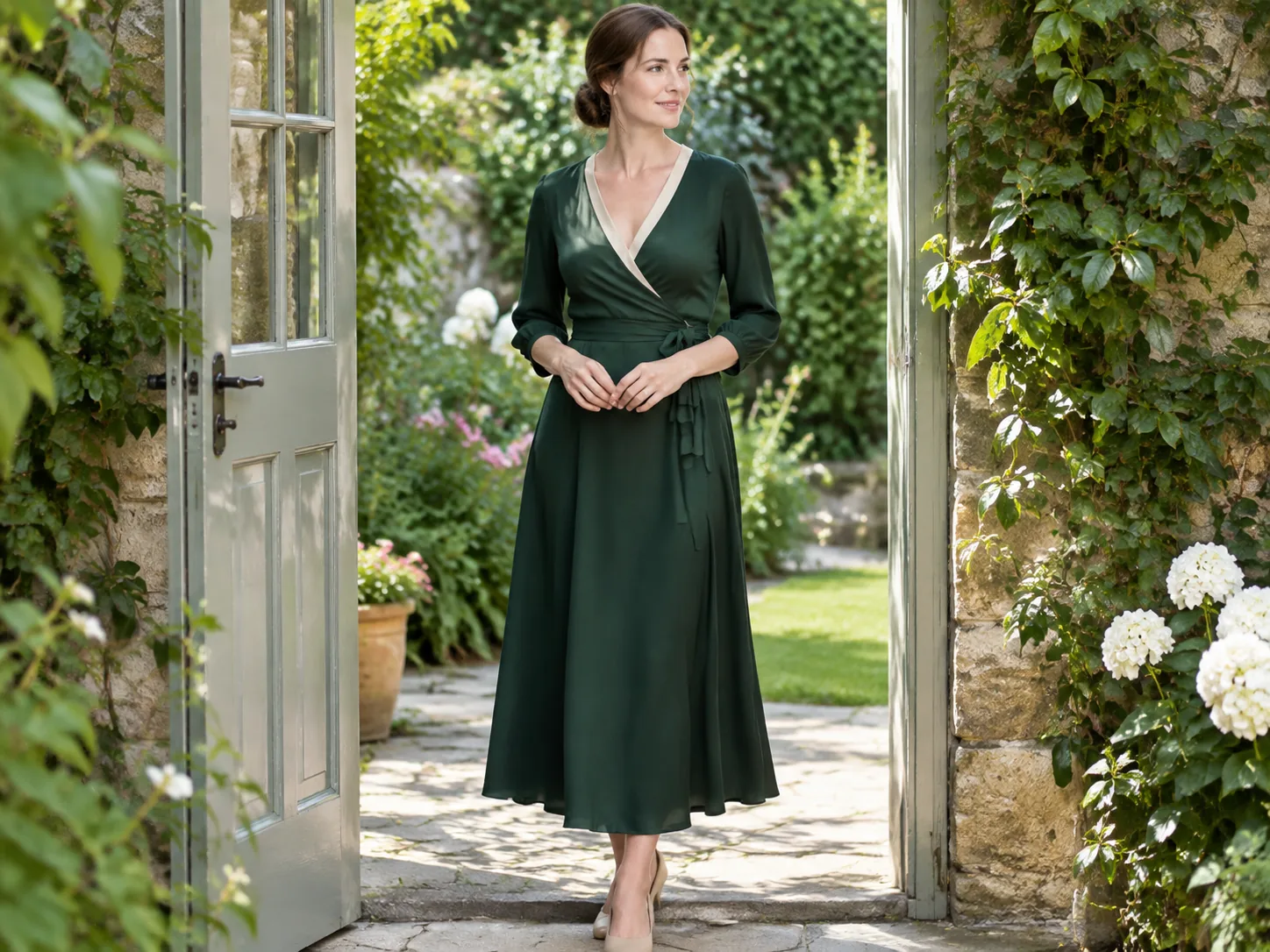
Your perception of color changes drastically based on ambient light and model differences across lookbooks. Testing multiple colorways on the exact same portrait eliminates all external variables. Your skin tone, camera height, and facial features stay constant, making the comparison genuinely objective.

High-fidelity AI recoloring does not paint flat digital fills over your clothes. It calculates how light naturally bounces off the textile weave, keeping the grain of heavy wool, the sheen of silk, and the softness of washed cotton completely genuine.

Different smartphone screens render colors with subtle temperature variations. After choosing your winning color via the tool, check any physical fabric swatch or Pantone reference provided by the brand for absolute peace of mind.
Upload one person photo and one garment photo for a fast preview. You need to sign in first. After login you can claim 10 silver credits a day. Fast Preview costs 3 and stays watermarked until you buy a credit pack. Unused silver credits clear at midnight US Pacific time.
Designed for regular wardrobe exploration and shopping checks at 10 credits per generation. Delivers refined garment edge blending, higher fabric fidelity, and basic prompt direction support for single garments or full looks. Transparent pay-as-you-go credit usage keeps testing flexible and affordable.
Our premier fidelity tier designed for demanding stylists, creators, and brands. Offers maximum prompt obedience, exquisite fabric texture retention, and best-in-class facial and skin preservation. Supports up to 6 garments simultaneously for complex layered looks, custom environment backdrops, and pose directions. Studio Quality unlocks automatically with any payment, and that same single payment permanently removes watermarks across your account.
Pick a clear photo with even daylight where the garment's fabric texture and contours are easily visible.
Choose a preset swatch (such as camel, dusty blue, sage green) or type an exact color description (e.g. "matte oatmeal with soft heather grey undertones").
The AI identifies the garment boundary and recalibrates the hue. All original seam lines, fold creases, and natural shadows remain intact.
Yes. AIClothSwap works seamlessly in mobile Safari, Chrome, and all popular web browsers without requiring any app download.
Yes. You can target tops, bottoms, outerwear, or one-piece dresses and recolor them to any shade you desire.
No. The tool uses precise neural segmentation that maps only the fabric surface. Your facial skin, hair, and original room background remain untouched.
Sign in to receive 10 silver credits daily. Fast Previews cost 3 credits and include a watermark. Any credit pack purchase removes all watermarks permanently.
Yes. Your personal uploads and generated images are strictly confidential and automatically deleted from our servers after 30 days.
[Virtual Try On](/virtual-try-on/), [AI Dress Up](/ai-dress-up/), [AI Outfit Generator](/ai-outfit-generator/)
AboutAIClothSwap is a browser tool that lets you swap outfits on photos you already took. Upload your photo along with clothing images or a short description to preview that same person in new styles. Sign in to claim 10 silver credits a day. Results vary; the product is for planning an outfit, not for proving a size.